No-code AI automation platform for business workflows
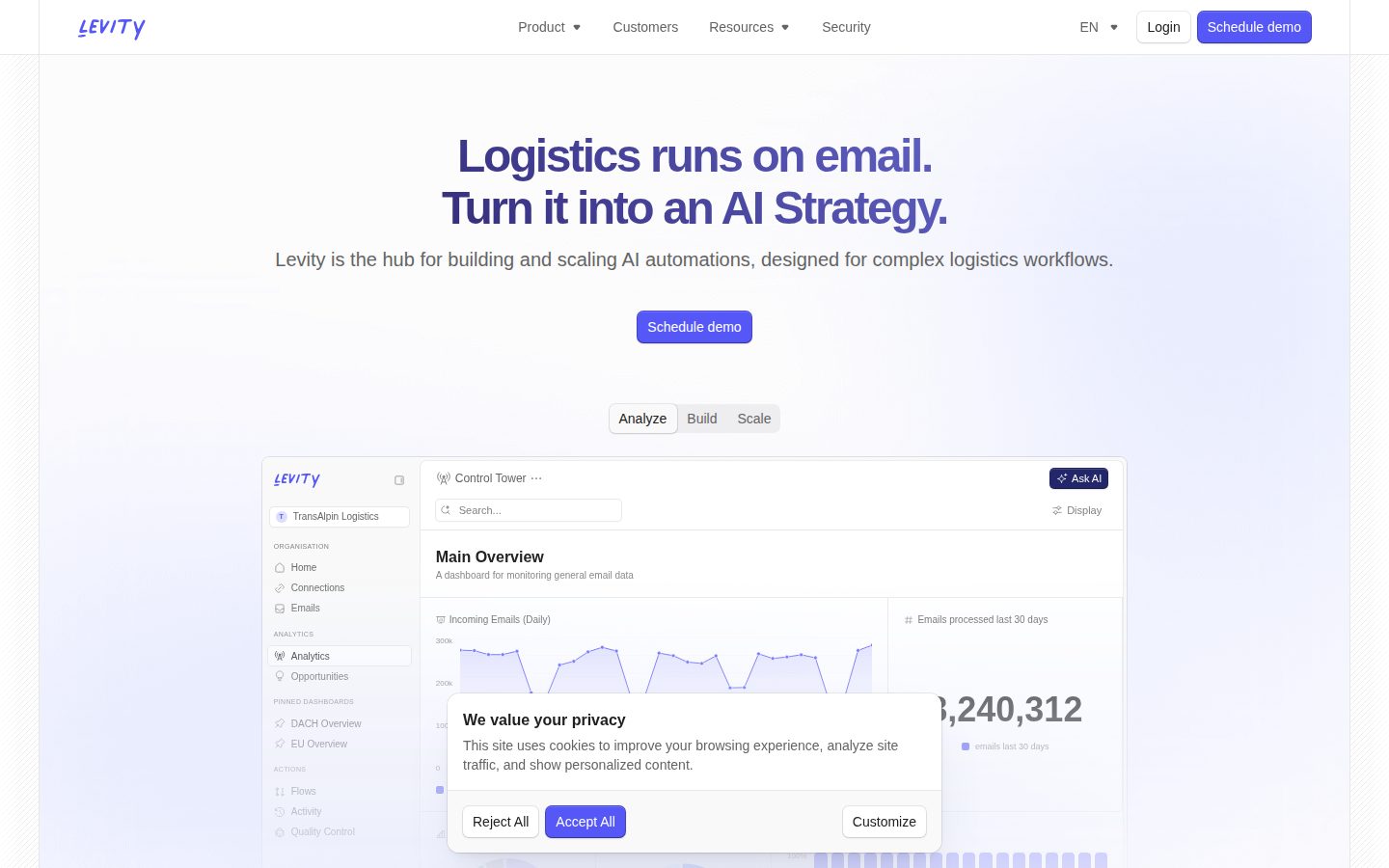
Levity is a no-code platform that enables businesses to build AI-powered automation workflows.
AI Panel Score
6 AI reviews
Levity allows users to create custom AI models without coding to automate various business tasks such as email classification, document processing, and data extraction. The platform provides pre-built templates and drag-and-drop tools for building automated workflows that can integrate with existing business applications.
Ability to train AI models using your own business data to improve accuracy and relevance for specific use cases.
Intelligent document analysis and data extraction from various file formats including PDFs, images, and text documents.
Automated email sorting and categorization using machine learning to route messages based on content and context.
Computer vision capabilities for analyzing and extracting insights from images and visual content.
Natural language processing tools for sentiment analysis, entity extraction, and content classification from text data.
Specialized automation capabilities designed specifically for managing intricate logistics and supply chain operations.
Drag-and-drop workflow designer for creating complex automated business processes with conditional logic and triggers.
Visual drag-and-drop interface allows users to create custom AI models without any programming knowledge.
Ready-to-use automation templates for common business use cases that can be customized and deployed quickly.
Native connectors and APIs to integrate with existing business tools and enterprise software systems.
For individuals and small teams getting started with AI automation
For small businesses looking to automate workflows
For growing companies with advanced automation needs
For large organizations with custom requirements
“Levity has been a solid no-code AI solution for our team, though we've hit some scaling challenges as our usage grew beyond initial projections.”
I brought Levity in to democratize AI capabilities across our organization without burdening the engineering team. The drag-and-drop workflow builder genuinely delivers on the no-code promise - our product managers now build their own document classification models without touching our backlog. We've automated invoice processing, support ticket routing, and content moderation workflows that would've taken months of custom development.
The REST API is well-documented and stable, which made integration straightforward. However, we've encountered rate limiting issues during peak loads that forced us to implement queuing mechanisms. The platform handles our current 50k daily predictions fine, but I'm concerned about architectural limitations as we scale. Security-wise, they're SOC 2 compliant and support SSO, though I'd prefer more granular access controls for our enterprise needs.
Handles moderate loads well but rate limits and processing delays appear under heavy concurrent usage.
Regular feature releases and they've been transparent about upcoming capabilities like custom model fine-tuning.
Native integrations with our stack (Slack, Gmail, Zapier) work smoothly, and the REST API is reliable.
SOC 2 certified with decent encryption standards, though enterprise features like audit logs could be more comprehensive.
Their team responds quickly and actually understands technical constraints - rare for no-code platforms.
“Levity has transformed how we handle document processing and email classification at scale. While the no-code approach initially felt limiting, it's proven invaluable for rapid prototyping and getting non-technical teammates involved.”
I've been using Levity for our customer support automation pipeline since last January. What started as an experiment to classify support tickets has grown into processing 50K+ documents monthly. The visual workflow builder genuinely speeds up iteration - I can test new classification models in minutes instead of days.
The REST API is straightforward and the webhook integrations just work. Performance has been solid, though response times can spike during peak hours. My biggest frustration is the limited programmatic control - you can't version control workflows or deploy via CI/CD like traditional ML services.
That said, the time-to-value is unmatched. Our support team now builds their own classifiers without my involvement, which freed me up for more complex work.
Clean REST API with good examples, though the docs could use more edge case coverage.
Small but helpful Slack community, limited third-party integrations compared to alternatives.
Basic logging and confidence scores available, but missing detailed model explanations.
No-code is great for prototyping but lacks Git integration and proper dev/prod environments.
Handles our volume well with sub-second responses, occasional slowdowns during US mornings.
“Levity has become our secret weapon for automating repetitive marketing tasks without needing a technical team. After a year of daily use, it's saved us countless hours on email classification, sentiment analysis, and lead scoring.”
I've been using Levity since we needed to automate our customer feedback analysis across multiple channels. What sold me was how quickly I could train AI models without writing code - I literally dragged and dropped examples of positive/negative reviews, and within an hour we had automated sentiment tracking.
The real game-changer has been using it for lead qualification. We trained a model on our best customers' characteristics, and now it automatically scores incoming leads. This alone has improved our sales team's efficiency by about 30%.
My only frustration is the analytics dashboard could be more robust. While it shows model performance well, I often need to export data to get the marketing metrics I actually care about.
Works brilliantly for email classification and response automation.
Response times are good, though sometimes need escalation for complex model training questions.
The drag-and-drop interface made AI accessible to our non-technical marketing team.
Zapier and API connections to our CRM and email tools work flawlessly.
Great automation ROI, but native reporting lacks marketing-specific KPIs.
“After a year with Levity, it's become essential for automating our invoice processing and expense categorization. The ROI is solid, though pricing can feel steep for smaller teams.”
I brought Levity in to handle our growing volume of vendor invoices and expense reports. What sold me was how quickly we could train it on our specific categorization rules without any coding. Within two months, we'd automated about 70% of our manual data entry work.
The pricing model is usage-based, which I appreciate for predictability, but it can add up fast. We started at $299/month and now pay around $800 as our document volume grew. That said, the time savings justify it - we've freed up nearly 30 hours per week across the team.
My main gripe is the lack of granular usage analytics. I'd love better visibility into which workflows consume the most credits so I can optimize our spend.
Clean monthly invoices with clear line items - integrates perfectly with our expense management system.
Month-to-month pricing with no lock-in, though annual contracts offer 20% discount.
Credit consumption isn't always clear upfront - learned through trial and error what burns through our allowance.
Easy to track time saved on manual processes - we document everything in our monthly finance reviews.
No hidden fees, but costs scale aggressively with volume - budget carefully for growth.
“Levity has transformed how I handle repetitive data tasks without needing to code, though I wish the pricing was more flexible for smaller teams.”
I've been using Levity daily for about 14 months now, mainly to automate email classification and extract data from invoices. The visual workflow builder genuinely makes AI accessible - I built my first automation in under an hour without any technical background. What really sold me was how it handles our messy, real-world documents pretty accurately.
The platform has gotten more stable over time. Early on, I'd see occasional processing delays, but now it runs smoothly. The integrations with Gmail and Google Sheets just work, which sounds basic but saves me roughly 2 hours daily.
My main gripe is the jump from free to paid plans - there's no middle ground for small teams like ours. Also, while the pre-built AI blocks cover most cases, sometimes I need more customization options that just aren't there.
The drag-and-drop interface feels intuitive, though some AI settings could use clearer explanations.
The web app isn't mobile-optimized - I can check status but can't really build or edit flows on my phone.
The templates and tutorial videos got me productive quickly - I was amazed how fast I could start.
Much better than a year ago, though I still see occasional hiccups during peak hours.
Great ROI for automation, but the pricing jump from free to paid is steep for small teams.
“Levity promised no-code AI automation but delivered a half-baked product that crashes constantly and ignores basic user needs. After 14 months of daily frustration, I finally switched to Make.com.”
I was sold on Levity's vision of democratizing AI workflows without coding. For simple email classification, it worked okay. But the moment I tried scaling beyond toy projects, everything fell apart. The platform would timeout on datasets over 1000 rows, the confidence scores were wildly inconsistent, and don't get me started on the 'coming soon' features that never came.
The final straw was when they broke our production workflow with an unannounced API change. Support took 3 days to respond with 'we're looking into it.' Meanwhile, my team manually processed 800 documents. Their competitors offer webhook debugging, version control, and actual enterprise features - things Levity keeps promising but never delivers.
Make.com costs half as much and actually works; Zapier has better AI integrations now.
Every roadmap item from Jan 2023 is still 'in development' while they chase shiny new features.
Random API failures and 10-minute processing limits made it impossible to trust with critical workflows.
No batch processing, no webhook logs, no model versioning - basic stuff every competitor has.
Support exists but feels like one overwhelmed person copy-pasting from a script.
Common questions answered by our AI research team
Levity offers usage-based pricing with different tiers, but specific pricing details and processing limits are not publicly available on their main website. Users typically need to contact their sales team for custom quotes based on expected volume of documents, emails, or API calls. The pricing structure generally scales with usage rather than having fixed monthly limits.
Yes, Levity's visual workflow builder supports complex multi-step processes with conditional logic, branching, and decision trees. The platform is specifically designed for logistics workflows and can handle shipment routing based on various conditions like delivery zones, inventory levels, and business rules. Users can create sophisticated automation chains using the drag-and-drop interface without coding.
Not confirmed - specific security certifications like SOC 2, ISO 27001, or GDPR compliance details are not clearly listed on their public materials. Given they handle sensitive business data, they likely have security measures in place, but users should contact Levity directly to verify specific certifications and compliance standards for logistics data handling.
Training time for custom AI models typically ranges from a few hours to a couple of days depending on model complexity and data volume. Levity accepts common data formats including CSV, JSON, PDF, and various image formats for training. The platform provides pre-built templates that can significantly reduce setup time, and users need to prepare labeled training data in the supported formats.
Levity offers API integrations and webhooks that can connect with various platforms, but specific pre-built connectors for ShipStation, FedEx Ship Manager, or major WMS platforms are not explicitly confirmed. The platform focuses more on flexible API connections and custom integrations rather than maintaining an extensive library of pre-built connectors. Users may need to set up integrations through APIs or third-party tools like Zapier.
Company
LevityFounded
2018Free Plan
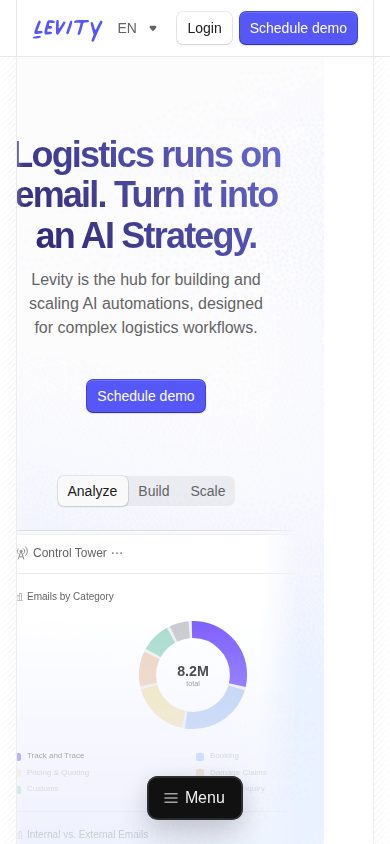
AvailableLevity is the hub for building and scaling AI automations, designed for complex logistics workflows.