Team messaging and collaboration in one place
Slack is a cloud-based team messaging and collaboration platform used by businesses of all sizes.
AI Panel Score
6 AI reviews
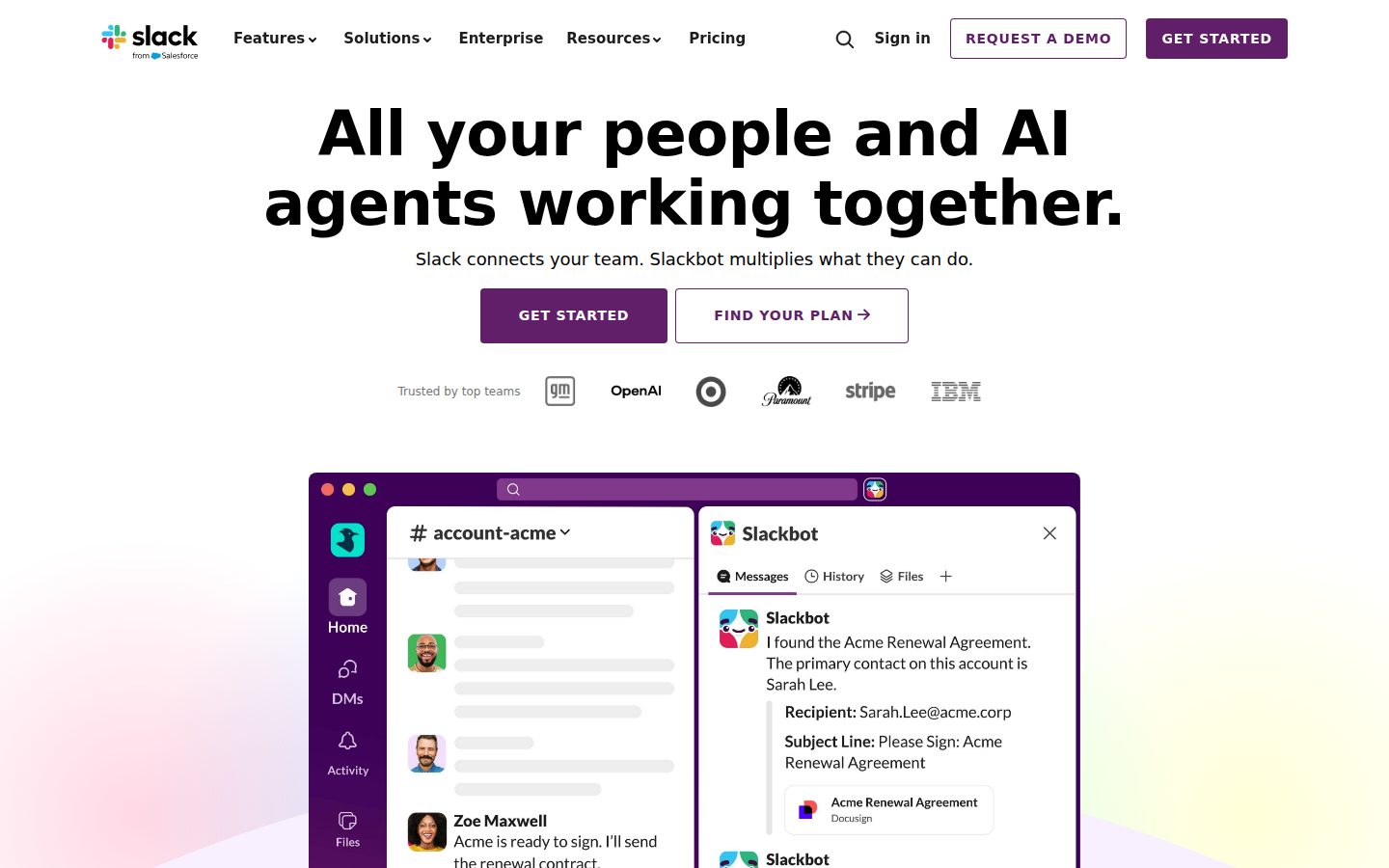
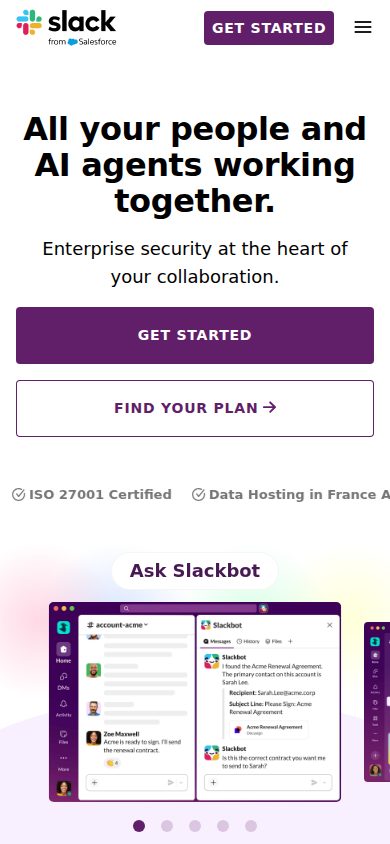
Slack organizes workplace communication into channels, direct messages, and threads, allowing teams to communicate in real time or asynchronously. It integrates with a wide range of third-party tools and services, centralizing notifications and workflows. Slack is used by teams ranging from small startups to large enterprises across industries.
AI-powered search, summaries, and insights to help users find information and stay updated.
Usage metrics, member activity tracking, and workspace analytics for administrators.
Visual automation tool to create custom workflows and processes without coding.
Upload, share, and preview files directly in conversations with version control and commenting.
Informal audio-first conversations for quick team discussions and collaboration.
Built-in audio and video calling with screen sharing for real-time collaboration.
Organized conversation spaces for topics, projects, or teams with threaded messaging and search capabilities.
Private one-on-one or group conversations separate from channel discussions.
Personalized workspace experience with custom emoji, status messages, and profile customization.
Connect with thousands of third-party apps including Google Drive, Zoom, Salesforce, and development tools.
Native iOS and Android applications with full functionality and push notifications.
Advanced encryption and key management for enterprise-grade data protection.
For small teams trying out Slack for an unlimited period of time
For small teams that want to get more done
For larger teams that need additional security, compliance and administrative features
For large, complex organizations that need the flexibility to manage multiple teams and workspaces
Salesforce owns it now, but Slack still ships and still wins integrations.
“Slack is the category default for a reason. The real question is whether you're paying for $7.25 Pro features you'll actually use or drifting toward Microsoft Teams by default.”
Salesforce acquired Slack in 2021. That's a survival guarantee most SaaS vendors can't offer. Vendor viability isn't the concern here — organizational politics inside Salesforce is, but that's a different risk profile entirely.
The 2,000-plus integrations aren't marketing math. GitHub, Zoom, Salesforce, Asana — these are workflows teams already run, and the changelog shows they're still adding. Workflow Builder handles onboarding and incident response without an engineer, which matters when your ops team is stretched. That's real value, not feature theater.
The tradeoff worth naming: if your org already runs Microsoft 365, Teams is $0 incremental and your IT team will make that argument loudly. Slack at $7.25/user/month for 100 people is $8,700 annually before you hit Business+ territory at $12.50. The free tier's 10,000-message cap will frustrate any team that actually communicates.
Two things to watch. One: Slack AI is now bundled into their pitch — the docs indicate it's live, but adoption data isn't public. Two: Enterprise Grid pricing isn't published, which means your procurement team enters a negotiation blind. Pilot Pro with a 20-person team for 60 days. If adoption sticks, standardize. Don't let IT default you to Teams without that fight.
Microsoft Teams is the one real threat — same category, zero incremental cost for M365 shops, and growing fast.
Nobody gets fired for buying Slack; it's the default peer benchmark in tech, finance, and media.
Channels and integrations with GitHub and Zoom deploy in days, not quarters — onboarding friction is low based on the docs.
Workflow Builder and Slack AI advance async operations, but it's still messaging at its core — incremental, not transformational.
Salesforce-owned since 2021 — existential risk is essentially zero for a 3-year horizon.
Teams running GitHub, Zoom, or Salesforce who need integrations wired up in days, not months.
Your org is already standardized on Microsoft 365 and IT controls the budget.
Slack is the default choice, but defaults have a cost you'll feel at 500 seats.
“Slack owns the category vocabulary — channels, huddles, integrations — and that familiarity has real operational value during onboarding and team scaling. The strategic question isn't capability, it's whether you're buying a communication platform or slowly renting your org's institutional memory from Salesforce.”
The operational case for Slack is straightforward. $7.25/user/month at Pro gets you unlimited message history, guest access controls, and 2,000+ app integrations — the integration surface alone is why most ops teams won't seriously evaluate alternatives for long. Workflow Builder handles non-technical automation for onboarding and incident response, which means your IT and People Ops functions can build process without opening an engineering ticket every time. That's real headcount leverage.
The ceiling concern I carry into year two is structural, not feature-based. Slack is now a Salesforce product. Enterprise Key Management and data residency exist, but they live at Enterprise Grid pricing, and that tier has no published per-seat number on the pricing page. If you're at 200+ seats and Salesforce decides to bundle or restructure, your negotiating position weakens considerably. Microsoft Teams comes bundled inside M365 at effectively $0 marginal cost — that's the competitive pressure Slack has to overcome in every enterprise renewal conversation.
The 2-4 week migration window cited for Teams-to-Slack transitions is realistic but undersells the change management tax. Persistent chat history is only operationally valuable if your team's institutional knowledge is organized, not just stored. Channel proliferation is the silent liability here — without governance architecture built early, you end up with 800 channels and no one can find anything, which is the exact problem Slack was supposed to solve.
For a COO evaluating this at the 50-150 employee range, Business+ at $12.50/user gets you SAML SSO and 4-hour support SLAs, which is the right compliance floor for that headcount. If you're below 50 and not yet running SSO, Pro is defensible. Just build channel governance into your rollout plan from day one, not month six.
Slack leads on developer and startup mindshare but faces genuine budget pressure from Microsoft Teams' M365 bundling in mid-market and enterprise procurement conversations.
Channel-based org structure, huddles for informal ops conversations, and native integrations with Asana, Jira, and Salesforce map closely to how operational teams actually coordinate cross-functional work.
2,000+ documented integrations including Google Drive, Zoom, Salesforce, and GitHub represent the widest native integration surface in the category — this is Slack's most durable competitive moat.
Salesforce ownership creates renewal leverage risk at scale, and institutional knowledge becomes structurally dependent on Slack's search and history retention policies by year two.
Slack AI summaries, EKM, and Workflow Builder signal genuine platform investment, not just feature maintenance — but AI features aren't yet differentiated versus category competitors.
Operations teams at 20-200 employees who need a structured integration hub and are willing to invest in channel governance from day one.
Your organization is already standardized on Microsoft 365 and your CFO is running a consolidated-tooling mandate.
“Slack offers solid productivity gains but presents financial management challenges with complex tiered pricing, unpredictable user growth costs, and difficult ROI quantification. While billing is transparent, the per-user model can create budget surprises as organizations scale.”
From a financial perspective, Slack presents a mixed picture that requires careful cost management oversight. The platform operates on a freemium model with paid tiers ranging from $7.25 to $15+ per user monthly, which sounds straightforward but becomes complex when managing guest users, external collaborators, and seasonal workforce fluctuations. The pricing transparency is decent with clear tier breakdowns, but hidden costs emerge through third-party app integrations, storage overages beyond plan limits, and compliance add-ons that can significantly inflate the base subscription cost. The biggest financial challenge lies in ROI measurement - while Slack clearly improves communication efficiency, quantifying productivity gains in dollar terms remains elusive without sophisticated time-tracking integrations. Contract terms are relatively flexible with monthly and annual options, though annual commitments offer meaningful discounts that make financial sense for stable organizations. However, the per-user licensing model creates budget volatility as headcount changes, and deactivating users doesn't always provide immediate cost relief due to billing cycles. Total cost of ownership extends beyond licensing to include admin time for governance, integration costs with existing systems, and potential productivity losses during the initial adoption period. The billing system is straightforward with clear invoicing, though managing user additions and removals across multiple workspaces can become administratively burdensome for finance teams.
Clean, accurate invoicing with good visibility into user counts and charges. Self-service portal makes expense tracking manageable for finance teams.
Monthly and annual options with reasonable terms. User scaling up and down is relatively straightforward, though billing cycles can delay cost adjustments.
Tier pricing is clearly displayed, but integration costs and storage overages aren't immediately obvious. Guest user billing can be confusing for new customers.
Productivity improvements are qualitative and difficult to quantify in financial terms. No built-in ROI tracking tools or standardized productivity metrics.
Beyond base licensing, costs accumulate through integrations, compliance features, storage, and administrative overhead. Per-user model creates ongoing budget variability.
Slack's channel structure is brilliant until your workspace becomes unsearchable noise
“At $7.25/user/month, Pro unlocks the tool most knowledge workers actually need. But the same channel model that makes Slack legible on day one becomes a context-switching maze by month three.”
Channels are genuinely good information architecture — until you're in 40 of them. The free tier's 10,000 message limit and cap of 10 integrations will force a Pro upgrade faster than most small teams expect. Once you're on Pro, unlimited message history and the Asana/Jira sync integrations start pulling real weight. Workflow Builder handles things like approval routing without requiring anyone to touch code, which is rarer than vendors admit.
The day-three reality: notifications become a second job. Slack's default notification model assumes you want to know everything. Tuning it — per-channel, per-keyword, per-device — takes an hour you won't budget until you're already drowning. Microsoft Teams has the same problem but buries it deeper. Slack at least surfaces the controls, even if nobody reads them during onboarding.
Huddles fill a real gap. Quick audio-first conversations that don't require scheduling a Zoom are genuinely useful for async-heavy teams. The friction surfaces elsewhere: threading discipline varies person to person, and a channel without thread conventions becomes a scroll nightmare by week two.
Slack AI — search summaries, catch-me-up recaps — is the feature that could actually rescue the notification problem. But it's not clearly available on Pro based on current pricing page evidence, which means the people most overwhelmed by Slack noise may not have access to the feature built to reduce it.
Channel sprawl and notification overload emerge fast; the 10-integration cap on Free forces an early pricing decision most teams aren't ready for.
Changelog is active and the Workflow Builder docs appear written for non-technical users, not just admins.
Threading inconsistency, notification tuning complexity, and the gap between Free and Pro create compounding small fights across a working week.
Enterprise Key Management, granular retention policies, and the API signal genuine depth for power users willing to invest configuration time.
2,000+ integrations including Asana, Jira, and Google Drive means Slack can sit inside existing workflows rather than replace them.
Remote or hybrid teams already living in Google Drive or Jira who need async communication that doesn't collapse into email.
Your team won't agree on threading conventions, because Slack without norms becomes a faster way to lose information.
“Slack remains the gold standard for team communication with excellent UI and powerful integrations, but notification overload and feature bloat can overwhelm everyday users. It's highly effective for organized teams but requires discipline to avoid becoming a productivity drain.”
After years of daily Slack usage across multiple workplaces, it's clear why this platform dominates team communication. The interface is intuitive and well-designed, making it easy to jump between channels, direct messages, and threads. The search functionality is genuinely excellent - I can find conversations from months ago in seconds, which is invaluable for referencing past decisions or shared files. Integration with tools like Google Drive, Zoom, and project management platforms creates a centralized hub that reduces app-switching.
However, Slack's biggest strength is also its weakness: it's almost too good at facilitating communication. Notification fatigue is real, and without careful channel management, you'll find yourself drowning in messages that range from critical updates to casual water cooler chat. The threading system, while helpful, can fragment conversations in confusing ways. I've lost count of how many times important information got buried in a thread that I missed entirely.
The mobile app deserves praise for maintaining feature parity with desktop while staying responsive. Push notifications work reliably, and I can participate in discussions seamlessly whether I'm at my desk or on the go. Voice and video calling through Slack works adequately for quick check-ins, though it's not as polished as dedicated solutions like Zoom or Teams.
Pricing becomes a concern for smaller teams or organizations. While the free tier exists, you quickly hit message history limits that force upgrades. The paid tiers offer good value for larger teams but can feel expensive for smaller groups who might get by with simpler alternatives. The recent AI features and workflow automation tools add value but also contribute to interface complexity that some users find overwhelming.
Clean interface and logical organization make daily tasks straightforward. Advanced features can clutter the experience for basic users.
Near-perfect feature parity with desktop and responsive design. Notifications work well without being overly intrusive.
Initial setup is smooth, but learning to manage notifications and channels effectively requires time and experimentation.
Rare outages and consistent performance across devices. Message delivery is dependable even during high-traffic periods.
Powerful feature set justifies cost for larger teams, but pricing can be steep for smaller organizations or casual users.
“Slack started as our communication savior but became a notification nightmare that actively hurts productivity. We're migrating to Microsoft Teams next month.”
I championed Slack at our company eighteen months ago. The honeymoon phase was real - channels organized perfectly, integrations singing, everyone loved the GIF reactions. Then reality hit. Messages get buried in threads nobody checks. The notification system is broken - either you're bombarded constantly or you miss critical messages. Search barely works when you need to find that important decision from three months ago.
The worst part? They keep adding features nobody asked for (canvas, clips) while ignoring basic requests like better thread management or actual notification controls. Our bill jumped 40% this year with zero added value. Support takes days to respond with canned answers. Half my team has Slack muted permanently now, defeating the entire purpose.
Teams integrates with our Office suite, Discord has better voice, even email was more reliable.
Promised to improve notifications for two years - instead we got huddles and clips.
Thread conversations are completely broken - critical discussions vanish into the void.
Still no proper task management, message scheduling is basic, can't bulk export channels.
Four days to get a human response about billing errors, then they blamed our IT setup.
Common questions answered by our AI research team
Slack Pro costs $7.25/user/month and includes unlimited message history, guest access, and group video calls, while Business+ at $12.50/user/month adds SAML-based SSO, compliance exports, and 99.99% uptime SLA. For teams of 50-100 employees, annual billing provides discounts, making Pro approximately $6.75/user/month and Business+ around $11.75/user/month.
Yes, Slack's Workflow Builder allows non-technical users to create multi-step automations through a visual drag-and-drop interface for processes like employee onboarding, approval workflows, and incident response. The tool can trigger actions across integrated apps, send automated messages, and collect form responses without requiring coding skills.
Yes, Slack provides enterprise-grade security including SOC 2 Type II compliance, data loss prevention (DLP), Enterprise Key Management (EKM), and granular data retention policies that can be set at the workspace, channel, or user level. Additional security features include SAML SSO, two-factor authentication, and audit logs for Enterprise Grid plans.
Migration from Microsoft Teams to Slack typically takes 2-4 weeks depending on organization size and complexity, with Slack providing dedicated customer success managers, migration guides, and training resources. Slack offers data export tools and can assist with bulk user imports, though direct message history migration requires manual processes or third-party tools.
Slack natively integrates with major project management tools including Asana, Monday.com, Trello, Jira, and Microsoft Project, allowing automatic syncing of project updates, task assignments, and status changes directly into designated Slack channels. These integrations support real-time notifications and can be configured to post updates based on specific triggers or project milestones.
Company
SlackFounded
2009Pricing
Freemium from 7.25Free Plan
AvailableBoost productivity and save time with Slack — the AI work platform for managing projects, automating workflows, and connecting teams securely. Start working smarter today.