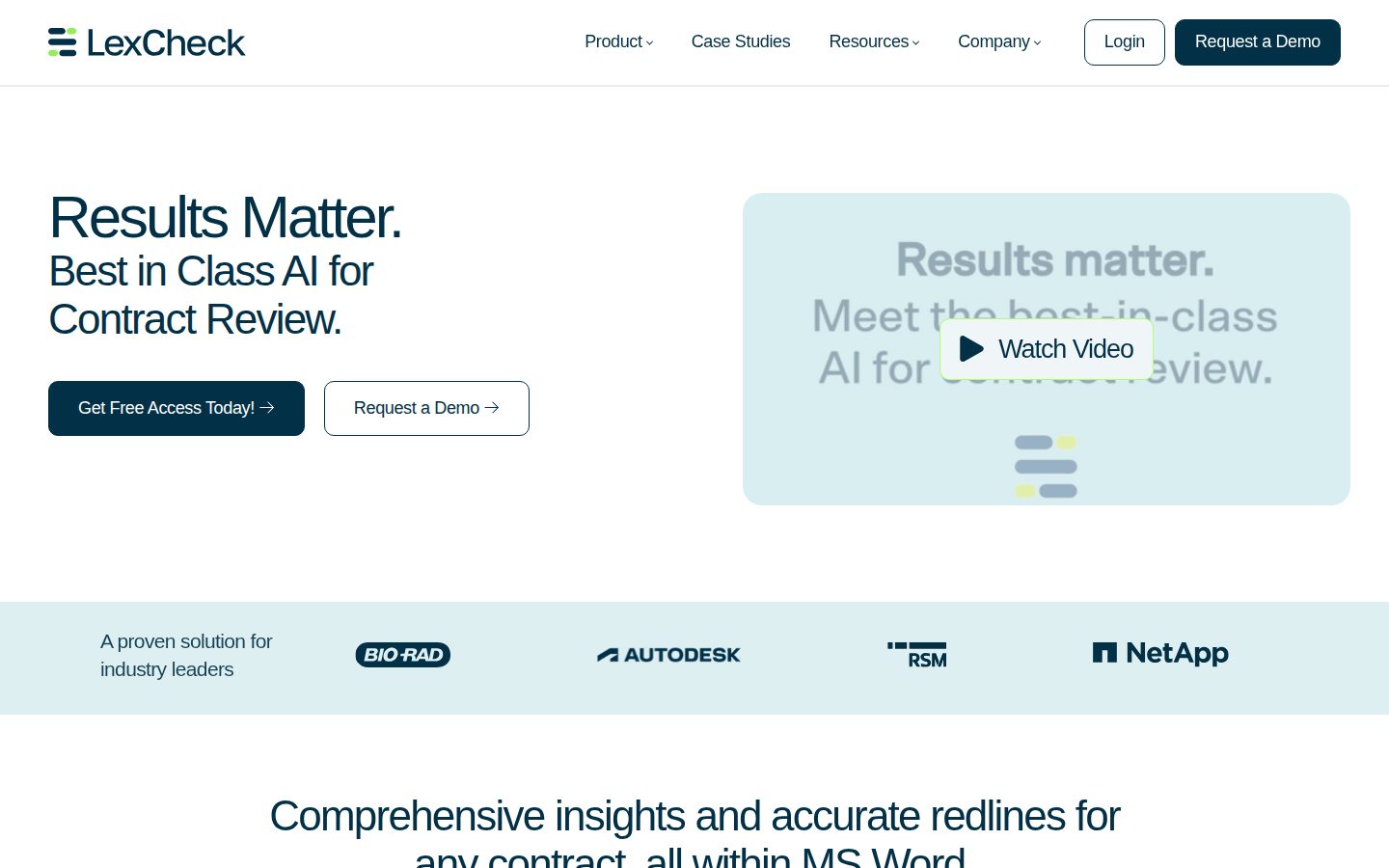
AI contract review with redlines and insights, inside Microsoft Word
LexCheck is an AI-powered contract review tool for legal and business teams that need to redline and negotiate contracts faster.
AI Panel Score
6 AI reviews
Reviewed
In practice, users upload a contract template and define their preferred positions to create a playbook. Once set up, LexCheck reviews incoming contracts against that playbook, highlights terms that deviate from preferred language, and surfaces redlines the user can apply directly within Microsoft Word. The workflow is designed to keep lawyers and business professionals inside the tools they already use rather than switching to a separate platform.
Distinctive capabilities highlighted on the product site include instant insights that explain why specific contract language is flagged, rather than presenting redlines without context. Users can maintain and update playbooks themselves through a self-serve interface, adding fallback language or adjusting positions without requiring vendor assistance. The platform claims rapid implementation measured in minutes for playbook setup.
LexCheck appears aimed at in-house legal teams and law firms handling high volumes of contract review, particularly in enterprise contexts — named customers include NetApp and RSM. Pricing is not publicly listed; interested buyers are directed to request a demo or free access. Competitors in the AI contract review category include Ironclad, Kira, Luminance, and Spellbook.
The product operates as a Microsoft Word add-in, meaning the primary interface is embedded within Word rather than a standalone web application. No public information is available on API access, self-hosted deployment, or mobile platform support.

Provides transparent and comprehensive explanations for why specific contract language is potentially problematic and requires attention, rather than just flagging issues without rationale.
Uses large language model AI technology to analyze contracts, identify problematic terms, and generate suggested redlines across any contract type.
Automatically applies preferred language to address problematic contract terms identified during review, generating accurate redlines based on the user's playbook.
Allows organizations to go live with a new contract review playbook in minutes by automatically capturing preferred positions from an uploaded template.
Keeps all contract review and editing work consolidated in a single environment, enabling teams to manage the full review process in one place.
Evaluates contract language against established playbook positions to identify and surface terms that pose potential legal or business risk to the reviewing party.
Allows users to upload their own contract templates so that preferred positions and fallback language are automatically captured and applied during contract review.
Enables users to update playbooks or add fallback language on their own without requiring vendor assistance or complex configuration.
Embeds the contract review workflow directly within Microsoft Word so users can review, redline, and manage contracts without leaving the application.
Free access to try LexCheck's AI-powered contract review, available to new users who want to experience the platform before committing.
Full access to LexCheck for teams and organizations. Pricing is custom and available upon requesting a demo.
Word-native redlining with playbook logic — solid bet for volume contract teams.
“LexCheck lives inside Microsoft Word and claims 75% faster review through playbook-driven redlines. Named enterprise customers like NetApp give it credibility, but no public pricing or funding data makes the buy a trust exercise.”
No public pricing. No changelog. No funding data I can find. That's three yellow flags before we even open a contract. NetApp and RSM as named customers suggests real enterprise traction — those aren't vanity logos — but I'd want to know headcount and runway before signing anything multi-year.
The Word integration is the actual product insight here. Lawyers won't switch tools. They never do. Embedding redlines and playbook logic directly in Word, with transparent reasoning per flag rather than just edits, is smarter than what competitors like Spellbook or Luminance are doing for mid-market legal teams. Self-serve playbook updates without vendor involvement matters for in-house teams who move fast.
The tradeoff: this is a workflow accelerator, not a strategic system of record. It won't replace your CLM. If you don't have contract volume to justify playbook investment, the ROI math gets thin fast. Pilot it with one practice group for 60 days.
Word-native workflow beats Luminance and Kira for adoption friction in legal teams that won't leave their existing environment.
NetApp and RSM as named customers make this a defensible board conversation — not a fringe AI tool.
Rapid Playbook Implementation claims setup in minutes from template upload, with a free trial available — low friction to first value.
Playbook-based automated redlining advances contract velocity, not just cost savings — that's a real workflow upgrade for high-volume legal teams.
No public funding stage, team size, or runway data — enterprise logos suggest traction but I can't confirm a 36-month bet with confidence.
In-house legal teams processing high contract volume who live in Microsoft Word and want playbook-driven redlines without a platform migration.
Your team needs CLM integration, API access, or you can't tolerate opaque vendor financials before committing.
Playbook-driven redlining inside Word — finally built for how in-house teams actually work.
“LexCheck embeds AI-powered contract review directly in Microsoft Word with transparent reasoning per redline, not just tracked changes dumped without context. Playbook-based review with self-serve updates is the right architecture for in-house legal teams managing high contract volume.”
The Word integration isn't cosmetic — it's the core thesis. In-house lawyers don't want another portal; they want their workflow uninterrupted. Embedding redlining, playbook application, and instant insights inside Word is architecturally sound for any legal ops team running 50+ contracts a month. The claimed 75% reduction in review time is aggressive, but playbook-based automation for standard commercial paper is plausible at that range.
The self-serve playbook management is the feature I'd interrogate hardest in a demo. Vendor-dependent playbook updates are a quiet liability at year two — so self-serve capture from uploaded templates is the right design call. Named enterprise customers like NetApp and RSM suggest it's been stress-tested beyond SMB paper. No API surface and no public docs are the gaps: if we need downstream CLM integration, LexCheck's closed architecture creates a constraint.
Versus Luminance or Kira, LexCheck is narrower — purpose-built for redlining rather than full contract intelligence. That's a real tradeoff. If your mandate extends to contract analytics, clause extraction at scale, or M&A diligence, you'll outgrow it. If the mandate is accelerating routine commercial review, it fits cleanly.
Sits between lightweight tools like Spellbook and full contract intelligence platforms like Luminance — a deliberate and defensible niche for high-volume commercial review.
Word-native workflow, playbook-based review, and fallback language management map directly to how in-house commercial and procurement teams actually operate.
Microsoft Word integration is tight and correct for the core use case, but the absence of API access or public integration docs limits stack extensibility.
Self-serve playbook updates reduce vendor dependency, but no documented API surface means CLM or matter management integration is an open question at year two.
Transparent per-redline reasoning and self-serve playbook management show genuine legal workflow thinking, but no public changelog or API suggests the roadmap depth is unverifiable.
In-house legal or procurement teams running high volumes of routine commercial contract review inside Microsoft Word.
Your mandate includes M&A diligence, clause-level analytics at scale, or tight CLM system integration.
No pricing page, no TCO model — 75% time savings claim needs an invoice behind it.
“LexCheck hides all pricing behind a demo request. The 75% review-time reduction claim is compelling but unverifiable without contract terms.”
No public price. Zero. "Contact us" with custom quotes means every procurement cycle starts blind. Compare Spellbook at visible per-seat tiers — procurement teams prefer that. At 50 seats, no sticker means no budget anchor, no 3-year model, no negotiation leverage.
The Word integration and self-serve playbook management are real differentiators. Rapid playbook setup in minutes — if that holds — lowers onboarding cost. Named customers like NetApp and RSM suggest enterprise viability. But no API access, no changelog, no published overage logic. The invoice you can't predict is the real risk.
ROI framing is aggressive: 75% time reduction, 50% cost cut per review, contracts signed in one day. Those numbers need a baseline. Without published contract terms or renewal windows, finance can't model year 3. Until pricing surfaces, this stays a demo conversation, not a procurement decision.
Custom quotes only; procurement teams face full sales-cycle friction before a single number appears.
No public auto-renewal terms, cancellation clauses, or term lengths disclosed anywhere in available evidence.
No pricing page exists; all tiers require a sales demo, per the pricing evidence.
75% time reduction and 50% cost cut claims are specific but lack a published methodology or baseline definition.
No published seat price, overage rate, or add-on structure — 3-year TCO is unmodelable without a quote.
In-house legal teams at enterprises already standardized on Microsoft Word who can absorb a full sales cycle to get a quote.
Any finance or procurement team that needs a 3-year TCO model before entering vendor negotiations.
Playbook-driven redlines inside Word — strong fit for volume contract work
“LexCheck embeds directly into Microsoft Word and automates redlining against a self-managed playbook, which is exactly where paralegal contract review lives. The 75% time-reduction claim is aggressive, but the Word-native workflow and transparent reasoning per flag are genuinely useful daily features.”
The Word add-in approach is the right call. No tab-switching to a separate platform, no copy-pasting redlines back into the document. The playbook upload flow — upload a template, preferred positions captured automatically — is the kind of setup that actually gets adopted. Compare that to Spellbook, which lives in Word too but requires more manual position-setting. Self-serve playbook management without vendor hand-holding matters when a clause position needs updating on a Tuesday afternoon.
The Instant Contract Insights feature is the real differentiator. Flagging language without explaining why creates paralegal busywork — you end up researching the rationale anyway. Reasoning attached to each redline cuts that loop. Named enterprise customers like NetApp and RSM suggest the playbook logic handles complex commercial paper, not just simple NDAs.
No public pricing and no changelog are real friction signals. When playbook behavior changes, you need to know. No docs visible from public evidence either — for a tool handling contract risk, that's a gap. Free trial exists, which softens the commitment, but enterprise procurement without a pricing anchor is a longer cycle than most paralegal teams control.
Word-native workflow removes the biggest daily fight, but absent changelog and opaque pricing negotiations create post-demo uncertainty about what you're actually locking into.
No public docs detected; buyer FAQ on the site reads marketing-written, not practitioner-written — missing specifics on clause type coverage or playbook limits.
No visible docs and no public pricing page mean setup questions and vendor dependency are real weekly friction points for any team managing multiple playbooks.
Self-serve fallback language and playbook updates suggest meaningful depth, but without docs or a changelog it's hard to know how far the customization actually goes.
Living inside Microsoft Word with automated redlining and self-serve playbook updates matches exactly how paralegal contract review actually runs.
In-house legal or law firm paralegal teams running high-volume commercial contract review who live in Microsoft Word.
Your team needs CLM integration or works outside Microsoft Word as the primary drafting environment.
Playbook-powered redlining that lives where lawyers already work
“LexCheck does one thing well — contract redlining inside Word, with actual explanations for why it flagged something. No public pricing is a friction point, but the free trial lets you feel it out before the sales call.”
The Microsoft Word integration isn't a nice-to-have here, it's the whole bet. Legal teams aren't switching to a new browser tab for contract review, and LexCheck seems to know that. The self-serve playbook setup — upload your template, positions captured in minutes — is the kind of feature you can tell someone actually thought through. Contrast that with Spellbook or Luminance, where implementation often means a vendor onboarding call. The 75% reduction in review time claim is aggressive, but the workflow logic behind it is sound.
The "Instant Contract Insights" feature is where this earns its keep at day 30. Redlines without reasoning are just noise. When the tool tells you *why* a clause is flagged, that's what makes junior staff actually trust it instead of second-guessing every suggestion.
The tradeoffs are real though. No public pricing means you're committing to a demo before you know the number. And if you're not on Windows running Word, you're basically an edge case. Mobile parity doesn't exist — this is a desktop-first tool, full stop.
The Word add-in approach keeps friction low, and the reasoning-per-flag on Instant Contract Insights shows someone thought about daily feel — but no changelog means you're flying blind on what's improving.
Self-serve playbook management that doesn't require vendor help is the right call for month-three usability; enterprise customers like NetApp suggest the depth is there for complex use cases.
This is a Word add-in — mobile isn't in the picture, which is honest but limiting if your team ever reviews contracts away from a desk.
Rapid playbook setup measured in minutes via template upload is a genuine differentiator — that's a first-10-minutes win most legal tools can't claim.
No public changelog and no API docs make the reliability story hard to assess from the outside; the Word-native workflow at least removes a whole class of sync and tab-switching failures.
In-house legal and procurement teams that live in Microsoft Word and review high volumes of contracts against defined playbooks.
Your team works primarily in Google Docs or needs contract review on mobile or outside a desktop environment.
Three green flags, two real gaps — Word-native is the actual bet here
“LexCheck does one thing well: it stays in Word. The 75% time-reduction claim and hidden pricing are the two things I'd push on before signing.”
No pricing page. No changelog. No API docs. That's three visibility gaps before I even open the product. The 'up to 75%' reduction claim and 'contracts signed in one day' are the kind of superlatives that age poorly without a methodology attached. Named customers NetApp and RSM are real enterprise logos, which matters. But no funding data is public, and the site's H1 is literally 'Results Matter.' — that's marketing-speak, not a positioning statement.
The Word-native angle is the actual differentiator. Kira and Luminance pull you into their own platforms. Spellbook also lives in Word, so that's a direct collision. LexCheck's self-serve playbook management — no vendor dependency to update fallback language — is a concrete workflow win that Ironclad doesn't offer at this layer.
Exit story is rough. Playbooks live inside LexCheck's system. If they shut down, you're rebuilding from scratch. That's the tradeoff for the Word-embedded convenience.
Word-native workflow and self-serve playbook management are real gaps vs. Kira and Luminance, though Spellbook competes directly on the Word integration.
Playbooks appear vendor-locked with no API or export path visible — migration means rebuilding preferred positions from scratch.
No public funding, no changelog cadence visible, and contact-only pricing makes it hard to assess runway or shipping momentum.
No pricing page, no methodology behind the '75% reduction' claim, and 'Results Matter' as the H1 is placeholder-level positioning.
Named enterprise customers NetApp and RSM suggest real deployments, but no funding data, no changelog, and Word add-in category has a graveyard of quiet shutdowns.
In-house legal teams already living in Word who handle high-volume contract review and want playbook-driven redlines without switching platforms.
You need pricing transparency, API access, or a clean exit path if the vendor relationship doesn't work out.
Common questions answered by our AI research team
Yes, LexCheck integrates directly into Microsoft Word, allowing users to review contracts, apply redlines, and update playbooks without leaving the application.
Playbook setup takes minutes. Simply upload your template and preferred positions are automatically captured, enabling contract review in record time.
Yes, LexCheck provides transparent, comprehensive insights explaining why contract language is potentially problematic, rather than just outputting edits without context.
LexCheck describes its AI as time-tested, well-established, and highly secure, positioning security as a core feature of the platform.
LexCheck can reduce time spent reviewing contracts by up to 75% and cut legal costs per contract review by over 50%, with contracts potentially signed in as little as one day.
Company
LexCheck, Inc.Founded
2015Pricing
Contact for pricingFree Trial
AvailableLexCheck is a contract review platform based in New York that uses AI to automate redlining, playbook-based review, and negotiation for legal, sales, and procurement teams.