AI translation for documents, images, video, audio, and text
TransMonkey is an AI translation platform for documents, images, video, audio, subtitles, and academic papers.
AI Panel Score
6 AI reviews
Reviewed
Facts checked against transmonkey.ai
TransMonkey is organized around a set of separate translation tools, each built around a specific content type: documents (PDF, Word, Excel, PowerPoint, EPUB), images and screenshots, video, audio, voice recordings, subtitle files, academic papers, and plain text or phrases. Users select the tool that matches their content and upload or input the source material to receive a translated output, with the document translator specifically designed to preserve the layout of the original file.
The platform covers more than 130 languages across its major tools. Distinct workflows exist for subtitle files and timed captions separate from general video translation, and for academic papers as a document-style workflow separate from general document translation, indicating the product treats these as specialized use cases rather than a single generic translator.
TransMonkey is built for individuals and organizations needing to translate files or multilingual content across varied formats, from office documents to video subtitles to spoken audio. Pricing is structured around pay-as-you-go credits starting at $0.120 USD per credit, alongside Pro subscription plans starting at $8.3 USD per month billed yearly or $12.0 USD billed monthly.

Supports translation across more than 130 languages across the platform's tools.
Translates spoken content from audio files.
Translates PDF, Word, Excel, PowerPoint, EPUB, and other document files while preserving the original file layout.
Translates text found inside images and screenshots.
Translates text and phrases online across supported languages.
Translates academic papers using a document-style translation workflow.
Translates subtitle files and timed caption data.
Translates video speech, captions, and subtitles within video files.
Translates voice recordings and spoken speech content.
For users who want to pay per use without a subscription; credits never expire into recurring charges
For regular users wanting ongoing translation needs with savings via annual billing
For users wanting full Pro features billed month-to-month
Nine translation tools under one roof, priced by the minute and the character.
“TransMonkey bundles document, video, audio, subtitle, and academic translation into one credit system. Fine for teams juggling formats, less clear on what happens at real scale.”
TransMonkey's pitch is breadth. Nine separate tools, one for each content type, covering 130+ languages, with a document translator that keeps PDF and Word layouts intact rather than dumping text into a blank page. That's a real feature, not a marketing line, and it's the kind of detail that saves someone an afternoon of reformatting.
The credit math is oddly granular: $0.12 per credit, one credit per video minute, one per image, 500 characters per document credit. Pro plans run $8.30/month annual or $12 monthly for 500 credits. Cheap to start, but nobody's modeled what a 40-page contract or a two-hour webinar actually costs until they hit the meter.
Tradeoff: breadth over depth. A dedicated subtitle tool or a dedicated document translator might out-perform TransMonkey at its one job. This wins when you need all nine jobs done by one vendor, one login, one bill.
Layout-preserving document translation plus dedicated subtitle and academic-paper workflows go beyond a generic single-box translator.
Credit-based pricing with no stated expiry is buyer-friendly, but I found no detail on data handling or security posture for sensitive document uploads.
Upload-and-translate workflow with Google Workspace, Chrome, and YouTube extensions means no integration lift to get first value.
Consolidates nine translation workflows (document, video, subtitle, academic paper) that most teams currently cover with separate point tools.
Pricing page is detailed and specific down to the credit, which signals active commercial operation, though I couldn't find docs or a changelog to confirm engineering cadence.
Teams that regularly translate a mix of documents, video, and subtitles and don't want nine separate vendors.
Skip it if you only need one format translated at serious volume and a specialist tool would be cheaper.
Nine translation tools under one vendor solves a procurement problem, not automatically an operations one.
“TransMonkey consolidates document, video, audio, image, and subtitle translation into one usage-based relationship. That's a real operational win on vendor count, but it pushes workflow ownership down to whoever runs each task.”
As a COO I track vendor count and who owns the renewal conversation. Nine tools — document, image, video, subtitle, paper, voice, audio, language — under one $8.30/month Pro plan or $0.12/credit pay-as-you-go consolidates what might otherwise be three or four separate line items into one contract and one invoice. That's a genuine procurement simplification versus stitching together point solutions.
The risk sits in operational ownership. With needs scattered across nine distinct tools rather than one pipeline, someone internally has to know which tool handles which job — academic papers route differently than general documents, subtitles differently than raw video speech. Over three years that's either a documented SOP or a dependency on one person's memory.
The Google Workspace, Chrome, and YouTube extensions matter for adoption speed, letting non-specialist staff self-serve instead of queuing requests through a bottlenecked team. Credit-based pricing from $6 bundles also lets finance treat this as variable spend rather than fixed headcount cost, which fits sporadic multilingual demand better than a flat enterprise license.
Consolidating document, video, audio, and subtitle translation under one biller positions it against assembling point tools, though I couldn't find how it stacks against a dedicated enterprise localization platform.
Pay-as-you-go credits from $6 and a $8.30/month Pro tier match how ops teams actually budget for irregular translation volume.
Google Workspace, Chrome, and YouTube extensions put translation inside existing workflows rather than forcing a separate destination app.
Fragmenting translation across nine distinct tools creates a documentation burden that compounds if the team using it turns over.
Nine purpose-built workflows covering 130+ languages shows real engineering investment beyond a single generic translator wrapper.
Operations leaders who want one vendor for sporadic, varied-format translation needs instead of several point tools.
You need a single standardized translation pipeline that any team member can run without tool-specific training.
$99/year buys 30,000 credits. Math favors light-to-medium users, not heavy video jobs.
“Pay-as-you-go from $6 and a $99/year Pro tier make this easy to model against actual usage. The credit system is the real pricing — read it before you read the sticker.”
Pro Yearly: $99/year for 30,000 credits, 500 minutes video, 250,000 document characters monthly. Pro Monthly: $12/month, same allotment, no annual lock-in. That's a 31% premium to stay month-to-month — standard annual-discount math, nothing hidden.
Credit conversion matters more than the sticker. 1 credit = 1 minute video, 1 image, or 500 document characters, at $0.12/credit pay-as-you-go. A 90-minute video job runs 90 credits — about $10.80 a la carte, or covered inside Pro's monthly allotment. Translate four 90-minute videos a month and you've burned 360 credits against a 500-credit cap. Fine for document-heavy users. Tight for video shops.
No seat multiplier mentioned anywhere, so team pricing math stays unclear — I couldn't find per-user terms. No contract term length or auto-renewal language visible either; annual billing is implied but cancellation mechanics aren't spelled out. Credits bought a la carte reportedly don't expire into recurring charges, which is the one real procurement comfort here.
Credit bundles from $6 to $99 and two billing cadences lower onboarding friction; no enterprise invoicing terms visible.
No visible term length or auto-renewal clause for annual billing; monthly Pro at $12 avoids lock-in entirely.
Pay-as-you-go at $0.12/credit and two Pro tiers are listed with exact dollar figures, no sales call needed.
Credits map directly to units translated (minutes, images, characters), making usage easy to track against spend.
Credit-to-output ratio (1 credit = 1 video minute) makes heavy video or document volume scale unpredictably past the 500-credit Pro cap.
Teams with document or image-heavy translation needs that fit inside a 500-credit monthly budget.
Avoid if your workload is video-heavy enough to blow through 500 credits most months.
Nine translation tools, one login — but the switching cost between them is on you
“TransMonkey covers the whole multilingual-doc problem from one account instead of four. The catch is that each format is its own tool, so your weekly workflow is really nine small workflows stitched together by memory.”
Picture a Tuesday: a PDF contract needs translating, then a vendor sends subtitle files, then someone drops a voice memo in Slack. That's three separate tools inside TransMonkey — Document, Subtitle, Voice — not one translator handling all inputs. For a knowledge worker juggling formats across a single project, that's three mental context switches instead of one upload box.
The Google Workspace extension helps, since translating inside Drive avoids the export-upload-reimport loop that kills momentum on deadline day. But academic papers get their own dedicated workflow separate from general documents, which is useful if that's your daily grind and confusing if you just want 'translate this file' without picking the right specialized lane first.
Credit math (1 credit = 500 characters, 1 image, or 1 video minute) is at least transparent, which matters when you're estimating a big job before committing. Pro Monthly at $12 keeps you flexible without annual lock-in. Whether nine specialized tools beat one generic translator depends on how varied your weekly file mix actually is.
Layout-preserving document translation and Workspace extension solve real recurring tasks, but picking among nine tools daily adds a decision step most single-purpose translators skip.
The buyer Q&A answers format and language counts plainly, but I couldn't find deeper docs on credit estimation or batch workflows for heavier users.
Nine distinct tools (document, subtitle, video, voice, paper, image, audio, language, text) each with their own entry point adds up to real routing overhead across a working week.
Credit bundles scale from $6 to $99 and Pro tiers add scanned-PDF support, but I found no visible API reference for teams wanting to automate beyond manual uploads.
Chrome, YouTube, and Google Workspace extensions mean translation happens inside tools people already have open rather than a separate destination site.
Someone who regularly handles a mix of document, video, and audio translation and wants one vendor instead of four.
Avoid if you need a single frictionless upload box without choosing among specialized tools first.
Nine translation tools in one account, but you'll spend day one figuring out which one you need.
“TransMonkey bundles document, video, audio, subtitle, image, and academic translation into one platform with 130+ languages. First-time setup means picking the right tool before you even start the actual job.”
First ten minutes here isn't a tutorial, it's a decision tree. Nine distinct tools — Document, Video, Paper, Subtitle, Voice, Image — and the landing page just says 'translate document' like that settles it. A new user with a PDF and an MP4 in the same folder has to figure out which workflow owns which file before anything gets translated. That's not hard, exactly, but it's homework nobody asked for.
Once you know your lane, it reads straightforward. Credits are flat and predictable — $0.12 each, bundles from $6 to $99 — and the Chrome, YouTube, and Google Workspace extensions mean translation shows up inside stuff you're already doing instead of a separate tab you forget exists.
What I can't tell from the outside is how it feels when a scanned PDF job fails halfway through, or whether there's a retry state versus a dead spinner. No error-state detail, no mobile app mentioned anywhere — web only. Month three probably means you've memorized your two or three tools and ignore the rest.
Landing copy is plain and functional, but splitting academic papers from general documents adds friction nine-tool navigation doesn't smooth over.
Once you pick the right tool per content type, the credit math (1 credit = 1 image or 500 characters) is simple enough to internalize fast.
Platform is listed as web only; no mobile app or responsive workflow mentioned anywhere I could find.
No tutorial or guided flow visible; new users must self-select among nine tools before translating anything.
I couldn't find any detail on error handling or retry behavior for failed translation jobs, so this is a blind spot rather than a flaw.
Someone juggling mixed-format translation work who doesn't mind picking the right tool per file.
You need a mobile workflow or a single universal upload box with zero setup thinking.
Nine translators, one brand name, zero track record I can verify.
“130+ languages and nine format-specific tools is a wide claim for a name I haven't seen in this category before. Pricing is clear, the credit math is clean, but the proof points are all on the vendor's own page.”
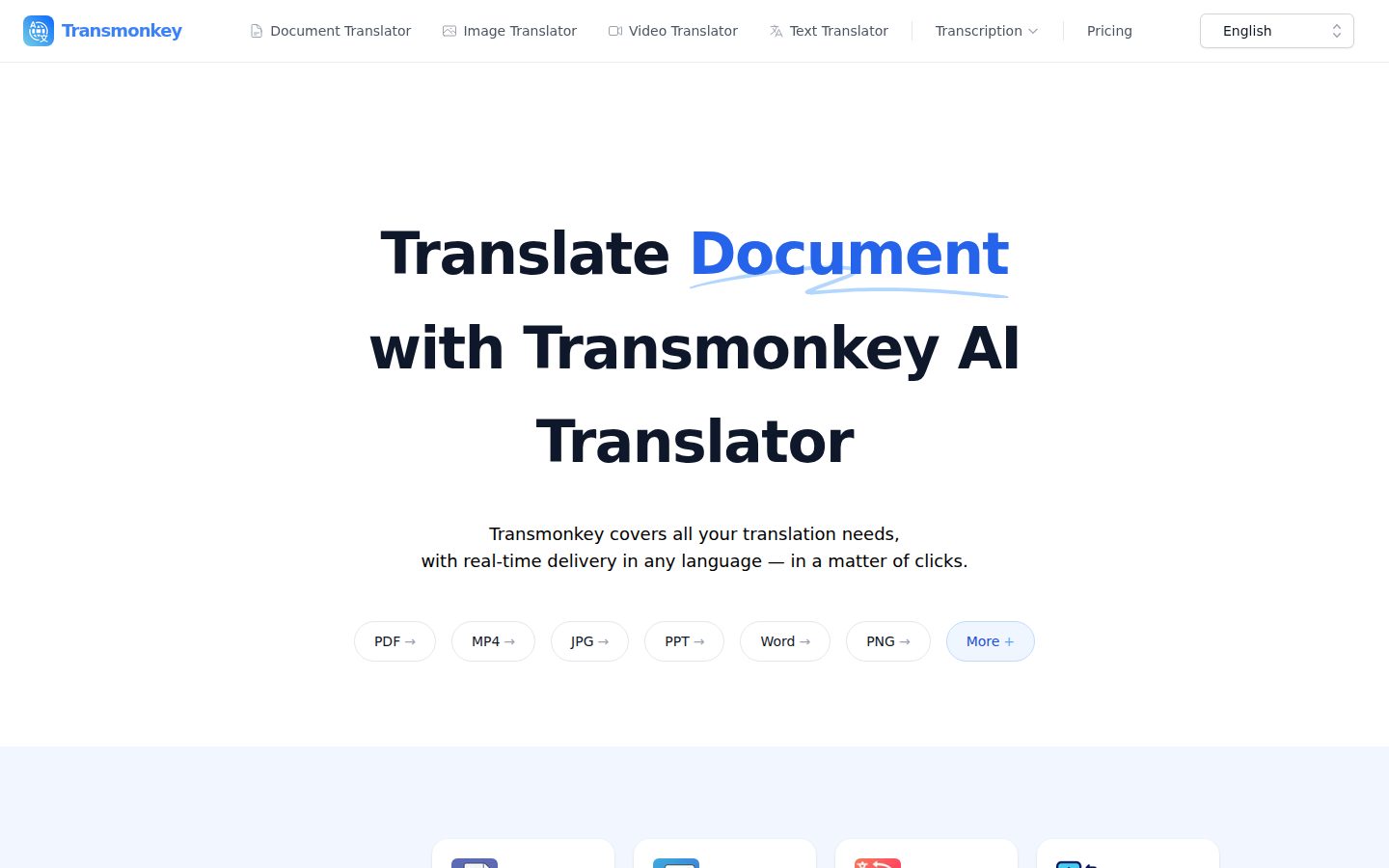
The H1 says 'Translate Document with Transmonkey AI Translator' — functional, not inflated, which is a point in its favor. No 'world's best' superlative here. That restraint actually buys some trust.
But 130+ languages across nine separate tools (document, paper, subtitle, video, voice, image) is a big surface area for a product with no visible changelog or docs page I could locate. Category pattern: broad-format translators either get acquired for one killer workflow or quietly narrow to it. DeepL and Google Translate set the bar on raw MT quality — nothing here tells me where Transmonkey's engine sits against them.
Exit is fine — it's files in, files out, no lock-in format. Credits at $0.12 each, Pro at $8.30/month annual or $12 monthly, no long-term contract visible. Fair pricing, unproven engine. I'd pilot small before trusting it with a 250,000-character month.
Covering documents, video, audio and subtitles in one account is a real breadth play, but nothing named shows it beats single-purpose translators on quality.
Standard file formats in and out (PDF, Word, MP4, subtitle files) mean no proprietary lock-in to unwind.
I couldn't find a changelog or docs reference, so active maintenance is unverified either way.
Landing copy ('Translate Document, Image, Video Online with AI') is plain and feature-literal, not hype-driven.
Claims nine distinct workflows and 130+ languages but I found no benchmark or third-party validation of translation quality.
Teams who want one vendor for mixed-format translation jobs and are willing to test quality themselves before committing.
You need a translator with a verified quality track record before you'll trust it with client-facing documents.
Common questions answered by our AI research team
Yes. TransMonkey's document translator keeps the original file layout intact while converting PDF, Word, Excel, and PowerPoint files into other languages.
TransMonkey handles over 30 formats, including PDF, Word, Excel, PowerPoint, PNG/JPG images, MP4 video, and audio recordings, covering documents, images, video, and text content.
TransMonkey supports more than 130 languages across its document, image, video, and text translation tools, including English, Chinese, Japanese, Korean, Russian, Spanish, and German.
Yes. TransMonkey offers a Google Workplace extension alongside its Google Chrome and YouTube extensions, letting users translate documents and images directly within Google Drive.
Transmonkey is an AI-powered translation tool that translates documents, images, audio, and video files across formats such as PDF, Word, PNG, and MP3.