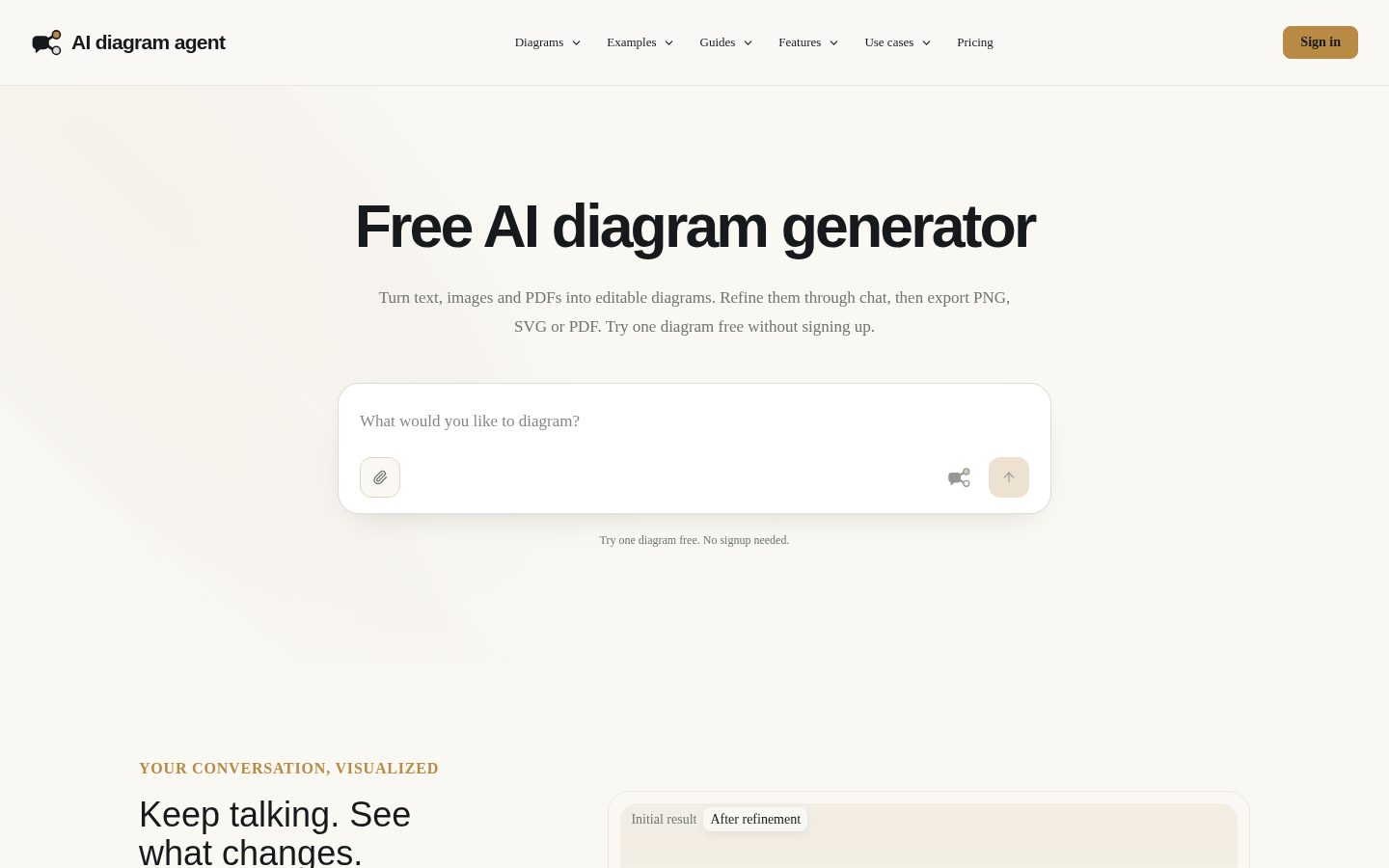
Turn text, images, and PDFs into diagrams through chat
AI diagram agent is an AI-powered diagram generator for turning text, images, and PDFs into visual diagrams.
AI Panel Score
6 AI reviews
Reviewed
Facts checked against aidiagramagent.com
The product works through a chat-based workflow: a user describes what they want, or uploads an image or PDF, and the system generates a diagram in response. Because the interface is conversational, changes are made by continuing to chat rather than manually editing shapes or connectors, reflected in the site's framing "Keep talking. See what changes."
A distinguishing feature highlighted on the site is the range of accepted inputs — plain text descriptions, images, and PDF documents can all be turned into diagrams through the same chat flow. The product also allows a first diagram to be created without creating an account, with additional free credits unlocked after signing in.
The site maintains a public pricing page, documentation, and a public API, indicating the product is available to developers who want to integrate diagram generation into other tools in addition to users of the hosted chat interface.
Builds an entity relationship diagram from described entities, attributes and cardinality, clarifying keys and optional relationships through chat.
Builds a Gantt chart from a supplied schedule, showing task durations, overlaps and dependencies, checked through conversation.
Generates an architecture diagram from a system description, showing boundaries, services and dependencies that can be refined further.
Creates a data flow diagram from a written system description, mapping information sources, transformations and destinations.
Turns a described process into a flowchart with decisions, alternate paths and revision loops, refined through conversation.
Converts described roles and reporting relationships into an organization chart, including dotted-line relationships and open positions.
Maps a business activity from inputs to deliverables based on a described scope, activities, outputs and handoffs.
Produces a sequence diagram showing participants, ordered messages and alternate responses from a described interaction.
Generates swimlane diagrams from roles, activities, decisions and return paths to show ownership and handoffs of process steps.
Arranges supplied milestones, events and dates into a readable timeline that can be refined for sequence and detail.
Builds diagrams through a conversational chat interface by letting users describe content and iterate with follow-up messages.
Converts a screenshot or photo into an editable diagram, interpreting labels, arrows and relationships for the user to check.
Extracts a selected process or system description from a PDF, using a defined page range and intended audience to generate diagrams.
Exports finished diagrams as PNG, SVG, PDF or HTML files.
Lets users save named color palettes for different brands, set a default, and request a specific palette when generating a diagram.
Start with free signup credits, no subscription required.
For ideas that keep growing.
More room for your biggest ideas.
Ten diagram generators behind one chat box, priced like a utility, not a platform deal.
“A narrow, well-scoped tool that replaces a specific workflow rather than a whole design suite. The real question is whether chat-only iteration holds up once diagrams get complex.”
Start with the math. $19.90 gets 2,500 credits a month, $39.90 gets 6,000. I don't know the credit cost per diagram, so I can't tell you the real unit economics — that's a gap worth closing before you commit budget.
Strategically, this isn't a Visio replacement. It's a narrow bet that most diagramming is really 'describe a system once, get a visual once.' That's advancing a workflow, not just discounting an existing tool, which matters when you're defending the line item later.
The API reference and public docs suggest someone is building for integration, not just a chat toy. But a single-person or small-team operation building a chat-first tool against entrenched diagramming habits is a real adoption risk — people don't change how they sketch easily.
Covering ten diagram types including Gantt, swimlane and data flow from one chat interface is a wider net than a single-purpose generator, at a flat $19.90-$39.90 price with no sales call.
No visible cancellation or data-export terms beyond standard multi-format export, so contract risk is unverified rather than clean.
A free diagram with no signup and 100 signup credits after means teams can validate fit against a real document in minutes, not weeks.
Replaces a manual diagramming workflow with a generative one across ER, architecture and sequence diagrams, which is a real shift in how the work gets done, not just a cheaper tool.
Public docs, API reference and a structured pricing page suggest active build-out, though I couldn't find a changelog to confirm release cadence.
Teams that need quick, disposable diagrams from existing docs rather than a permanent design surface.
Skip it if your diagrams need frequent manual precision edits after generation.
A real diagram library wrapped in a chat window, but the craft ceiling is 'readable,' not 'polished.'
“Ten named diagram types and three input formats under one conversational interface is genuinely broad coverage. The question for a design team is whether chat-only editing ever gets you to publication-grade output.”
Ten diagram generators — ER, Gantt, architecture, sequence, swimlane, org chart — under one chat interface is real range. Most tools in this space pick a lane; covering process maps and data flow diagrams with the same conversational engine suggests someone mapped the actual taxonomy of diagramming work, not just flowcharts.
But the entire editing model is 'keep talking.' There's no mention of manual shape or connector editing, which is a problem the moment a diagram is 90% right and you need to nudge one box two pixels left. Brand color palettes and named presets are a good sign of production intent, but palette support isn't the same as layout control.
Pricing is transparent: free tier with 100 signup credits, Starter at $19.90/month for 2,500 credits, Pro at $39.90 for 6,000. Fine for solo use or quick internal diagrams. For an agency producing client-facing architecture decks daily, the real test is whether chat iteration beats a canvas — and I'd want to see that before committing a team workflow to it.
A free first diagram with no signup, against the obvious alternative of manual diagramming tools, is a low-friction wedge into a well-established category.
Chat-only iteration fits fast documentation work but doesn't match how designers fine-tune layout for client delivery.
A public API plus PNG/SVG/PDF/HTML export gives it a real path into existing documentation and design pipelines.
Credits expiring monthly on paid tiers ($19.90 for 2,500, $39.90 for 6,000) means workflows built around bursty diagram needs may overpay in slow months.
Ten distinct diagram generators (ER, sequence, swimlane, Gantt) show real taxonomy depth beyond generic flowcharting.
Teams who need fast, readable technical or process diagrams without hand-drawing them in a canvas tool.
You need pixel-level layout control for polished, client-facing diagram deliverables.
$19.90 and $39.90 tiers. Credits expire monthly. Math is clean, just don't stockpile.
“Two paid tiers, both billed monthly, both priced in public. Credit expiry at next grant is the detail procurement should flag before signing.”
$19.90/month gets 2,500 credits. $39.90 gets 6,000. Per-credit cost drops about 18% at the higher tier — standard volume curve, nothing hidden.
Year 1 on Starter: $19.90 × 12 = $238.80. Year 3, same tier, no price change disclosed: $716.40. Cheap relative to most design tooling. But credits expire at next grant — unused balance doesn't roll. A team with lumpy usage pays for capacity it doesn't bank, effectively a higher real cost than the sticker suggests.
No term length listed. No auto-renewal clause visible, no cancellation friction flagged either way — monthly billing usually means monthly out, but I'd confirm before assuming. Free tier's 100 signup credits make procurement's job easy: test before you commit, no sales call needed. The API being public also means no custom contract tier to negotiate against — what you see is what you sign up for, which cuts both ways on leverage.
Self-serve signup with a free no-account diagram lowers onboarding friction well below typical enterprise procurement cycles.
Monthly billing implies low lock-in, but I couldn't find explicit terms on renewal or cancellation process.
Two tiers, $19.90 and $39.90, with credit counts and file limits listed plainly on the pricing page.
Credits-per-diagram math is trackable, but no stated benchmark for diagrams-per-credit makes value per dollar hard to pin down.
Low sticker price but monthly credit expiry means unused capacity is a sunk cost, raising effective spend for uneven usage.
Teams with steady, predictable monthly diagram volume who want to test the math with a free diagram first.
Avoid if your diagram needs are bursty or seasonal, since unused monthly credits don't carry over.
Great at generating a diagram, untested at living with one across revisions
“Chat-only iteration is fast for a first pass but there's no layer panel or canvas to nudge a connector by hand. For anyone whose job is pixel-level diagram polish, that's a real ceiling.”
No canvas. That's the thing that'll hit on day three. You describe a swimlane or sequence diagram, the agent renders it, and then every fix is a sentence back into chat rather than dragging a node two pixels left or re-routing a connector around a label. Fine for a first draft, slower once you're chasing a specific layout a stakeholder asked for by name.
The ten diagram generators (ER, Gantt, architecture, org chart, sequence) all sit behind the same conversational interface, which is consistent but means there's no diagram-specific toolset — no swimlane-specific alignment guides, no architecture-specific icon library mentioned anywhere I could find.
Brand palettes and multi-format export (PNG, SVG, PDF, HTML) cover the handoff step well. But power-user depth is unclear: nothing in the docs or pricing pages suggests keyboard shortcuts, templates, or batch generation for someone producing dozens of diagrams a week.
Fast first diagram, but chat-only revision gets tedious once you need precise layout control.
Public docs and API reference exist, though I couldn't confirm depth on diagram-specific conventions like cardinality notation or swimlane roles.
Low friction to start (free diagram, no signup) but editing friction compounds if you need manual shape control.
Ten diagram types and brand palettes show breadth, but no visible shortcuts, templates, or batch tools for heavy daily use.
No mention of Figma, Miro, or doc-tool plugins — it's a standalone chat destination, not embedded in existing design flow.

A PM or architect who needs a clean diagram fast and doesn't care about pixel-level layout control.
Avoid if your job depends on fine manual control over connector routing and node placement.
A chat window that makes diagrams, but what happens when the chat window hangs?
“Ten diagram types built through pure conversation, with a real free tier to test before paying. The question nobody's answered yet is what day three feels like when you're fixing a crooked arrow by typing instead of dragging.”
Ten minutes in, this feels good. You paste a system description, a diagram shows up, you say 'move the database box left' and it listens. That's a genuinely low-homework first session, helped by the fact you don't even need to sign up for diagram one.
But chat-only editing is a bet on the model staying sharp over a long back-and-forth. Diagram tools live or die on small corrections — relabel this node, swap these two boxes — and if every one of those costs a round trip to a language model instead of a drag, you're trusting latency and accuracy to hold up every single time. I couldn't find anything about how it handles a misread upload or a stalled generation, which matters more here than in a typical SaaS tool because there's no canvas to fall back on.
The credit structure is also worth sitting with. $19.90 gets you 2,500 credits a month on Starter, but they expire at next grant — so a slow month doesn't bank for a busy one. Fine if your diagram volume is steady, annoying if it isn't.
The free-diagram-before-signup flow is thoughtful, but I couldn't find detail on empty states or error handling inside the chat itself.
Ten generators from one chat interface keeps the surface simple, though conversational editing may get unwieldy on complex diagrams over time.
Listed as web-only, so there's no dedicated mobile experience to speak of, parity or otherwise.
Zero-signup first diagram plus a simple describe-or-upload flow removes the usual setup friction.
No visible info on autosave, version history, or how a failed generation is surfaced to the user.
Someone who wants quick, disposable diagrams from a description or PDF without learning diagramming software.
Avoid if you need fine manual control over layout or work mostly from a phone.
Ten diagram generators, one unanswered question: what happens to your diagrams if this shuts down?
“The feature spread is real and the pricing is visible, which is more than most newcomers offer. But there's no stated export of the underlying chat history or source files, and that's the thing I'd want before paying monthly.”
The $19.90 Starter and $39.90 PRO tiers are printed, not gated behind a sales call. That's rarer than it should be in this category and it buys some trust upfront. Ten diagram types — ER, Gantt, sequence, swimlane, org chart — from one chat flow is a wide claim, and the buyer Q&A backs specifics like PDF page ranges and file size caps rather than just vibes.
What I can't tell: who's behind this. No company name surfaces anywhere I looked, which isn't disqualifying for a 2026 tool but it is a watch item. Docs and an API reference exist, which is a maintenance signal worth something.
Exit path is the real worry. Multi-format export (PNG, SVG, PDF, HTML) gets your diagrams out. It doesn't get your prompts or iteration history out, and this is a chat-only editor — rebuild means re-prompting from scratch elsewhere.
Ten diagram generators from one chat interface is a wide claim versus the usual single-purpose diagram tool, though no named rival to benchmark against.
Multi-format export covers the finished diagram, but there's no stated way to export chat history or source prompts if you leave.
Docs and an API reference exist; I couldn't find a company name or changelog, which leaves maintenance cadence unclear.
The site promises exactly what the free tier delivers: one diagram, no signup, then credits — no inflated superlatives spotted.
Buyer Q&A specifics on PDF page ranges and file types back the headline claim, though real-world diagram quality is untested here.
Teams who want fast, varied diagram output and are comfortable rebuilding from scratch if they ever switch tools.
Avoid if you need a guaranteed migration path for your diagram history before committing budget.
Common questions answered by our AI research team
Yes, you can create one diagram for free before any signup is required.
You can upload text, images, and PDFs to generate diagrams.
Yes, you can iterate on a generated diagram by continuing the conversation in the chat interface.
Yes, PDFs can be uploaded and converted directly into diagrams.
Describe or upload your content—text, images, or a PDF—through the chat interface, and the agent builds a diagram you can refine by continuing the conversation.
AI Diagram Agent is a web-based tool that converts text, images, and PDFs into diagrams through a chat interface.