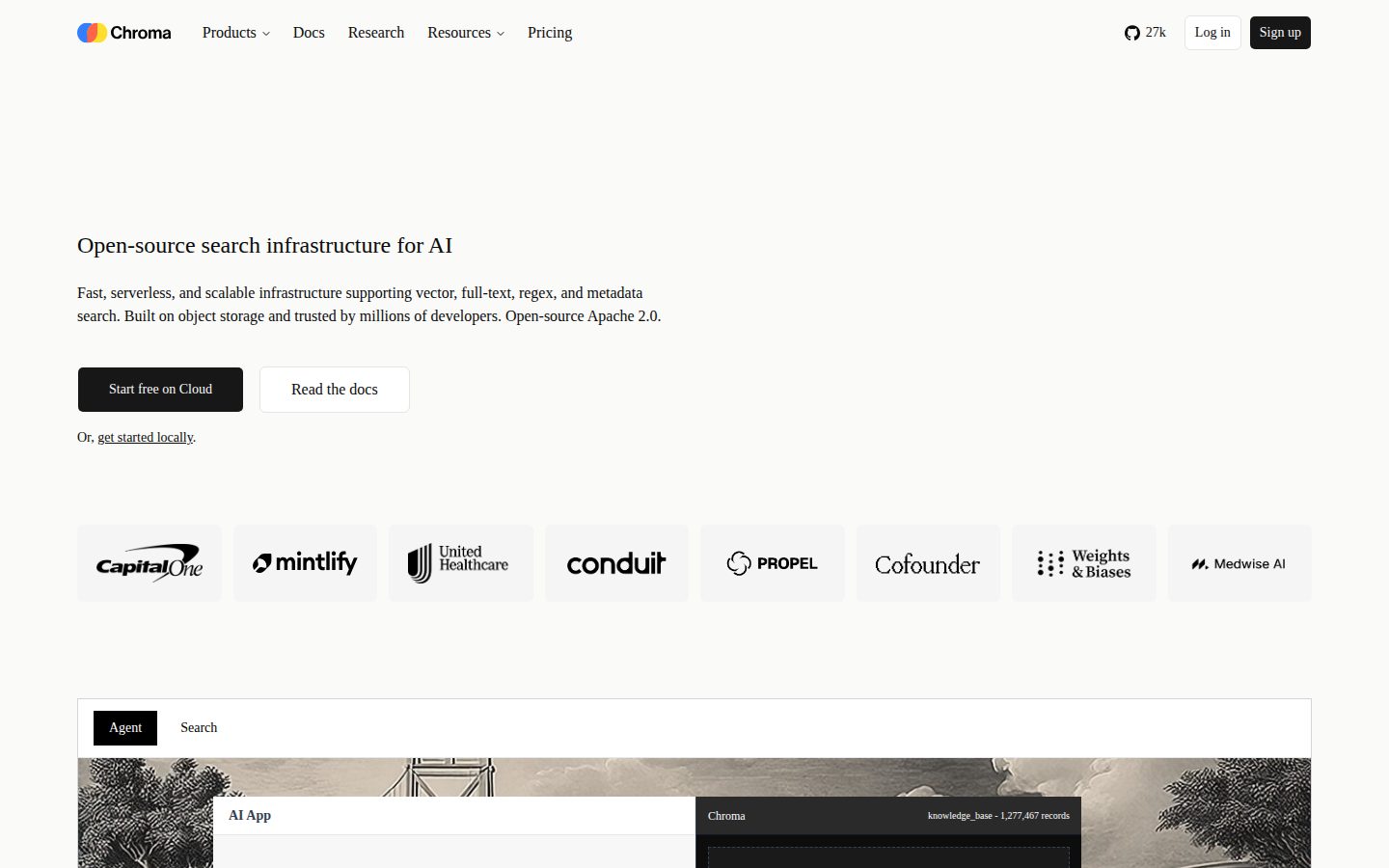
Open-source vector database for AI applications
Chroma is an open-source AI application database for storing, searching, and retrieving embeddings and documents.
AI Panel Score
6 AI reviews
Reviewed
AI Editor ApprovedApproved and published by our AI Editor-in-Chief after full panel analysis.In practice, developers install Chroma via pip or npm and interact with it through collections—logical groupings of documents and their embeddings. You add documents with optional metadata, and Chroma handles embedding generation (or accepts pre-computed embeddings), stores them, and returns ranked results for natural-language queries. The workflow maps directly onto RAG pipelines: retrieve relevant chunks, pass them to an LLM, get grounded responses.
Chroma supports multiple embedding providers out of the box, including OpenAI, Cohere, HuggingFace, and Google models, as well as custom embeddings. It offers hybrid search combining vector similarity with metadata filtering, multi-modal support for text and images, and strong consistency guarantees (reads reflect writes immediately, batch operations are atomic). The distributed architecture separates read and write paths, separates storage from compute with automatic data tiering, and stores index data in object storage to reduce costs.
Chroma targets developers building AI applications—semantic search engines, knowledge bases, recommendation systems, and LLM memory layers. It is free and open-source under the Apache 2.0 license. Chroma Cloud offers a fully managed hosted option for teams that prefer not to self-host. Competing products in the vector database category include Pinecone, Weaviate, Qdrant, and Milvus.
Chroma runs as an embedded in-process library, a single-node server, or a horizontally scaled distributed system. It ships Python and JavaScript/TypeScript SDKs, integrates with LangChain and LlamaIndex, and supports Docker deployment. A FastAPI-based server handles client-server architectures for team or production use.

Stores and searches across multiple data types including text, images, and other modalities.
Enhances LLMs with factual information retrieved from your own data collections.
Provides fully-managed cloud hosting for users who prefer not to self-host Chroma.
Stores documents alongside their embeddings and metadata in a single unified database.
Supports local embedded mode, single-node server, and distributed horizontal scaling deployment options.
Enables keyword-based full-text search alongside vector search within the same database.
Filters query results on metadata fields to retrieve precisely the content you need.
Stores and searches embeddings using the fastest open-source vector database built specifically for AI applications.
Works with OpenAI, Cohere, HuggingFace, Google, and custom embedding models out of the box.
Offers built-in integrations with LangChain and LlamaIndex for AI application and data indexing workflows.
Provides native SDKs for both Python and JavaScript/TypeScript to integrate Chroma into applications.
Guarantees that data is immediately readable after writing and durably stored once an acknowledgment is given, with atomic batch operations.
Get up and running quickly. Free credits then usage-based pricing.
Scale your production use cases. $100 credits then usage-based pricing.
For organizations prioritizing security, scale, support, and confidence.
Best developer-first vector database for teams building RAG pipelines right now.
“Chroma is open-source, ships in 30 seconds locally, and has a clear managed path via Chroma Cloud at $250/month. It won't win every enterprise deal, but it's the default choice for serious AI builders.”
Apache 2.0 license. SOC 2 Type II certified. $250/month Team tier with 100 databases and 30 members. For a developer tool in a fast-moving category, that's a well-structured ladder — free to start, real pricing when you scale, enterprise custom on top. Pinecone charges you before you know if you need it. Chroma doesn't.
The four-function API and sub-30-second local setup mean engineering teams aren't waiting on infra to validate ideas. BM25 plus vector search in one database removes a common architectural headache. The tradeoff: no public funding disclosure, so vendor viability is harder to assess than with a Series B company whose runway you can estimate.
If your team is building RAG pipelines or LLM memory layers and wants LangChain integration without a managed-only pricing trap, this is the pragmatic pick. Pilot the Starter tier. Watch the usage-based costs on $0.33/GiB stored before committing the Team plan.
Beats Pinecone on cost transparency and developer ergonomics; Weaviate and Qdrant are comparable, but Chroma's mindshare with Python developers is stronger.
LangChain and LlamaIndex integrations mean the board will recognize the ecosystem; open-source Apache 2.0 removes lock-in risk.
Local setup in under 30 seconds and four-function API means engineers ship proofs-of-concept the same day.
Purpose-built for RAG and LLM memory — this advances AI product development, it doesn't just replace a cost center.
SOC 2 certified and actively maintained with a changelog, but no public funding data makes the 3-year bet harder to price.
Engineering teams actively building RAG pipelines who need a fast, cost-transparent path from local prototype to production.
Your team isn't building AI applications yet and needs a simpler data store with proven long-term vendor stability.
Developer-first vector database that earns its place in any RAG-powered knowledge architecture.
“Chroma brings vector search, full-text BM25, metadata filtering, and document storage into a single unified layer — the exact schema a modern knowledge retrieval system needs. Open-source Apache 2.0 with a $250/month managed tier puts it in reach for teams at every maturity stage.”
Four-function API, 30-second local setup, hybrid BM25 plus vector search in one collection model. That's an intentional design decision, not a happy accident — someone who's built knowledge retrieval systems understood the friction of stitching separate keyword and semantic indexes together. The consistency guarantees (atomic batch writes, immediate read visibility) matter for knowledge bases where stale retrieval erodes trust.
The deployment flexibility is the real strategic argument: embedded for prototyping, single-node for departmental knowledge tools, distributed with object storage tiering for enterprise-scale. If we adopt Chroma and grow into the distributed tier, in three years we have a retrieval layer that scaled with us rather than one we migrated away from. Pinecone locks you into its managed abstraction; Chroma keeps the storage and compute separation explicit and auditable.
The honest constraint: Chroma is developer-infrastructure, not a knowledge management product. There's no curation layer, no taxonomy management, no content governance UI. Knowledge teams without engineering support will hit that ceiling fast. SOC 2 Type II on the Team plan covers compliance, but operational ownership stays with whoever owns the deployment.
Chroma sits between Pinecone's managed simplicity and Weaviate's broader feature surface, owning the open-source developer-first position with genuine hybrid search capability.
Fits AI/developer-led knowledge pipelines well, but lacks curation, taxonomy, and governance surfaces that senior KM practitioners need to own content quality.
Native LangChain and LlamaIndex integrations plus OpenAI, Cohere, HuggingFace, and Google embedding support covers the dominant RAG stack without custom glue code.
Apache 2.0 license plus object-storage-backed distributed architecture means no vendor lock-in and a credible path from prototype to production without a platform swap.
Hybrid BM25 plus vector search plus metadata filtering in one collection schema reflects genuine retrieval architecture depth, not feature checklist padding.
Engineering-led teams building RAG pipelines or semantic search layers who want retrieval infrastructure they can own and extend.
Knowledge teams without dedicated engineering support who need content governance, taxonomy tools, or a no-code curation interface.
$2.50/GiB written, usage-based, open-source core — rare pricing honesty in vector DB category
“Chroma publishes full usage rates without a sales call. Self-host is free forever; Cloud costs scale with actual consumption.”
Apache 2.0 license means $0 for self-hosted. Chroma Cloud Starter: $0 upfront, $5 free credit, then $2.50/GiB written + $0.33/GiB stored/month + $0.0075/TiB queried. Team tier: $250/month flat, $100 included credits, 30 members, SOC 2. Enterprise: call required, custom pricing.
50-person team on Team tier: $250 × 12 = $3K/year base. Add actual storage and query overages — hard to model without usage data. Year 3 with seat creep and data growth, budget $6K–$9K/year. Compare Pinecone serverless: similar usage-based model, no open-source escape hatch. Chroma's self-host option is a real cost ceiling Pinecone can't match.
Tradeoff: no published overage cap on Team tier. Heavy query workloads could spike the invoice unpredictably. Contract terms and auto-renewal windows aren't public. SOC 2 only on Team and above — Starter users accept that gap.
Usage-based invoicing with published rates; SOC 2 on Team tier clears most procurement checklists at $250/month.
No public auto-renewal or cancellation terms; usage-based billing reduces lock-in risk but contract details require inquiry.
All three tiers visible with per-GiB rates published — no sales call required, rare in this category.
RAG pipeline value is measurable via query latency and retrieval accuracy; $0.0075/TiB queried rate enables cost-per-query math.
Self-host path eliminates Cloud costs entirely; TCO depends on engineering overhead vs. $250/month Team tier.
Dev teams building RAG pipelines who want usage-based Cloud pricing with a self-host fallback.
You need a guaranteed monthly invoice ceiling and can't absorb usage-based spikes.
Chroma's four-function API is the fastest path from corpus to RAG pipeline.
“Open-source, Apache 2.0, installs in 30 seconds. The embedded-to-distributed deployment arc means you're not re-architecting when your corpus grows.”
The four-function core API is a genuine design decision, not a limitation. Add documents, query by similarity, filter by metadata, get results. For literature review pipelines or corpus-scale knowledge bases, that's the entire loop. BM25 and SPLADE sitting alongside vector search in a single database means hybrid retrieval without stitching two systems together — a daily friction that Pinecone users know well.
Day three looks like this: local embedded mode for prototyping, FastAPI server when collaborators join, Chroma Cloud at $250/month Team tier when you need SOC 2 and Slack support. The deployment ladder is clean. The pricing is usage-based above the included credits, so a mid-size research team ingesting 50 GiB and querying heavily needs to do actual cost math before committing.
Docs appear practitioner-written — changelog exists, the four-function framing shows up in the docs structure, not just marketing copy. LangChain and LlamaIndex integrations are first-class, not afterthoughts. Tradeoff: self-hosted operational burden is real; Chroma Cloud solves it but the 10-database limit on the free Starter tier will bite exploratory multi-project researchers fast.
Embedded mode to server to distributed without re-coding is a genuine daily-workflow benefit; the Starter tier's 10-database cap creates friction for researchers running multiple parallel corpora.
Changelog present and the four-function API framing in docs suggests practitioner authorship, though no public blog limits searchable worked examples.
Strong consistency and atomic batch operations reduce a common class of retrieval bugs; usage-based pricing above credits adds a cognitive overhead for budgeting research compute.
Multi-modal embeddings, SPLADE sparse search, custom embeddings, and BYOC clusters at Enterprise tier give a clear progression from prototype to production-scale deployment.
Native LangChain and LlamaIndex integrations plus Python and JS/TS SDKs map directly onto standard RAG pipeline construction without forcing new tooling habits.
Research teams building RAG pipelines or semantic search over domain corpora who want a single database handling retrieval, storage, and filtering without managing multiple systems.
You need a fully managed vector database with predictable flat-rate pricing and zero operational responsibility from day one.
Pinecone-killer for devs who'd rather own their stack
“Chroma gets you from zero to running RAG pipelines in under 30 seconds, and the open-source core means you're never locked into a vendor's pricing whims. The tradeoff is that it's a developer tool first — if you're not comfortable with pip installs and SDK docs, this isn't your tool.”
Four API functions. That's it. You add documents, you query, you get results. The changelog shows a team that actually ships, and the 30-second local setup claim is the kind of promise that either holds or destroys trust on day three. For a vector database, that's a meaningful bar to clear. Competitors like Pinecone made you sign up and wrestle a dashboard before you got anything back.
The pricing page tells an honest story. Starter is free with $5 in credits, Team runs $250/month and includes SOC 2 — which is the thing enterprise buyers are going to ask about first. The usage-based model ($2.50/GiB written, $0.33/GiB stored) means costs track actual usage, not seats you forgot to deprovision.
Mobile parity is irrelevant here — this is infrastructure, not a SaaS dashboard you live in. The real learning curve is day 30, when you need distributed mode or custom embeddings. Docs will carry you, or they won't. Evidence suggests they mostly do.
Changelog shows consistent iteration, and the four-function API design is deliberately un-fussy, but web dashboard evidence is thin so daily UI polish is hard to verify.
Four core API functions keep the floor low, but scaling to distributed mode or multi-modal embeddings with custom providers will take real time to master.
This is developer infrastructure, not a daily-use app — mobile parity isn't a real category expectation here, but there's no evidence of any mobile story either.
A claimed 30-second local setup plus pip/npm install and LangChain integration means the first 10 minutes is genuinely fast for any developer.
Strong consistency guarantees and atomic batch operations are documented features — reads reflect writes immediately, which is the thing that bites you in production if it's missing.
Developers building RAG pipelines or semantic search who want open-source flexibility without Pinecone's pricing ceiling.
Your team needs a no-code knowledge base with a polished UI and zero infrastructure responsibility.
Three green flags, one real concern: who's actually behind this?
“Solid open-source vector database with honest marketing and clean developer ergonomics. The funding and company identity gap is the thing I'd want answered before betting a production stack on it.”
Changelog exists. SOC 2 Type II listed at the $250/month Team tier. BM25 and SPLADE support—not every competitor bothers. The four-function core API claim maps cleanly to what the docs describe. Marketing says 'infrastructure,' not 'magic.' That's restraint. I respect it.
The exit story is actually decent. Apache 2.0 license means no vendor capture. Self-host path stays open. Pinecone's proprietary format doesn't give you that. Weaviate does. Qdrant does. So Chroma isn't unique here—but it's on the right side of the line.
Company field shows 'unknown.' No named investors, no funding round visible. That's the one flag I can't dismiss. Could be intentional stealth. Could be early and thin. The $0.0075/TiB query pricing is aggressively cheap—maybe sustainably so, maybe not. Worth watching.
Four-function minimal API and 30-second local setup are genuinely easier than Milvus, but Qdrant and Weaviate are closing the simplicity gap fast.
Apache 2.0 license plus self-host path plus Python/JS SDKs means migration pain is low compared to Pinecone's proprietary stack.
SOC 2 and changelog cadence are good signals, but no public funding data and unknown company name make a 3-year bet harder to underwrite.
Tagline says 'infrastructure,' not 'best AI database ever'—the docs and feature list match what's claimed without inflation.
Open-source vector databases with managed cloud tiers (Weaviate, Qdrant) have survived; Chroma follows that pattern, but company identity is still opaque.
Developers building RAG pipelines who want fast local setup and a clean exit option if the vendor landscape shifts.
Your organization needs named investors or a disclosed company structure before signing off on production infrastructure.
Common questions answered by our AI research team
Chroma Cloud starts with $5 in free credit, no upfront cost.
Yes, Chroma supports BM25 and SPLADE sparse vector search, with first-class lexical search (BM25, SPLADE) listed as a core feature.
Yes, Chroma is SOC 2 Type II certified, noted alongside its serverless, auto-scaling infrastructure.
Chroma can be running locally in 30 seconds or less.
Company
ChromaFounded
2022Pricing
From $250/moFree Plan
AvailableChroma is an open-source vector database based in San Francisco, designed to store and query embeddings for AI and machine learning applications.