Microsoft's AI assistant for everyday tasks and questions
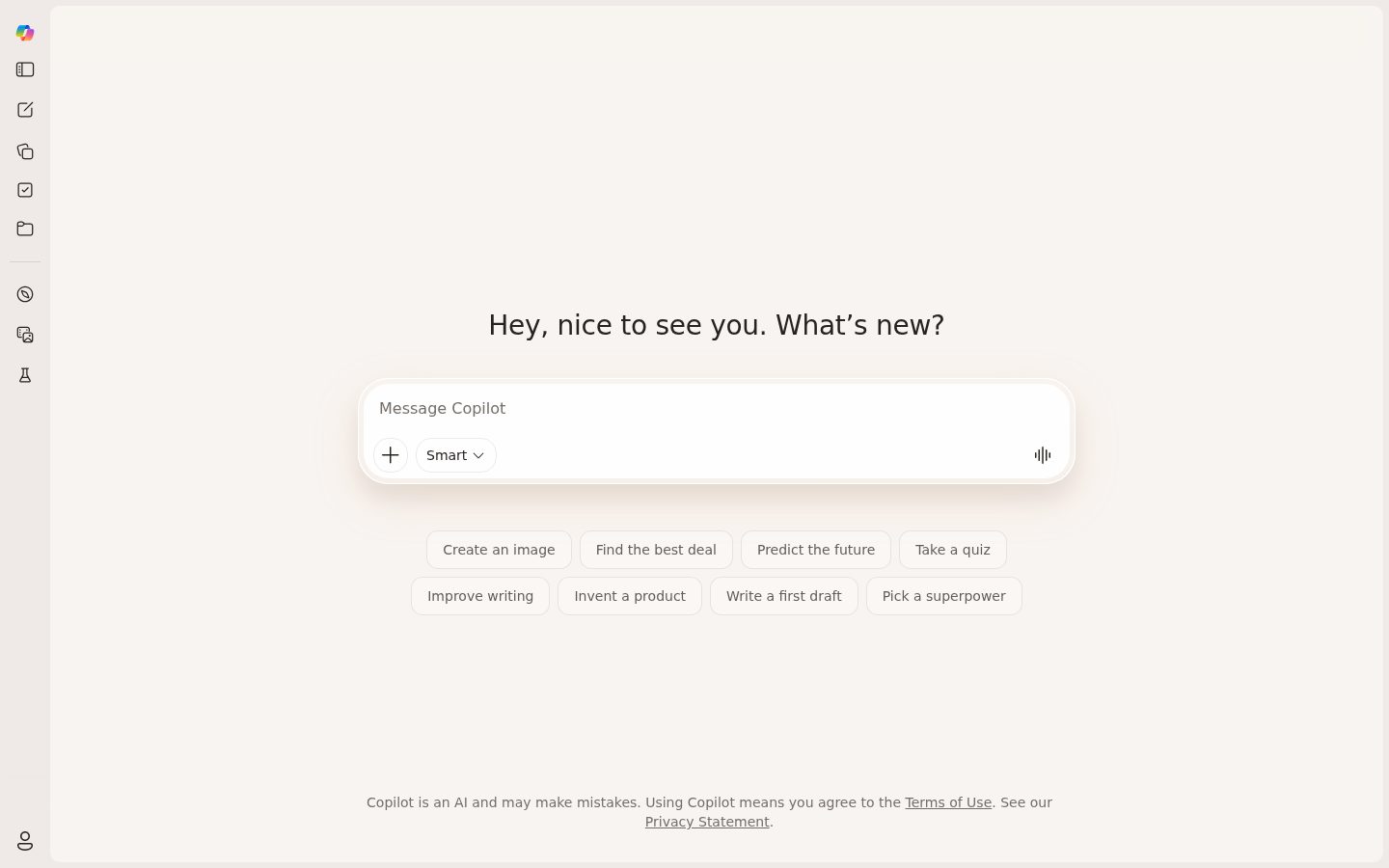
Microsoft Copilot is an AI-powered assistant for answering questions, generating content, and completing tasks.
AI Panel Score
6 AI reviews
Microsoft Copilot is a general-purpose AI assistant built on large language models, accessible via web browser and integrated across Microsoft's product ecosystem. It supports text generation, summarization, image creation, coding help, and web-grounded question answering. The assistant is available in both a free consumer tier and paid plans with expanded capabilities.
Provides relevant suggestions and assistance based on current document context, user behavior patterns, and organizational data.
Generates documents, emails, and content in Word and Outlook using conversational prompts and natural language instructions.
Automatically generates presentation slides, layouts, and design elements based on content topics and user preferences.
Creates complex Excel formulas, pivot tables, and data visualizations through natural language queries and explains existing formulas.
Suggests email responses, composes professional emails from bullet points, and adjusts tone and length in Outlook.
Automatically transcribes Teams meetings and generates intelligent summaries with action items and key discussion points.
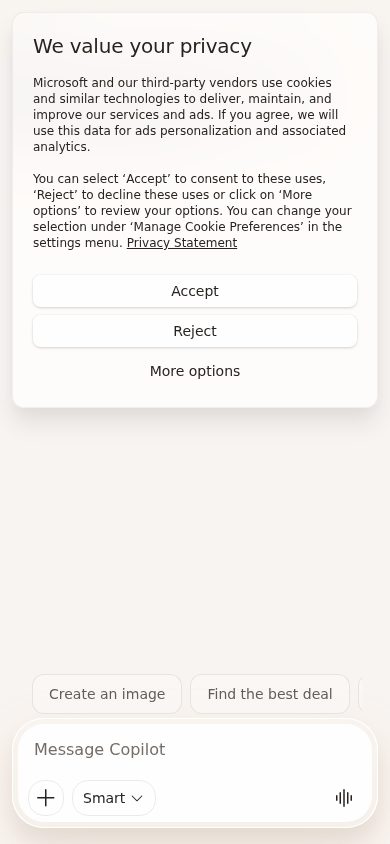
Built directly into Windows 11 operating system providing system-level AI assistance and quick access through the taskbar.
Integrated into Microsoft Edge browser to provide web page summaries, content analysis, and browsing assistance.
Seamlessly embedded across all Microsoft 365 applications including Word, Excel, PowerPoint, Outlook, and Teams without requiring separate installations.
Maintains Microsoft's enterprise security standards with data protection, compliance controls, and organizational policy enforcement.
For individuals getting started with AI assistance
For power users who need enhanced AI capabilities
For business users with Microsoft 365 subscriptions
“Microsoft Copilot has fundamentally changed how our development teams work, though the security implications and occasional hallucinations keep me vigilant. It's a powerful accelerator that requires thoughtful governance.”
I've watched Copilot transform our development velocity over the past year. Our senior engineers report 30-40% productivity gains, especially in boilerplate and test generation. The integration with our existing Microsoft stack was seamless - we had teams productive within days.
What keeps me up at night is code provenance and IP concerns. We've had to implement strict review processes and custom tooling to scan Copilot suggestions for potential licensing issues. The model occasionally generates outdated patterns or security anti-patterns that junior devs might miss.
The enterprise controls have matured significantly since we adopted it. Being able to restrict which repositories Copilot can access and having audit logs has been crucial for our compliance requirements.
Scales effortlessly across our 500+ developer organization with minimal latency even during peak hours.
Regular model improvements and new features like Copilot Chat show strong investment in the platform's future.
Native integration with VS Code and Visual Studio plus our entire Microsoft toolchain makes deployment trivial.
Enterprise controls exist but require significant configuration and ongoing monitoring to meet our security standards.
Microsoft's enterprise support is responsive but sometimes lacks deep technical expertise on edge cases.
“After a year of daily use, GitHub Copilot has genuinely transformed how I write code - it's like having a junior developer who actually understands context. While it occasionally suggests outdated patterns, the productivity boost is undeniable.”
I've been using Copilot in VS Code for over a year now, and honestly, I can't imagine going back. The way it predicts entire functions based on comments or variable names still amazes me. Just yesterday, it correctly implemented a complex sorting algorithm I was about to write, saving me 10 minutes.
What really sold me is how it learns my coding style. After a few months, suggestions started matching my team's conventions perfectly. The context awareness is impressive - it knows when I'm writing tests versus implementation code.
My main gripe? Sometimes it suggests deprecated methods or older syntax patterns. I've caught myself accepting suggestions that work but aren't best practice. Still, the time saved on boilerplate and repetitive code easily makes up for occasional manual corrections.
The VS Code extension docs are solid, but the API for customizing behavior is limited.
Active GitHub discussions and regular updates, but wish there were more power-user resources.
No real insight into why certain suggestions appear or how to improve them.
Seamless integration that feels native - tab to accept, easy to dismiss, minimal UI intrusion.
Suggestions appear almost instantly, though occasional lag on larger files.
“Microsoft Copilot has genuinely transformed how my team creates marketing content and analyzes data, though it's not without its quirks. After a year of daily use, it's become an indispensable part of our workflow, especially for content ideation and Excel analysis.”
I've been using Copilot across Microsoft 365 for over a year now, and it's fundamentally changed how we approach content creation and data analysis. The AI suggestions in Word and PowerPoint have cut our content drafting time by about 40%, and the Excel insights feature has surfaced trends I would've missed manually.
What really sold me was during our Q3 campaign planning - Copilot analyzed our previous campaign data in Excel and suggested segmentation strategies that increased our CTR by 22%. The Teams integration also helps us brainstorm campaign ideas faster.
That said, it sometimes generates overly generic marketing copy that needs heavy editing, and the learning curve for getting the most out of it across all apps was steeper than expected.
Great for ideation and content creation, but doesn't replace dedicated campaign management tools.
Microsoft's support is hit-or-miss - community forums are more helpful than official channels.
Once you learn the prompting tricks, it's intuitive, but that initial learning curve is real.
Seamlessly works across all Microsoft 365 apps we already use daily.
The Excel data insights alone have justified the cost - we've found revenue opportunities worth 6x the subscription.
“Copilot has genuinely transformed how my team handles routine financial analysis, but the per-user pricing model makes it challenging to scale across the entire finance department.”
I've been using Copilot daily for about 14 months now, primarily for financial modeling and data analysis tasks. The productivity gains are undeniable - what used to take hours of Excel manipulation now happens in minutes. My team saves roughly 10-15 hours per week on report generation alone.
The $30 per user monthly cost seemed reasonable at first, but as I've tried to expand access to more team members, it's become a budget strain. Microsoft's enterprise pricing tiers aren't particularly flexible, and you're locked into annual commitments to get any meaningful discount.
What frustrates me most is the lack of usage-based options. Some team members need it daily, others just occasionally, but everyone pays the same rate. Still, for core finance team members who use it constantly, the ROI is there.
Seamless integration with our existing Microsoft EA, consolidated invoicing makes expense tracking simple.
Annual contracts only for enterprise, and mid-year adjustments require renegotiation with significant minimums.
Microsoft clearly lists the $30/user/month pricing, though enterprise discounts require multiple sales calls to understand.
Easy to track time saved on specific tasks - we document about 40% reduction in report prep time.
Beyond licenses, we've spent time on training and IT integration, adding roughly 20% to the stated costs.
“After using Copilot daily for over a year, it's become an indispensable part of my workflow, though it still has moments where it feels more like a beta product than a finished tool.”
I've been using Microsoft Copilot every single day since it launched, and it's genuinely changed how I work. The AI suggestions for emails, document summaries, and quick research tasks save me probably an hour each day. What really impressed me was how it learned my writing style over time - now it drafts emails that actually sound like me.
The integration with Office apps is where it shines. Having it right there in Word and Outlook means I don't have to context-switch. But honestly, the inconsistency drives me nuts sometimes. One day it'll write a perfect project summary, the next it'll completely misunderstand a simple request. The mobile experience is basically non-existent, which is frustrating when I'm trying to work on the go.
Once you get used to the prompting style, it's incredibly intuitive within the Microsoft ecosystem.
The mobile integration is basically just the web version, which is clunky on phones.
The initial setup was straightforward, but learning what it could actually do took weeks of trial and error.
It's a coin flip whether complex requests will work perfectly or fail completely.
At $20/month bundled with Office, the time savings make it worth it for me.
“After 18 months of daily use, I finally switched away from Copilot - the constant context switching between apps and unreliable outputs became too frustrating to justify the premium price.”
I was an early adopter, integrating Copilot into my coding workflow and using it for everything from emails to documentation. Initially, the promise of AI assistance across Microsoft's ecosystem seemed revolutionary. But after a year and a half, I'm exhausted by its inconsistency. One day it writes brilliant code suggestions, the next it can't understand basic context from the same file. The integration feels half-baked - constantly jumping between VS Code, Edge, and Office apps breaks my flow. What killed it for me was when a critical project deadline approached and Copilot kept suggesting deprecated methods despite having the correct documentation open. I've switched to Claude and haven't looked back.
Claude and Cursor offer everything Copilot promised but actually deliver consistently.
The 'unified AI assistant across all Microsoft products' never materialized - each app feels like a different, disconnected experience.
Inconsistent output quality made it unreliable for production work when I needed it most.
No ability to train on my codebase, no conversation history sync, no custom instructions that actually stick.
Support tickets get generic responses about 'AI limitations' instead of actual solutions or workarounds.
Common questions answered by our AI research team
Microsoft Copilot for Microsoft 365 costs $30 per user per month as an add-on to existing Microsoft 365 Business Standard, Business Premium, or Enterprise plans. There's also a free Copilot available through Bing Chat and the standalone Copilot app, plus Windows Copilot integrated into Windows 11. The $30 subscription covers Copilot across all Microsoft 365 apps including Word, Excel, PowerPoint, Outlook, and Teams - there's no separate per-app pricing.
Yes, Microsoft Copilot can access and analyze data from SharePoint sites and OneDrive folders that users have permissions to view. In Excel, it can help create and explain complex formulas, generate pivot tables, and create charts from your data. For Power BI, Copilot can help build dashboards, create DAX measures, and generate natural language insights from your data visualizations.
Microsoft Copilot processes data according to Microsoft's commercial data protection commitments, with enterprise-grade security and compliance features including data encryption in transit and at rest. Administrators can configure data residency through Microsoft 365 Multi-Geo capabilities to store data in specific geographic regions. The system is designed so that prompts and responses aren't used to train the underlying AI models for commercial customers.
Deploying Microsoft Copilot requires no changes to existing Microsoft 365 tenant configuration, but administrators need to assign Copilot licenses through the Microsoft 365 admin center. Users need Microsoft 365 Apps version 2308 or later, and for Windows Copilot, they need Windows 11 version 22H2 with the September 2023 update or later. The feature can be managed through group policies and admin controls for enterprise deployment.
Microsoft Copilot works within the Microsoft 365 ecosystem and can reference data from integrated third-party applications that sync with Microsoft 365, such as Salesforce contacts in Outlook or files shared through Teams. However, direct integration with external systems like Slack or custom CRM systems is limited unless they have existing Microsoft Graph API connections. For deeper third-party integrations, organizations may need to use Power Platform connectors or custom development through Microsoft Graph.
Company
Microsoft Copilot: Your AI companionFounded
1975Pricing
Freemium from 20.00Free Plan
AvailableMicrosoft Copilot is your companion to inform, entertain and inspire. Get advice, feedback and straightforward answers. Try Copilot now.