Imgkits Review
VisitAI image and video processing tools in one web platform
Imgkits is an AI-powered image and video processing platform for content creation and photo editing.
AI Panel Score
0 AI reviews
AI image and video processing tools in one web platform
Imgkits is an AI-powered image and video processing platform for content creation and photo editing.
AI Panel Score
0 AI reviews
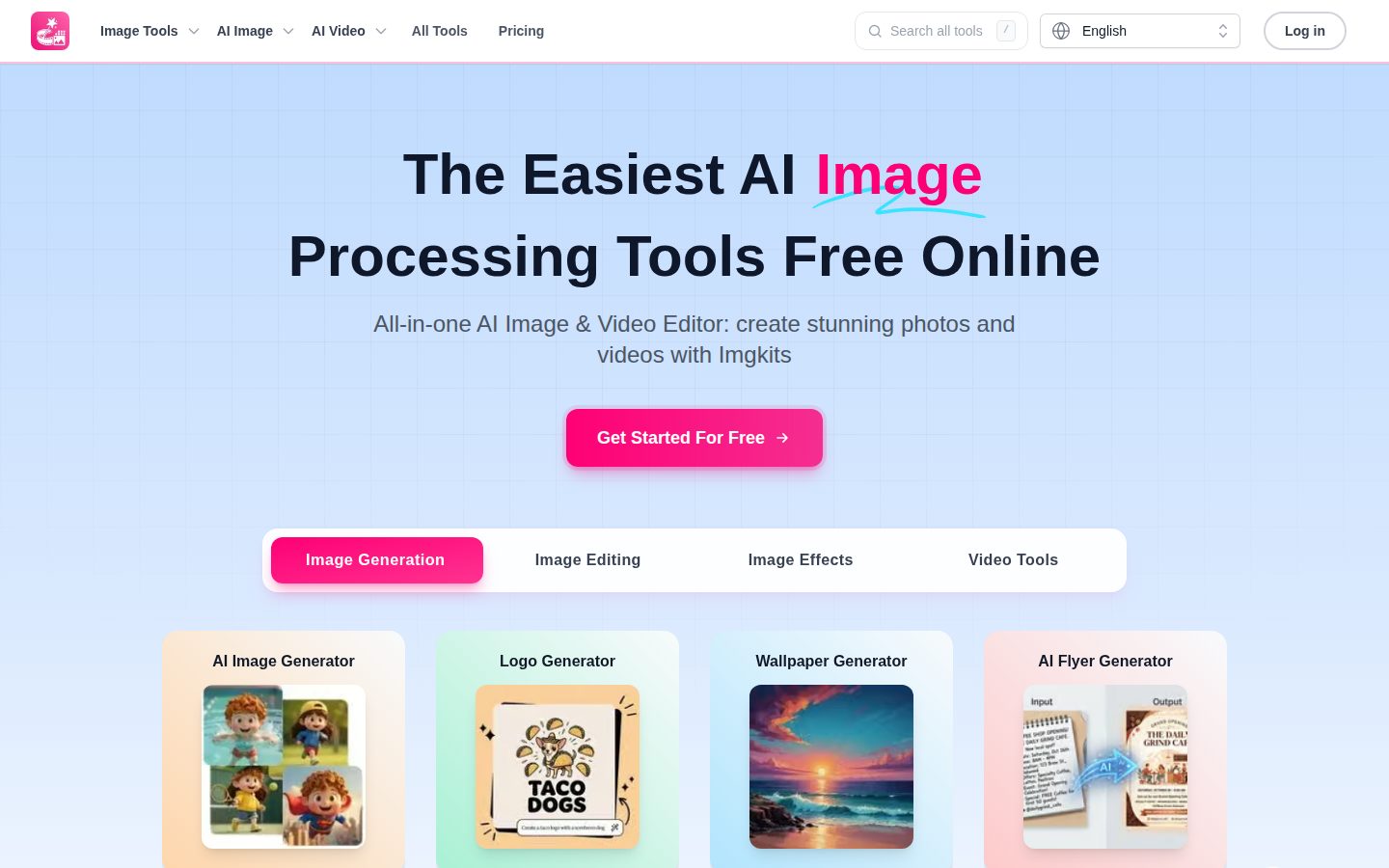
Imgkits is a browser-based platform where users upload photos or enter text prompts to generate, edit, or enhance images and videos using AI. The site groups its functionality into four areas: image generation (text-to-image, logo, wallpaper, emoji, and tattoo generators), image editing (background removal, inpainting, object replacement and removal), image enhancement (upscaling, photo restoration, unblurring, colorization), and style transfer (cartoon, anime, sketch, and pixel art conversions). No downloads are required to use the tools, and outputs can be exported in multiple formats.
The platform includes a detailed set of object-removal tools targeting specific use cases, such as removing people, double chins, glasses, tattoos, shadows, glare, fences, and wires from photos. It also offers video generation tools, including text-to-video and image-to-video conversion, with a specialized option built on the Hailuo AI video model. Additional niche tools include a fantasy map generator, magazine cover maker, and text-behind-image effect creator.
Designs personalized emoji characters.
Designs flyers for events and promotions.
Creates custom images from text descriptions.
Designs professional logos with AI assistance.
Designs custom tattoo artwork.
Creates custom wallpapers for devices.
Transforms photos into action figure designs.
Creates detailed fantasy maps for worlds and campaigns.
Converts rough sketches into detailed images.
Edits images using AI-powered editing tools.
Expands an image's canvas with AI-generated content.
Replaces photo backgrounds with new ones.
Automatically removes backgrounds from images.
Creates depth-of-field blur effects behind subjects.
Fills in missing or removed parts of images.
Credit packs for occasional use, no subscription required, credits never expire
Best value subscription for regular creators, billed annually at a discounted rate
Monthly subscription for creators wanting flexibility without annual commitment
AI panel reviews are being generated for this product.
Common questions answered by our AI research team
Pay-as-you-go credits cost $0.50 per credit, with bundles of 10 credits for $5.00, 50 credits for $19.00, 150 credits for $29.00, and 500 credits for $59.00. These credits never expire.
No. Unused credits from monthly or annual subscription plans do not roll over to the next billing cycle, so they should be used within the current period. Separately purchased add-on credits, however, do not expire and remain in your account until used.
Common image uploads include JPG, JPEG, PNG, and WebP, though supported formats can vary by specific tool. Check the upload instructions for each tool to confirm its current format and file-size limits.
No software installation is required. Imgkits is accessed entirely through a web browser and can also be used from a supported mobile browser.
Refunds can be requested within 3 days of your first purchase, provided you have not used more than 10 credits.