Kagi logo

Kagi Review

Visit

Ad-free, private search and web tools funded by users, not advertisers

Kagi is a subscription-based private search engine and web ecosystem for users who want ad-free, tracker-free internet access.

Kagi Inc.·Founded 2018·From $5/moFree PlanFree TrialAI Search & KnowledgeAI Agents & AssistantsAI Productivity

AI Panel Score

7.8/10

6 AI reviews

Reviewed

AI Editor Approved

About Kagi

Users interact with Kagi primarily through its search engine, where queries return results with no ads and no tracking. Search results can be customized using filters and ranking controls, allowing users to demote or block specific domains and surface sources they prefer. The Kagi Assistant combines multiple large language models with Kagi search results to answer questions while keeping prompts private and not using them for model training.

Beyond search, Kagi offers several distinct tools: Orion Browser, which supports extensions from Safari, Chrome, and Firefox simultaneously with built-in ad and tracker blocking; Kagi Translate, covering 240+ languages; Kagi News, which delivers topic-based news briefs without clickbait; and Kagi Summarize for condensing long articles. A "Small Web" feature surfaces non-commercial, human-authored websites outside the mainstream index. Kagi also offers Privacy Pass tokens, which let users verify their subscription without linking searches to their account.

Kagi targets privacy-conscious individuals, families, and organizations — including libraries — who want search quality improvements beyond what ad blockers can provide. Individual and family subscription plans are available, with a free tier limited to 150 searches before requiring a paid plan. Team plans exist for workplace use. Kagi competes with Google, Bing, DuckDuckGo, and Brave Search in the private or alternative search category.

Kagi is accessible on web, iOS, and Android, and the Orion Browser is available for macOS. Extensions and mobile apps extend search and browsing functionality across devices.

Features

AI

  • Kagi Assistant

    An AI assistant that accesses multiple leading LLMs (including GPT, Claude, Gemini, and DeepSeek) grounded by Kagi search results, while keeping prompts and data private.

  • Page Summarization

    An on-demand feature accessible from any search result that generates an AI synopsis of the linked page, including YouTube videos, without requiring the user to visit the page.

  • Quick Answer

    An on-demand AI summarization tool triggered by appending '?' to any query, which extracts and summarizes key content from search results with citations to source material.

Core

  • Ad-Free Search

    Delivers web search results with zero advertisements or sponsored listings, funded entirely by user subscriptions rather than advertiser revenue.

  • Kagi Translate

    A translation tool supporting 240+ languages that uses a combination of LLMs to translate text, pages, and chats while offering multiple translation options with explanations of differences.

  • Search Bangs & Snaps

    Shorthand shortcuts (e.g., '!r' for Reddit, '@r' expanding to site:reddit.com) that redirect searches to thousands of external sites directly from the Kagi search bar.

  • Small Web Index

    A proprietary web index (internally named 'Teclis') and curated collection of non-commercial, personal sites that surfaces independent, ad-free content not prioritized by mainstream search engines.

Customization

  • Custom CSS Editor

    Lets users apply custom CSS to the Kagi search interface to personalize the visual appearance of the results page to their own preferences.

  • Domain Blocking & Boosting

    Allows users to permanently block, downrank, or upvote specific domains so those preferences are applied across all future search results, including image search.

  • Search Lenses

    User-editable search filters that focus results on specific subsets of the web, such as discussions, podcasts, PDF files, or small independent websites.

Integration

  • Kagi Search API

    A developer API (currently in early-access rollout) that allows developers to integrate Kagi's privacy-respecting search results into their own apps, tools, and AI systems.

Security

  • Zero Telemetry & Privacy Pass

    Searches are never saved or linked to user accounts, and Privacy Pass tokens allow users to authenticate as paying subscribers without being personally identifiable.

Preview

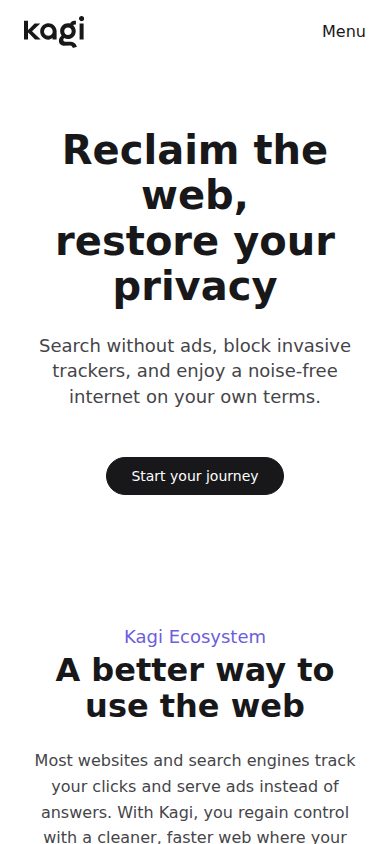
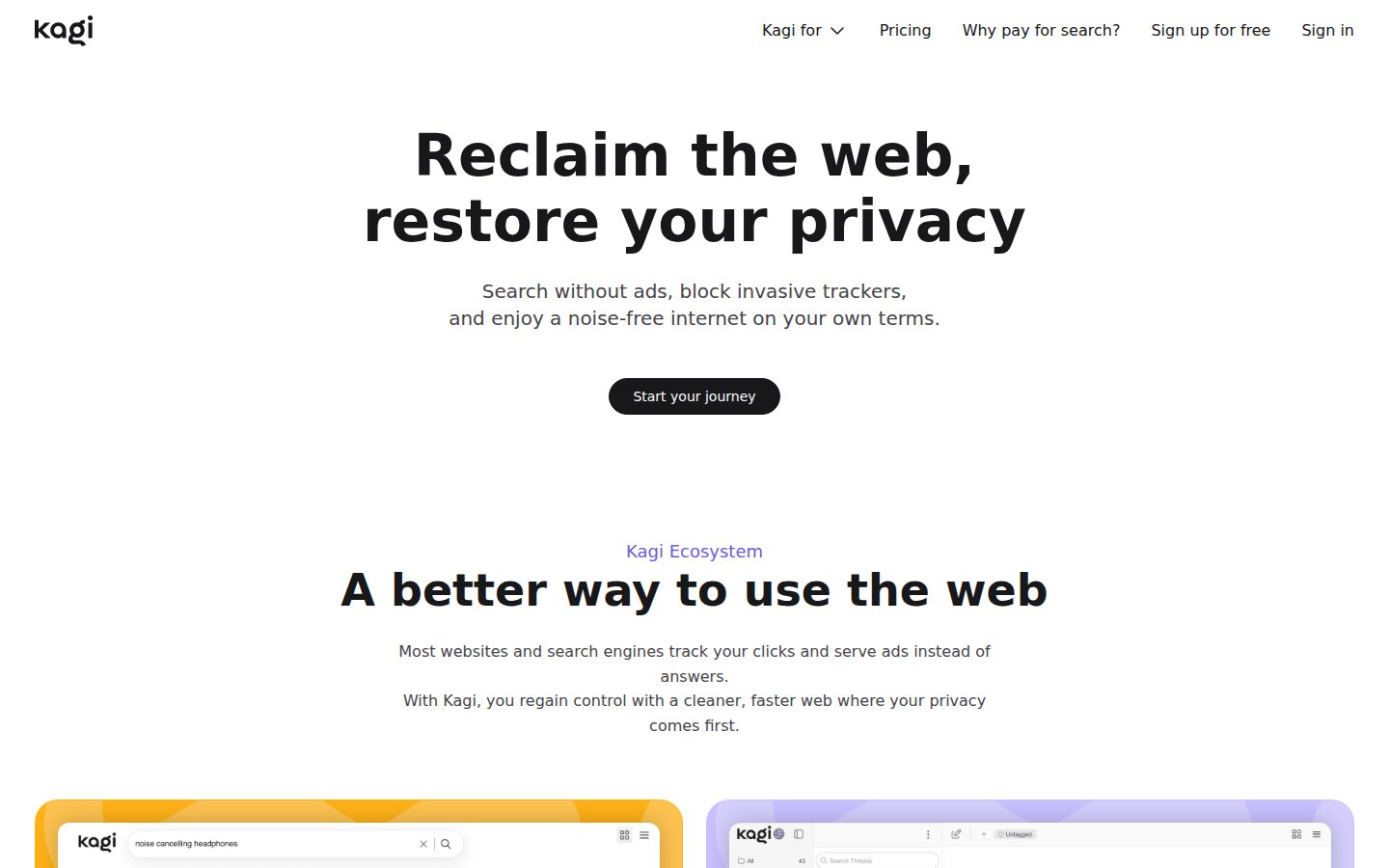
Kagi desktop previewKagi mobile preview

Pricing Plans

Trial

Free

Free no-commitment trial to explore Kagi Search and Assistant before subscribing.

  • 100 searches with Standard AI
  • 100 Kagi Assistant interactions
  • Access to all Kagi features
  • Upgrade anytime without commitment

Starter

$5/monthly

Entry paid plan for getting started with privacy-first search; capped monthly usage.

  • 300 searches per month
  • Kagi Assistant with Quick mode
  • Universal Summarizer and Kagi Translate
  • Standard AI models
Popular

Professional

$10/monthly

Most popular plan for prolific search users and developers who want unlimited search.

  • Unlimited Kagi Search
  • Kagi Assistant with Quick mode
  • Unlimited Universal Summarizer and Kagi Translate
  • Standard AI models

Ultimate

$25/monthly

Top tier for power users wanting premium AI access alongside unlimited search.

  • Unlimited searches and Premium AI access
  • Kagi Assistant with Research mode and flagship models
  • Access to Claude, GPT, Gemini and other advanced models
  • All Professional tier benefits included

AI Panel Reviews

The Decision Maker

The Decision Maker

Strategic bet, vendor viability, timing, adoption approval
7.8/10

The $10 Google replacement that actually works — if your team values privacy.

Kagi delivers ad-free search and a surprisingly complete ecosystem at $10/month for unlimited use. The bet is on a small founder-led company competing against the biggest advertising machine ever built.

Founded 2018, no public funding data, one named founder. That's the honest viability picture. They're shipping — changelog confirms it, Orion Browser and the Search API show product breadth — but this isn't a Series B with 18 months of runway you can audit. You're betting on a small team that's stayed independent longer than most.

At $10/month for unlimited search, Domain Blocking, the Small Web index, and AI assistant access across Claude, GPT, and Gemini, the value math is real. DuckDuckGo gives you privacy without the customization. Brave Search gives you independence without the ecosystem. Kagi gives you both, plus the Custom CSS editor for the kind of user who'd actually use it.

The tradeoff is adoption friction. The 300-search cap on the $5 Starter plan will surprise heavy users fast. And recommending a bootstrapped private-search company to a risk-averse board requires a story about principles, not ROI.

Competitive Positioning7.5

Domain Blocking, Search Lenses, and multi-LLM Assistant give it real differentiation over DuckDuckGo and Brave Search.

Reputation Risk7.0

Privacy-conscious positioning looks smart to informed peers; the small vendor footprint is a question a cautious board will ask.

Speed to Value9.0

100-search free trial, no commitment, unlimited search at $10/month — value is visible on day one.

Strategic Fit7.5

For privacy-first orgs, eliminating tracker-laden search across the workforce is a real strategic move, not just a cost swap.

Vendor Viability6.5

Founded 2018, no public funding data — sustainable subscription model is promising but the balance sheet isn't auditable.

Pros

  • Unlimited search at $10/month with zero ads and zero tracking
  • Multi-LLM Assistant — Claude, GPT, Gemini, DeepSeek — with private prompts at the $25 tier
  • Orion Browser supports Safari, Chrome, and Firefox extensions simultaneously — no other browser does that
  • Domain Blocking and Search Lenses offer customization Google won't give you

Cons

  • No public funding data — viability is a real question for enterprise procurement
  • 300-search cap on the $5 Starter plan is tight for any real user
  • Orion Browser is macOS only — Windows teams are half-served

Right for

Privacy-conscious teams or individuals who search heavily and want Google-quality results without the surveillance.

Avoid if

You need an auditable, enterprise-grade vendor with documented funding and SLA commitments.

The Domain Strategist

The Domain Strategist

Craft and strategy in the product's domain — adapts identity per category, same lens
7.8/10

Privacy-first search with genuine KM utility, but team governance is still thin.

Kagi delivers ad-free, tracker-free search at $10/month with domain-level result curation and multi-LLM access — a meaningful signal-to-noise improvement for knowledge workers. The ecosystem breadth is real, but organizational knowledge management infrastructure is underdeveloped.

The Domain Blocking & Boosting feature is the sleeper capability here. The ability to permanently demote low-quality domains across all queries is exactly the kind of retrieval hygiene KM practitioners spend hours trying to enforce through other means. Pair that with Search Lenses scoped to PDFs, discussions, or independent web, and you have a rudimentary but functional source governance layer. The Small Web index surfaces non-commercial, human-authored content that mainstream indexes bury — genuinely useful for research workflows that need primary sources over SEO-optimized noise.

The $25 Ultimate tier unlocks Claude, GPT, Gemini, and DeepSeek under one roof with private prompts and zero training data exposure. For teams handling sensitive research, that data handling posture alone justifies the cost. The tradeoff: the API is still early-access, and team-level knowledge sharing — shared lenses, shared blocklists, collective curation — doesn't appear to exist yet. You're building individual retrieval quality, not organizational knowledge architecture.

If we adopt Kagi at the team level today, in three years we have highly tuned individual search workflows with no shared memory layer. That's a productivity win, not a KM strategy. DuckDuckGo doesn't come close on customization depth, but enterprise KM platforms like Guru or Glean serve a fundamentally different need. Kagi is the right research tool for privacy-conscious knowledge workers; it isn't a knowledge base replacement.

Category Positioning8.2

Clearest differentiated position in private search — ahead of DuckDuckGo and Brave Search on customization depth, with a subscription model that aligns incentives durably.

Domain Fit7.0

Strong fit for individual research workflows; weak fit for team knowledge governance where shared retrieval standards and collective curation matter.

Integration Surface6.8

The Search API is early-access only, and no documented integrations with enterprise KM stacks like Confluence, Guru, or Notion appear in the evidence.

Long-term Implications7.8

If privacy regulations tighten, Kagi's zero-telemetry architecture becomes a compliance asset; the constraint is per-user customization that can't be institutionalized or transferred.

Strategic Depth7.5

Domain blocking, Search Lenses, and multi-LLM Assistant show genuine craft depth, but no glossary, taxonomy management, or shared curation layer limits ceiling for org-wide KM.

Pros

  • Domain Blocking & Boosting creates persistent retrieval hygiene at the query level
  • Multi-LLM Assistant (Claude, GPT, Gemini, DeepSeek) under one privacy-safe roof at $25/month
  • 240+ language support in Kagi Translate covers serious multilingual research needs
  • Small Web index surfaces non-SEO-gamed, human-authored sources that mainstream search buries

Cons

  • No shared team lenses or collective blocklists — customization is per-user, not organizational
  • Search API still in early-access, limiting integration into existing KM workflows
  • 300-search cap on the $5 Starter plan is inadequate for any serious knowledge worker
  • No evidence of glossary management, taxonomy tools, or knowledge capture features

Right for

Privacy-conscious knowledge workers and research teams who need cleaner signal retrieval and multi-LLM access without data exposure risk.

Avoid if

Your KM mandate requires shared taxonomies, collective curation, or deep integration with your existing knowledge base infrastructure.

The Finance Lead

The Finance Lead

Money, total cost of ownership, contracts, procurement math
7.8/10

$10/month buys unlimited private search — the TCO math is unusually clean

Three visible tiers, no sales call required. 50-seat team cost is predictable in a way most SaaS vendors won't allow.

$5, $10, $25/month. All three tiers published without a demo request. Starter caps at 300 searches — that's a real constraint for heavy users. Professional at $10/month unlocks unlimited search. Ultimate at $25 adds Claude, GPT, Gemini, DeepSeek access via Kagi Assistant.

50 users × $10 × 12 = $6K/year on Professional. Add 20% seat creep: year 3 lands near $8,600. Compare that to DuckDuckGo at $0 — but DuckDuckGo doesn't offer domain blocking, Search Lenses, or multi-LLM assistant access. The tradeoff is paying for what ad-supported search subsidizes with your data.

No public auto-renewal window in the evidence. Month-to-month pricing suggests low lock-in risk, but team contract terms aren't documented publicly. No overage rate published — the Starter 300-search cap is the only billing ceiling visible. For procurement, that's the one number to nail down before committing teams to the Starter tier.

Billing & Procurement8.0

Self-serve onboarding, no procurement friction at individual and small-team tiers; Libraries and enterprise paths aren't fully documented.

Contract Flexibility7.5

Monthly billing implies easy cancellation, but auto-renewal window and team contract exit clauses aren't visible in public docs.

Pricing Transparency9.2

All four tiers — including $0 trial — published on the pricing page with feature breakdowns, no sales call required.

ROI Clarity7.0

Value is real but qualitative — privacy, ad removal, search quality — and hard to quantify against a $0 DuckDuckGo baseline.

Total Cost of Ownership8.5

Month-to-month plans and no published add-on fees make 3-year modeling straightforward; team contract terms aren't publicly detailed.

Pros

  • All tiers visible without a sales call — rare
  • $10/month Professional tier includes unlimited searches and summarization
  • No data collection means no compliance cost downstream
  • Orion Browser supports Safari, Chrome, and Firefox extensions simultaneously

Cons

  • Starter tier's 300-search cap will surprise moderate users mid-month
  • ROI case against free competitors like DuckDuckGo requires qualitative argument
  • Team contract terms not publicly documented
  • No published API pricing — early-access status means cost unknown

Right for

Privacy-conscious teams willing to pay $10/seat monthly for clean, ad-free search with multi-LLM assistant access.

Avoid if

Your team runs high search volume on the Starter tier — the 300-search cap will force upgrades or overages fast.

The Domain Practitioner

The Domain Practitioner

Daily hands-on reality in the product's domain — adapts identity per category, same lens
8.2/10

Private search that actually respects your sources — at $10/month, hard to argue against

Kagi replaces Google's ad-contaminated results with clean, customizable search funded by subscriptions, not surveillance. The domain-blocking and Search Lenses features are genuinely useful for researchers who've spent years manually filtering low-quality content.

The 300-search cap on the $5 Starter plan is a non-starter for any active researcher — you'll blow past that in two heavy literature days. The $10 Professional tier unlocks unlimited search, and that's the real entry point. Domain Blocking & Boosting is the feature that changes daily habits: permanently downranking content farms and SEO-spam domains means search results stop degrading over time. DuckDuckGo has no equivalent. That compounds across a working week in ways that screenshot comparisons can't capture.

Search Lenses targeting PDFs and academic discussions is useful, though the docs don't clearly explain how to build custom lenses from scratch — that's a discovery problem. The Kagi Assistant pulling from multiple LLMs (Claude, GPT, Gemini) while keeping prompts off training pipelines matters for research involving sensitive or unpublished material. Quick Answer mode with citations is the right workflow: query, skim citations, decide whether to go deeper.

The Starter cap and underdeveloped API documentation are the real friction. Power users will need the $25 Ultimate tier for Research mode with flagship models — that jump from $10 to $25 is steep if you're primarily a search user who only occasionally needs deep AI synthesis.

Day-3 Reality8.5

Domain Blocking & Boosting creates compounding signal improvement over time — the search quality actually gets better as you use it, not worse.

Documentation Practitioner-Fit7.0

Changelog and blog exist, but the docs don't clearly expose how to build custom Search Lenses — a feature researchers would use daily if they knew how.

Friction Surface7.5

The 300-search Starter cap forces an unnecessary tier decision early; the $10 Professional plan removes that friction entirely but requires the upgrade.

Power-User Depth8.3

Custom CSS editor, Privacy Pass tokens, Small Web index, and multi-LLM Assistant with Research mode on the $25 Ultimate tier show genuine depth beyond surface-level privacy claims.

Workflow Integration8.0

Search Bangs (e.g., '!r' for Reddit) and Quick Answer via '?' appended to queries slot into existing search muscle memory without demanding new habits.

Pros

  • Domain Blocking & Boosting permanently removes low-quality sources — no equivalent in DuckDuckGo or Brave Search
  • Kagi Assistant keeps prompts off training pipelines, which matters for sensitive research
  • 240+ language Kagi Translate with tone-preserving explanations is genuinely useful for cross-lingual literature work
  • Small Web index surfaces non-commercial human-authored sources that mainstream indexes systematically bury

Cons

  • 300-search Starter cap at $5 won't survive a single heavy research day — the real plan is $10
  • Custom Search Lenses are powerful but poorly documented for first-time builders
  • Research mode with flagship AI models is locked behind the $25 Ultimate tier, a significant jump from $10
  • API is early-access only — integrating Kagi results into custom research workflows isn't production-ready yet

Right for

Researchers who've accepted that ad-contaminated results are a productivity tax and want compounding search quality improvements over time.

Avoid if

Your institution provides database access that already handles your primary source discovery — Kagi won't replace PubMed or Scopus.

The Power User

The Power User

Daily human experience, onboarding, polish, learning curve, reliability
8.2/10

Pays for itself the first time you realize Google isn't working for you anymore

Kagi is what happens when someone builds search for the person using it, not the advertiser paying for it. At $10/month for unlimited searches, it's a real product with a real philosophy.

No ads. No sponsored results. No 'why is the first page all SEO slop.' Kagi's Domain Blocking & Boosting feature alone is worth the entry price — the ability to permanently bury a garbage domain across every future search is something DuckDuckGo still hasn't figured out. The Small Web index surfacing actual human-written pages feels genuinely different, not just different for the press release.

The $5 Starter plan is a trap, though. 300 searches a month sounds like enough until it isn't. Prolific searchers hit Professional at $10 fast, and the 150-search free trial runs out before you've really felt what daily use looks like. Onboarding could do more to show people the customization depth before they're asked to pay.

Mobile apps exist and aren't embarrassing, but Orion Browser is macOS-only, which means the full ecosystem experience has a platform ceiling. Three months in, Kagi feels like a tool someone actually uses. That's rarer than it should be.

Daily Polish8.2

Search Lenses, custom CSS editor, and domain-level controls suggest a team that actually uses their own product daily.

Learning Curve7.8

Bangs and Snaps, Search Lenses, and the AI Assistant layers reward exploration but aren't surfaced obviously to new users.

Mobile Parity7.0

iOS and Android apps exist, but Orion Browser is macOS-only, leaving mobile users without the flagship browsing experience.

Onboarding Experience7.0

The 100-search trial (per pricing page) is generous enough to explore but may not expose the customization depth before the paywall hits.

Reliability Feel8.0

Privacy Pass tokens and zero-telemetry architecture suggest solid backend thinking, though no public uptime data is available.

Pros

  • Domain blocking and boosting is a genuinely useful daily control that competitors haven't matched
  • Kagi Assistant pulls from GPT, Claude, Gemini, and DeepSeek without training on your prompts
  • 240+ language support in Kagi Translate is serious breadth
  • Small Web index surfaces content that mainstream engines have essentially buried

Cons

  • Starter plan's 300 monthly search cap is too low for real daily use — most people need Professional at $10
  • Orion Browser is macOS-only, so the full ecosystem isn't available everywhere
  • Free trial at 100-150 searches doesn't give enough runway to feel the product's daily rhythm
  • No public API docs yet — developer integration is still early-access

Right for

Privacy-conscious users who've grown frustrated with Google's ad-heavy results and want real control over what they see.

Avoid if

You're a light searcher who rarely hits 100 queries a month — the free tier won't last and the value math won't add up.

The Skeptic

The Skeptic

Contrarian. Watch-outs, deal-breakers, broken promises, category patterns
7.2/10

Solid privacy bet at $10/mo, but subscription search has a graveyard too

Kagi is the most credible paid-search attempt since Neeva — which shut down in 2023. The $10 Professional tier is legitimately differentiated. Whether enough people pay for search to keep this alive is still unresolved.

Three tells I watch in privacy-search pitches. One: no public funding data visible. Two: the free tier got quietly tightened — product says 150 searches, pricing page says 100. Three: no API docs despite listing an API feature. Yellow flags, not red.

The differentiation is real though. Domain blocking and boosting, Search Lenses, Privacy Pass tokens — these aren't vaporware. DuckDuckGo doesn't offer this customization depth. Brave Search doesn't either. The 240+ language Translate and multi-LLM Assistant at $25 Ultimate is a credible bundle. Orion Browser's three-extension-ecosystem support is genuinely unusual.

The exit is clean enough — you're not locked into proprietary data formats. Searches don't persist anyway by design. Tradeoff: Kagi is only as sticky as habit. If Google's privacy story improves or Brave matures, churn is one cancelled card away. Founded 2018. Still shipping. I'd watch the search-cap inconsistency as a sign of pricing instability.

Competitive Differentiation7.8

Domain boosting/blocking, Search Lenses, and multi-LLM Assistant in one subscription genuinely outpace DuckDuckGo and Brave Search on customization depth.

Exit Portability8.5

Zero data retention by design means no migration problem — cancel and switch back to Google with no extraction headache.

Long-term Viability6.2

No public funding data, thin enterprise story, and subscription search has never proven mass-market durability — founded 2018 and still shipping is the best signal available.

Marketing Honesty7.5

Claims are specific and mostly verifiable — 240+ languages, named LLMs, Privacy Pass — but the 100 vs 150 free search discrepancy across pages is sloppy.

Track Record Match6.5

Neeva ran the same paid-search playbook and sold to Snowflake in 2023; Kagi's 6-year survival and changelog cadence are better signals, but the category has a body count.

Pros

  • Domain blocking and boosting is meaningfully deeper than any free alternative
  • Privacy Pass tokens — authenticate without linking identity to searches — is a rare, credible privacy feature
  • Multi-LLM Assistant (GPT, Claude, Gemini, DeepSeek) at $25/mo is a real bundle value
  • Exit is frictionless — no data lock-in by architectural design

Cons

  • No public funding data — runway is opaque
  • Starter plan caps at 300 searches/month, which heavy users will blow through fast
  • Subscription search category has failed repeatedly; Neeva is the most recent example
  • Search API listed as a feature but still in early-access — not production-ready

Right for

Privacy-first power users who'll actually pay $10/month rather than tolerate Google ads.

Avoid if

You need guaranteed enterprise SLAs or won't miss the product if it shuts down in two years.

Buyer Questions

Common questions answered by our AI research team

Pricing

Can I try Kagi before paying?

Yes. You can search up to 150 times for free before subscribing. Orion Browser, Kagi Translate, the Small Web, and several other Kagi services are also available at no cost.

Security

Does Kagi use my searches to train AI models?

No. Kagi does not use your personal data or prompts to train AI models, and does not collect or sell your data to third parties. Searches and interactions remain private and secure.

Features

What browser extensions does Orion support?

Orion supports Safari, Chrome, and Firefox extensions — making it the only browser to support all three.

Features

How many languages does Kagi Translate support?

Kagi Translate supports 240+ languages, translating text, pages, and chats while preserving the original tone and context.

Integration

Is there a Kagi plan for teams or workplaces?

Yes. Kagi for Teams provides ad-free search with zero tracking, access to leading AI models, and privacy-first productivity tools for workplaces. There is also a Kagi for Libraries offering for educational institutions.

Also in AI Search & Knowledge