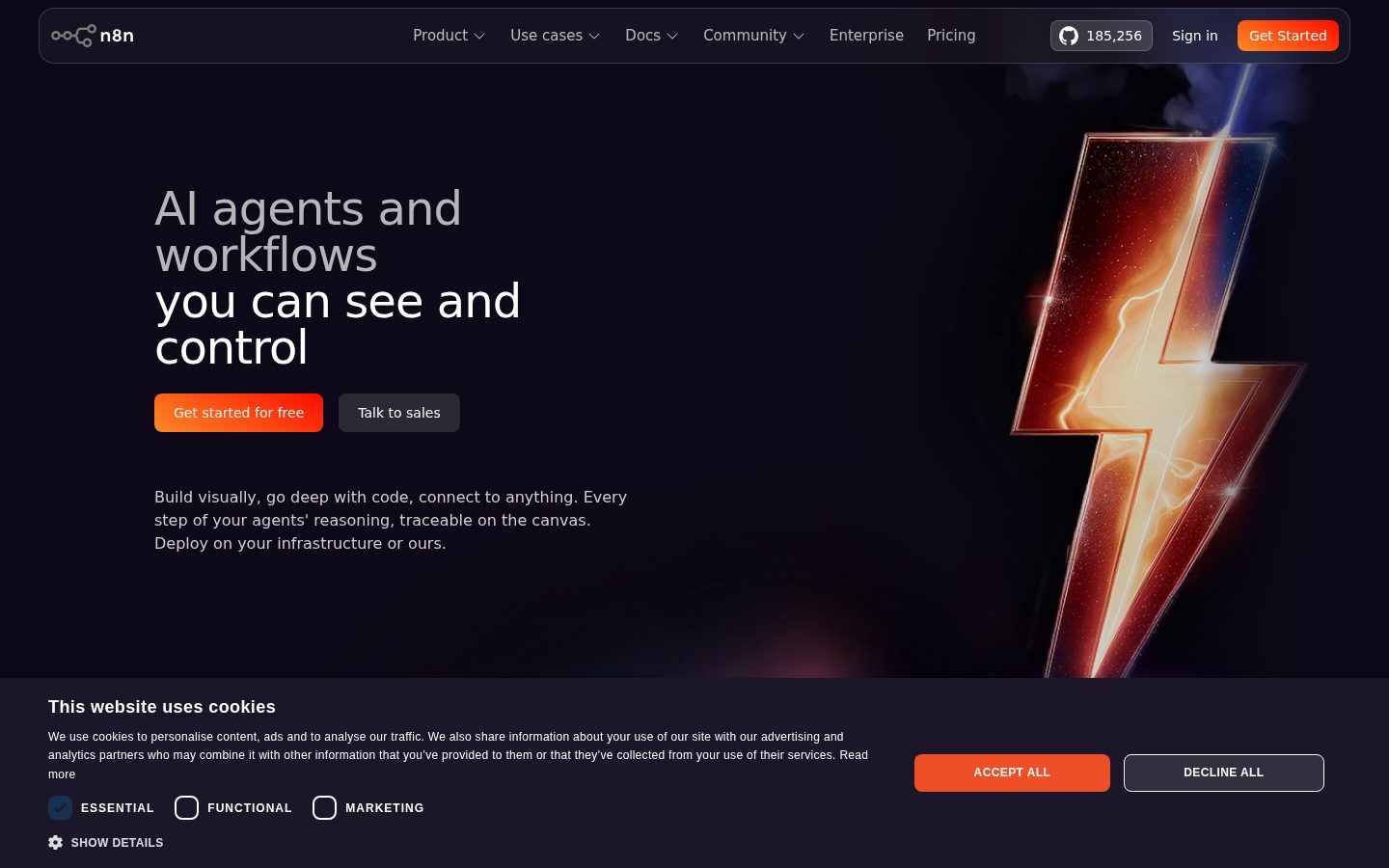
Workflow automation platform for technical teams, with code and UI in one tool
n8n is a workflow automation platform for technical teams that combines AI capabilities with business process automation.
AI Panel Score
6 AI reviews
Reviewed
AI Editor ApprovedApproved and published by our AI Editor-in-Chief after full panel analysis.In practice, users build workflows by chaining together nodes — each representing an action, trigger, or logic step — in a visual canvas. At any node, users can switch to writing JavaScript or Python instead of using the UI controls. Inputs and outputs are visible alongside each step's settings, and individual steps can be re-run in isolation rather than replaying the entire workflow, which shortens debugging cycles. AI workflows can be tested with real data before deployment.
n8n includes native AI and LLM integration, allowing users to build AI agents and connect them into broader business processes. The platform supports human-in-the-loop controls, AI evaluation tooling, and guardrails for governance. For operations use cases, it offers SOAR-style security workflow automation, IT incident management, and CRM or sales data enrichment. It has 400+ integrations and an active open-source community with over 185,500 GitHub stars.
The platform targets technical teams including IT Ops, SecOps, DevOps, and developers who need automation flexibility beyond what low-code-only tools provide. n8n is open-source and self-hostable, and also available as a hosted cloud service. Competitors in the category include Zapier, Make (formerly Integromat), and Microsoft Power Automate. Pricing details are available on the n8n website, with a free community edition and paid plans for hosted and enterprise tiers.
n8n can be deployed via Docker or self-hosted from source, with the full codebase publicly available on GitHub. Enterprise features include SSO SAML, LDAP, encrypted secret stores, RBAC permissions, Git-based version control, isolated environments, audit logs, log streaming to SIEM, and real-time usage dashboards.
Test and evaluate AI workflows natively using real data to improve accuracy and catch errors before they reach customers.
Enforces guardrails and human approval steps within AI workflows to maintain oversight and control over automated AI actions.
Generates audit logs and streams them to a SIEM, alongside workflow history, real-time alerts, and usage dashboards for full observability.
Supports Git-based source control with isolated environments, multi-user workflows, and workflow diffs for team-based development.
Replay or mock data from external systems so developers can test workflows without waiting for live external responses.
Provides a dedicated logs view to inspect workflow execution details and avoid repetitive debugging clicks.
Re-run individual workflow steps in isolation without re-executing the entire workflow, enabling faster debugging and iteration.
Build automated workflows through a no-code UI editor that displays inputs and outputs directly next to the settings of every step.
Write JavaScript or Python anywhere inside a workflow, allowing full code access within the same environment as the visual editor.
Stores sensitive credentials in encrypted secret stores and provides version control for workflow management.
Offers a fully on-premises hosting option alongside a hosted version, with access to the entire source code on GitHub.
Supports Single Sign-On via SAML, LDAP authentication, and role-based access control to manage user permissions across the platform.
Entry-level plan for exploring n8n's automation capabilities
For solo builders and small teams running production workflows
For companies under 100 employees needing collaboration and self-hosting
Custom plan for organizations with strict compliance and governance needs
Sequoia-backed open-core automation that engineers actually choose over Zapier.
“Founded 2019 in Berlin, Sequoia-led Series B in 2024, fair-code license that lets you self-host the whole platform. n8n owns the technical-buyer half of the workflow automation market the way Zapier owns the marketing-buyer half.”
Berlin. 2019. Sequoia-led Series B in 2024. Self-hostable on a $5 droplet, or their managed cloud, your call. Most automation vendors can't say any of that.
The strategic read is simple. Zapier owns the non-technical buyer and isn't losing them. n8n owns the engineer who wants the Code node and Queue mode, and that buyer segment is growing faster than the no-code one. Pricing by workflow execution instead of per-seat is the right shape for that audience.
The yellow flag is the open-core governance question. Fair-code isn't OSI-approved, and the community periodically gets nervous about it. Pilot on three internal automations for 90 days. If your engineers stop building one-off Python scripts on the side, you've found your standard. If they don't, $24/month on the cloud tier is cheap enough to keep around for the obvious wins.
Engineering-led organizations are picking n8n over Zapier and Make at a notable rate; the moat is self-hostability plus code-first.
Sequoia and Felicis on the cap table give cover; the fair-code license is the only thing the board might ask about.
A Docker pull plus an OAuth setup gets you running in an afternoon — execution-based pricing means no seat-licensing pre-work.
Self-hostable workflow automation with full code access is a different product than Zapier and serves a different buyer.
Sequoia-led Series B in 2024 plus a profitable open-source distribution flywheel since 2019 makes this a defensible 36-month bet.
Engineering teams that have outgrown Zapier and need to self-host or run code inside workflows.
Marketing or ops teams that want a workflow tool a non-developer can own end-to-end.
Self-hostable workflow runtime with first-class Code node — the right architecture for technical orgs.
“n8n's engine runs on Node.js with optional Queue mode on Redis and PostgreSQL persistence — a stack that survives audits and scales horizontally. The architecture says this was built for engineers who own their infrastructure.”
Node.js workflow engine. Queue mode runs separate worker processes against Redis. PostgreSQL persistence. That's a stack you can put on the same Kubernetes cluster as the rest of your platform without explaining yourself to security.
Look at where the lock-in lives — it lives in the workflow JSON, not in the platform itself. Workflows are exportable, the schema is documented, and you can run them on your own infrastructure indefinitely. That's portability Zapier and Workato structurally can't match.
The Code node accepts JavaScript and Python with full access to the workflow context. That's a different category from Make's formula expressions or Zapier's code steps, but the tradeoff is real ops surface — Queue mode and PostgreSQL aren't free to operate. n8n is a programming environment dressed as a visual editor, which is exactly the shape senior engineers want.
Owns the engineer-led automation segment that Zapier and Make can't structurally serve; Workato sits above on enterprise governance.
Maps to how senior engineers actually want to build automations — code when needed, visual when convenient, in the same workflow.
400+ official integrations is real depth, but Zapier still wins on long-tail connector coverage.
Workflow JSON is portable and the engine is open-source — exit cost is hours, not weeks.
The Code node plus expression editor plus self-hosted runtime is a deeper craft surface than any Zapier-class competitor.
CTOs whose teams need to keep workflow logic on their own infrastructure for compliance or cost reasons.
Engineering teams whose workflow needs are simple enough that Zapier's breadth of connectors wins.
Execution-based pricing on cloud, free if you self-host — the rare honest workflow billing model.
“Cloud Starter is roughly $24/month for the entry tier; self-hosted Community Edition costs zero in license. Procurement won't fight either path, and the math holds up at scale.”
Cloud Starter near $24/month. Pro tier near $50. Enterprise on contact-sales. Self-hosted Community Edition is free in license — pay your own infrastructure.
The pricing unit is workflow executions, not seats. 50 active engineers running 30,000 monthly executions on the Pro tier lands roughly $50/month plus overage. Compare Zapier at $20-100/seat at the same scale — n8n is 10x cheaper for engineering teams, but the catch is execution-count surprise. A misconfigured webhook or polling trigger can 10x your monthly executions overnight.
Set workflow-level execution caps — n8n supports this. Self-hosted on a single VM costs $20-40/month in compute for similar volume. No published SLA on the lower cloud tiers, which matters if revenue depends on a workflow.
Stripe-based monthly billing for cloud, no procurement friction below Enterprise; self-host removes vendor billing entirely.
Monthly cloud billing with no auto-renewal trap on lower tiers; Enterprise terms aren't public.
Cloud tiers and execution limits are visible without a sales call — Enterprise is the only opaque tier.
Per-execution pricing makes ROI calculable workflow by workflow — finance can attach automation cost to specific business outcomes.
Self-hosted path is essentially free in license — TCO is dominated by infrastructure and one part-time ops engineer at scale.
Finance teams sizing automation costs for engineering organizations of 20-200 people.
Buyers who need a fixed-seat-license model for predictable annual budgeting.
The workflow tool that doesn't make engineers feel like they're using a Zapier knockoff.
“The Code node, HTTP Request node, and expression editor work the way an engineer expects — the docs include actual JavaScript examples instead of marketing screenshots. n8n feels like a developer tool first and a no-code tool second.”
Self-hosted setup is a single docker run command and you're looking at the editor in 60 seconds. The Code node accepts modern JavaScript with full access to $items, $node, and the workflow context. That's a real programming surface, not a wrapper.
First sprint reality is mostly debugging. The execution view replays past runs with full data inspection — which means when a workflow fails at 3am, you can see exactly which item broke and why. Compare Zapier's task history: aggregated, lossy, painful for anything non-trivial.
The friction is the integration count. n8n has 400+ official nodes, but the long tail is thinner than Zapier's. You end up using the HTTP Request node for niche SaaS APIs more often than you would on a Zapier-class tool. Once you build a habit of writing two-line HTTP calls, this stops being a problem.
Execution replay with full data inspection makes debugging a real workflow practical — most automation tools fail this test.
Docs include actual JavaScript code examples for the Code node and expression editor — written by engineers.
Long-tail integration gaps push you to the HTTP Request node more than Zapier does — minor friction, not blocker.
Sub-workflows, error workflows, and Queue mode for self-hosted scaling are real depth that scales from beginner to power user.
Git-export of workflows, environment variables, webhooks, and a CLI mean n8n fits an engineering review process.
Engineers building backend automations who want to see and debug every execution like a real program.
Workflow builders who need a long tail of pre-built integrations for niche SaaS tools.
Made for the kind of person who reads docs before clicking buttons — and proud of it.
“n8n is the rare automation tool that respects you enough to expose the actual workflow JSON and an editor that doesn't hide what it's doing. You can feel that the team uses it themselves, which is more than most tools earn.”
You can tell when a tool was built by people who use it. n8n has the small things: keyboard shortcuts in the editor, a side-panel that shows the actual data shape coming out of each node, an execution log that doesn't lie. None of that sounds exciting until you're working in Zapier on Tuesday and miss it on Wednesday.
The onboarding isn't friendly though. The first hour, you're reading docs and figuring out why your webhook isn't firing. Day three you have a working pattern and you're moving fast. Month three you're writing two-line Code nodes without thinking.
400+ integrations sounds like a lot until you need the one obscure SaaS that only Zapier supports. Then you're writing an HTTP Request node and parsing JSON. Fine, but it's the moment you remember Zapier exists for a reason.
Editor shortcuts, data shape inspection, execution log fidelity — the daily details are mostly considered.
The curve is real but it pays back — month three you're writing Code nodes without thinking, which is the right shape.
Backend automation tool — mobile isn't the use case, so neutral score per category norm.
First hour feels like homework, not welcome — n8n earns trust over a week, not a session.
Execution replay and the workflow log feel solid; auto-save in the editor and undo work the way you expect.
People who like having control and don't mind reading documentation to get it.
People who want to set up a Slack-to-Sheets automation in five minutes without learning anything.
Open-core automation that has actually survived the open-core graveyard so far.
“Six years old, Sequoia-backed, fair-code licensed — the structural shape that Hashicorp, Elastic, and Redis all reached before their licensing fights got loud. The question is whether n8n's governance survives the next valuation.”
Six years in. Sequoia on the cap table. The product ships weekly. Most open-core companies don't make it this far without an Elastic-style license fight, and n8n already had its 2022 license-tightening moment without losing the community.
What worries me isn't what they say. It's what's missing — fair-code is not OSI-approved, and that distinction matters more in 2027 than it does today. The Sequoia round shipped real capital, but it also changes the incentive math, and that's the watch item.
The exit story is honest. Self-hosted Community Edition runs indefinitely without a vendor. Workflows are JSON. Compare Zapier where you own nothing, or Workato where the contract is the product. n8n's portability is real — rare in this category and the reason I'd still bet on it.
Engineer-first positioning is a real gap vs Zapier and Make; Workato and Tray.io sit above on enterprise governance.
Workflow JSON exports and a self-hostable runtime mean you can leave on a weekend if direction shifts.
Six years, profitable, Sequoia-backed — the durable signals are there, but fair-code governance is the watch item.
Marketing language matches the product — they say workflow automation for technical teams and ship a workflow tool for technical teams.
Six profitable years plus Sequoia backing matches the survivor pattern; the 2022 license change was navigated without a community break.
Buyers who want automation infrastructure they can keep running if the vendor disappears tomorrow.
Buyers who need a vendor-managed SLA and don't want to think about the licensing model at all.
Common questions answered by our AI research team
The Pro plan costs 50€/month billed annually. It includes a custom number of workflow executions, 20 concurrent executions, 3 shared projects, and 150 AI Workflow Builder credits.
SSO, SAML, and LDAP are included in the Business plan at 667€/month, designed for companies with fewer than 100 employees.
Yes, n8n supports self-hosting. The Business plan is self-hosted, and the Enterprise plan offers either hosted by n8n or self-hosted options.
Yes, concurrent execution limits vary by plan: 5 (Starter), 20 (Pro), and 200+ (Enterprise). The Business plan includes scaling options but no specific concurrent limit is stated.
Version control using Git is included in the Business plan at 667€/month billed annually.
Company
n8nFounded
2019Pricing
FreemiumFree Trial
AvailableFree Plan
Available


![n8n Quick Start Tutorial: Build Your First AI Agent [2026]](https://i4.ytimg.com/vi/GuaKeDS6UKU/hqdefault.jpg)

n8n is a workflow automation platform that uniquely combines AI capabilities with business process automation, giving technical teams the flexibility of code with the speed of no-code.