Visual project management with boards, lists, and cards
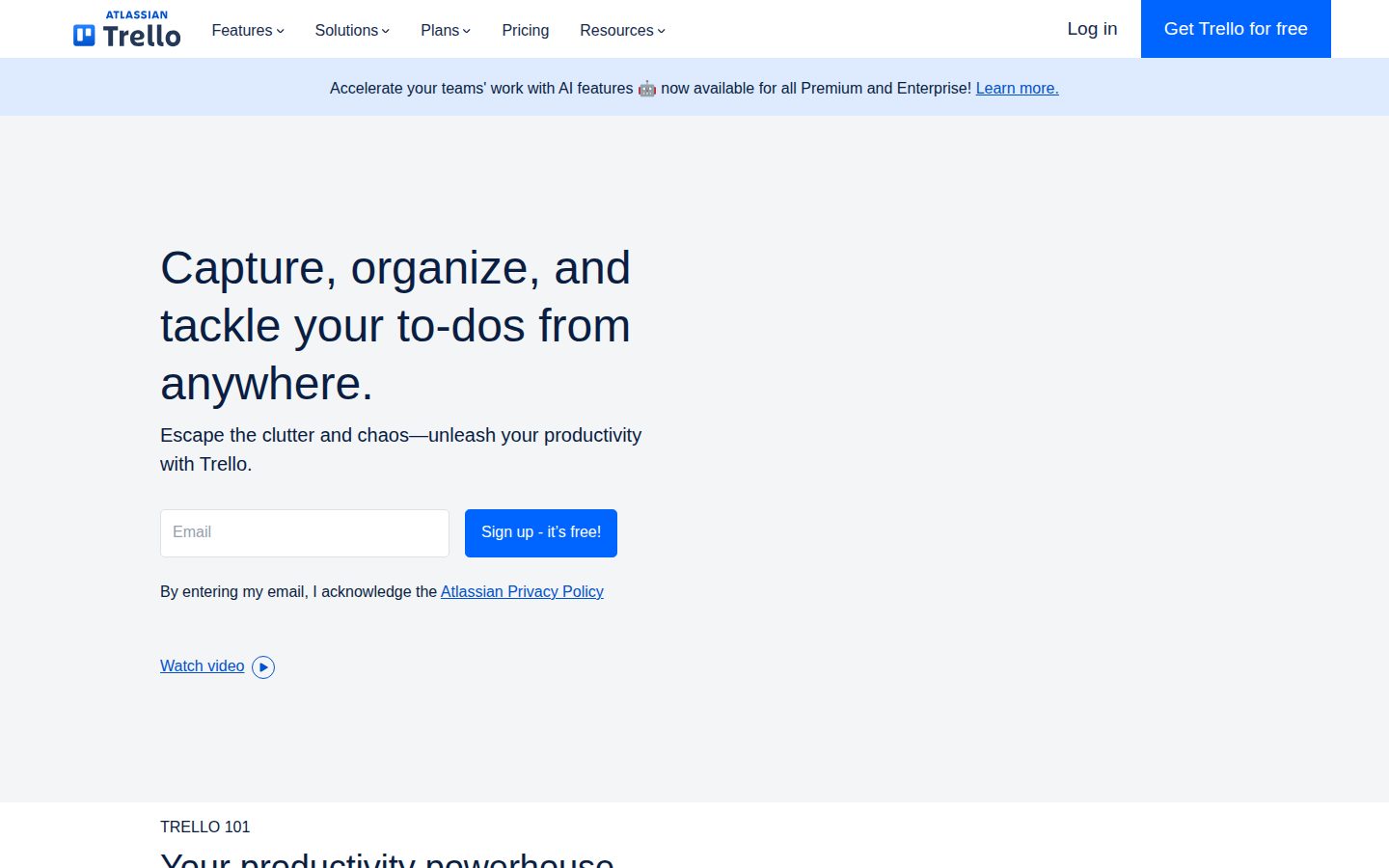
Trello is a visual project management tool that organizes tasks using boards, lists, and cards.
AI Panel Score
6 AI reviews
Reviewed
AI Editor ApprovedApproved and published by our AI Editor-in-Chief after full panel analysis.Trello is a visual project management application that uses boards, lists, and cards to help individuals and teams organize tasks and projects. Based on the Kanban methodology, users create boards to represent projects or workflows, populate them with lists that typically represent different stages or categories, and add cards for specific tasks or items that can be moved between lists as work progresses.
The platform serves a broad range of users, from individual freelancers managing personal projects to large teams coordinating complex workflows. Teams commonly use Trello for project tracking, content planning, event organization, and general task management. The visual nature of the interface makes it accessible to users who prefer seeing their work laid out spatially rather than in traditional list or spreadsheet formats.
Key features include drag-and-drop functionality for moving cards between lists, the ability to add due dates, checklists, attachments, and comments to cards, and collaboration tools that allow team members to be assigned to cards and receive notifications. Trello also supports Power-Ups, which are integrations with third-party services like Google Drive, Slack, and time tracking tools.
Trello competes in the project management space alongside tools like Asana, Monday.com, and Jira, positioning itself as a simpler, more visual alternative to feature-heavy project management platforms. It was acquired by Atlassian in 2017 and continues to operate as a standalone product while integrating with other Atlassian tools.

AI-powered capabilities available on Premium and Enterprise plans that assist with organizing and summarizing tasks and messages.
Converts forwarded emails into organized to-dos using AI, preserving relevant links in the Trello Inbox.
Built-in automation on every Trello board that executes rule-based actions without requiring any coding.
Organizes tasks into visual boards that track items across workflow stages from to-do to completed.
Mirrors a card across multiple boards so users can view and track the same to-do from different locations simultaneously.
Captures to-dos from anywhere, anytime, storing tasks in a central inbox as they come to mind.
Allows users to drag and drop tasks into a calendar view to schedule and prioritize work.
Connects third-party apps and adds Power-Ups to extend and customize Trello workflows based on specific needs.
Sends messages from Slack or Microsoft Teams directly to a Trello board, where AI generates summaries and links.
For individuals and small teams getting organized, up to 10 collaborators per Workspace
For teams that need unlimited boards, card mirroring, and more automation
For teams that want AI tools, admin controls, and multiple project views
For organizations needing enterprise-grade security, controls, and 24/7 support. Includes Atlassian Guard Standard.
Atlassian bought Trello in 2017 and didn't kill it — that's the buying signal.
“Trello is the rare $425M acquisition that kept its product, brand, and pricing intact for nine years. Vendor risk is settled — the real call is which teams use Trello versus Jira inside the same Atlassian portfolio.”
Trello sold to Atlassian for $425 million in January 2017 and never disappeared into the parent — that's the unusual part. Most acquired SaaS gets absorbed into the suite or quietly sunset. Trello kept its standalone product, its URL, and its $5 Standard tier.
The Power-Ups model is the moat nobody talks about. Hundreds of integrations into Slack, Google Drive, and Jira — switching cost lives in the wiring a team builds up, not the boards themselves. Card Mirroring, AI summaries on the $10 Premium tier, and the Atlassian Guard SSO bundle on Enterprise round out a defensible feature set against Asana and Monday.com.
The catch is positioning inside Atlassian's own portfolio. Trello competes hardest at the SMB and team layer; Jira owns the engineering org inside the same company. Buy Trello for marketing, ops, and content teams — not as your dev tracker.
Everyone in PM uses something — Trello is safe, not differentiating against Asana or Monday.com.
Board-defensible name with 19M+ users at acquisition and broad recognition across SMB and enterprise.
Free plan with unlimited cards and $5 Standard tier means rollout cost is near zero.
Strong fit for non-engineering teams; weaker where Jira already owns the workflow.
Atlassian-owned since 2017, NASDAQ-listed parent, Trello kept as standalone product for nine years running.
Marketing, operations, and content teams who plan work visually.
Engineering orgs who already standardized on Jira.
Trello stayed a Kanban-first board after Atlassian, and that's both its honesty and its ceiling.
“Trello is the visual board your team will actually use, and Atlassian has kept it deliberately simple since the 2017 acquisition. The PMO question is whether a card-and-list model carries portfolio governance past about 30 active projects.”
Trello is what happens when a tool refuses to grow into a platform. Atlassian bought it in 2017 for $425 million and chose not to make it Jira-lite. Boards, lists, cards. That's the contract.
The substrate to watch is Card Mirroring — a single card lives on multiple boards and stays editable in both. For PMOs that's a real primitive for cross-team dependencies, the kind Asana solves with Portfolios. No-Code Automation runs on every plan, but the 250 Workspace command runs cap on Free and 1,000 on Standard means serious automation pushes you to Premium at $10/user/month.
The catch is governance shape. Trello has no native intake-to-roadmap rollup, no RAID register, no resourcing view past Premium's Dashboard. For a PMO running 8-15 product squads it's calibrated; past that, the absence of structured portfolio reporting becomes the constraint, and Jira sits one Atlassian SKU away.
The reference lightweight Kanban tool in the category since 2011, still the default.
Boards-and-cards match how delivery squads work, less how PMOs roll up status.
Power-Ups marketplace plus native Atlassian integration covers the common stack cleanly.
Ceiling means you graduate to Jira or split tools by year three at portfolio scale.
Card-list-board model is feature-complete for its intent; depth is bounded by design choice.
PMO leads who run 8-15 squads on visual boards.
PMOs who need portfolio rollup and resource planning.
Trello stays cheap at $5/user, but SSO routes through Atlassian Guard at $4 extra per seat.
“Trello publishes four tiers from Free to Enterprise at $17.50/user, with Standard at $5/user and Premium at $10/user. The catch is SSO — SAML lives in Atlassian Guard, a separate $4/user/month subscription that Premium buyers pay on top.”
Trello sits on Atlassian's billing rails, which is most of the procurement story. Free covers up to 10 boards per Workspace. Standard at $5/user/month opens unlimited boards. A 50-person team lands at $3,000/year before add-ons. Cheap by category norms.
Premium at $10/user adds AI features, Calendar and Timeline views. Enterprise jumps to $17.50/user. The catch is SSO. SAML routes through Atlassian Guard, a separate subscription at $4/user/month. Premium buyers needing SSO pay $14 all-in. Asana bundles SSO on Business; Monday.com on Pro.
Atlassian acquired Trello in 2017 for $425M and the parent trades on NASDAQ as TEAM — procurement clears fast. No published overage rate on Workspace command runs past the Standard cap of 1,000/month. Model that line item. Year-3 TCO for 50 Premium seats with Guard lands near $42K.
Atlassian parent (NASDAQ: TEAM) clears vendor onboarding fast and consolidates with Jira and Confluence invoicing.
Monthly billing available on Standard and Premium; Enterprise is annual-only with 50-seat minimum.
All four tiers and per-seat prices visible without a sales call up to Enterprise.
Adoption is easy to measure, but visual board ROI is harder to dollar-quantify than ticketing or time-tracking tools.
Base seat is cheap but SSO add-on through Atlassian Guard adds $4/user and overage rate is unpublished.
Teams who want a cheap visual board system on Atlassian billing rails.
Buyers who need SSO bundled into the base seat price.
Trello still wins the open-the-board-and-go feeling, but PMs running cross-functional programs hit a ceiling fast.
“Trello's Kanban surface is the easiest in the category to teach a non-technical stakeholder, and Card Mirroring finally fixes the duplicate-board problem that haunted the early years. The catch is that views, automation runs, and AI live behind the $10 Premium tier, and a PM running anything resembling a roadmap will outgrow Boards before they outgrow the company.”
Three lists — Backlog, Doing, Done — and a designer who's never used a PM tool is moving cards in ten minutes. That onboarding curve is the moat. Asana's setup wizard asks five questions Trello never has to.
PM-shaped friction starts at scope. Free caps at 10 boards per Workspace, which a content team blows through in a quarter. Card Mirroring — useful but Standard-tier ($5). Timeline and Dashboard views need Premium ($10). Automation is the real upgrade trigger: 250 command runs a month on Free, 1,000 on Standard, unlimited on Premium.
AI lives on Premium and above. Email to Inbox converts forwarded threads into cards — handy for stakeholder requests, but the underlying engine is opaque, no docs on which model. However, for a PM whose company already runs Jira, Trello as the lightweight planning layer round-tripping to issues is the cleanest story Atlassian sells.
Boards and cards stay snappy past the demo glow; the core loop holds up after weeks of daily use.
The help center reads like it was written by people who use Trello, but AI feature pages skim the implementation.
The 10-board Free cap and tier-gated Calendar/Timeline views surface real friction once a team scales past five projects.
Butler automation and Custom Fields have real depth, but complex roadmapping still pushes power users toward Asana or Jira.
Power-Ups cover Slack, Drive, and Jira, and Atlassian round-trips give cross-tool teams a clean handoff.
Project managers who run small to mid-size teams that need a low-overhead Kanban board.
Project managers who need Gantt-style roadmaps and resource management out of the box.
Trello still has the friendliest ten minutes in project management, but Butler is where upgrade pressure lives.
“Drop a teammate into a Trello board and they're moving cards before you finish explaining. The catch is automation — Butler is generous on Free until your team starts depending on it.”
Drop a designer onto a Trello board and they're moving cards before you finish explaining lists. That's the contract since 2011, and nobody else nails it. Notion builds the same kanban view in three clicks, but the empty state isn't this welcoming. The Inbox now catches stray thoughts before Slack swallows them.
Day thirty is when Butler shows up. Trello's automation engine is on every plan, which is generous — but Free caps Workspace command runs at 250 a month, and a team hooked on rules blows through that fast. Standard at $5 lifts you to 1,000. Premium uncaps it.
The catch is mobile. iOS and Android are honest — move cards, leave comments, check things off — but Butler rules and Custom Fields still want the web. ClickUp's mobile goes deeper. For a tool that lives in everyone's pocket between meetings, that gap nags at month three.
Boards, lists, cards stay clean; the new Inbox capture from Slack and Teams shows the team still sweats the small stuff.
Boards-lists-cards is discoverable in minutes; the depth — Butler, Power-Ups, mirroring — reveals itself only when you reach for it.
iOS and Android handle the daily card moves cleanly, but Butler rule editing and Custom Fields stay web-only.
A non-PM is moving cards in ten minutes — Trello's legendary first impression has held since 2011.
Fifteen-year-old product on Atlassian rails — drag-and-drop is instant, autosave is invisible, no flaky states.
Small teams who need a visual board up in ten minutes.
Engineering orgs who need structured roadmaps and resource planning.
Trello is the rare acquired SaaS that didn't get absorbed, sunset, or quietly rebranded.
“Atlassian bought Trello in 2017 and a decade later it still ships as a standalone product with its own URL and pricing page. The honest watch now is whether Butler and the AI features keep pace with ClickUp and Notion, both of which moved faster on multi-view flexibility.”
Trello started inside Fog Creek Software, spun out, raised $10.3M from BoxGroup and Index, and sold to Atlassian for $425M in January 2017. Most acquired SaaS gets folded into the parent suite within three years. Trello didn't. That's evidence — not marketing.
Butler is the part of the product I'd buy. Native automation on every plan, even Free, with a 250-command-per-month cap that's honest about its tier. The catch is the AI layer — Premium-only at $10 per user, opaque on which model, and ClickUp and Notion both ship comparable AI on cheaper or equivalent tiers.
Exit story is clean. Boards export to JSON, cards round-trip through the API, and Power-Ups are vendor wiring you can replace. Yellow flag is roadmap velocity. Atlassian's AI investment is concentrated in Jira and Rovo. Trello gets the trickle, not the firehose.
Kanban-first simplicity is clear, but ClickUp and Notion narrowed the gap on multi-view and AI.
Boards export to JSON and the public API round-trips cards, attachments, and checklists cleanly.
Atlassian-owned and profitable, but AI investment concentrates in Jira and Rovo not Trello.
Landing-page copy is concrete about boards, lists, and cards rather than aspirational AI claims.
Fifteen years live, survived the post-acquisition shelf that killed Wunderlist, Sunrise, and Mailbox.
Teams who want a visual Kanban board with zero learning curve.
Buyers who need cross-team portfolio rollup or structured roadmap reporting.
Common questions answered by our AI research team
On the Free plan, you can create up to 10 boards per Workspace. The content does not specify what happens to existing boards if you exceed this limit.
According to the content, card mirroring lets you "Mirror a single card to multiple boards to view and edit it from anywhere," indicating it is not read-only — you can edit the card from multiple boards.
SAML SSO via Atlassian Guard is listed as 'Available' (not included) for the Premium plan, meaning it is a separate subscription on top of the $10/user/month fee. The content notes that 'Atlassian Guard is a separate subscription that your company can enable across all your Atlassian products and starts at $4/month/user.' Only the Enterprise plan includes it as 'True' (included).
Yes, the Free plan includes Quick Capture to 'Instantly capture to-dos, notes, and messages, from email, Slack, and Microsoft Teams.' The AI-powered Quick Capture (available from Standard and above) does the same but uses AI to process the captured content, whereas the standard version on Free does not use AI.
Company
TrelloFounded
2011Pricing
From $5/moFree Plan
AvailableTrello is a web-based project management application owned by Atlassian that organizes tasks using a card-and-board interface based on the Kanban method.