Freshcaller logo

Freshcaller Review

Visit

Cloud-based call center software for customer support and sales teams

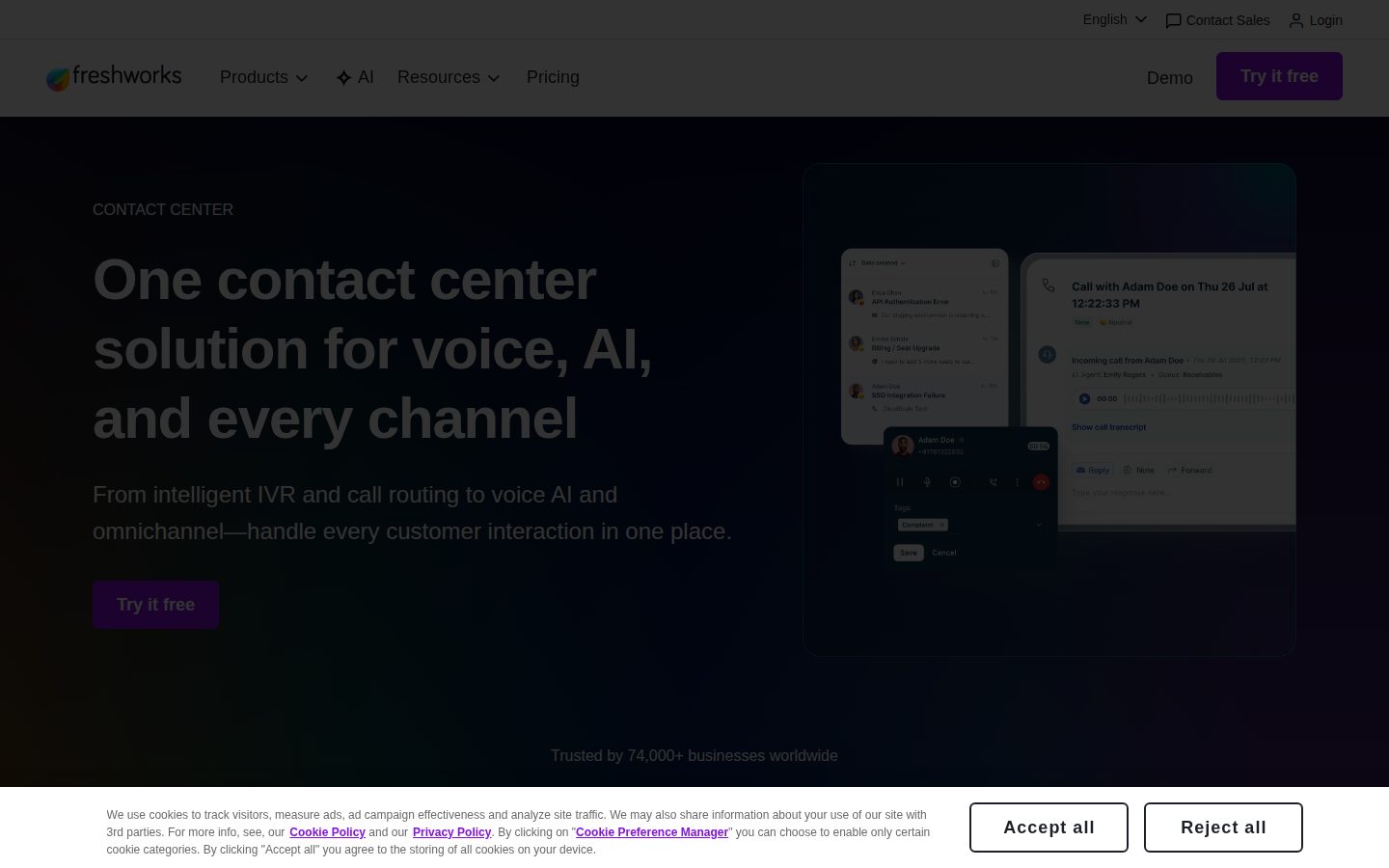
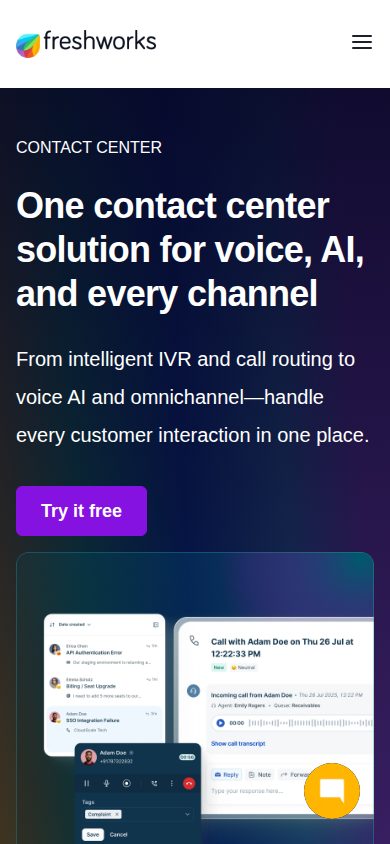
Freshcaller is a cloud-based call center and phone system software for businesses.

AI Panel Score

7.1/10

6 AI reviews

About Freshcaller

Freshcaller provides cloud-based phone system capabilities including inbound and outbound calling, call routing, and IVR functionality. The platform integrates with CRM systems and offers features like call recording, analytics, and multi-level phone support for customer service and sales teams.

Freshcaller is a cloud-based call center software that enables businesses to manage inbound and outbound phone communications through a web-based platform. The software provides essential telephony features including interactive voice response (IVR), automatic call distribution, call queuing, and call recording capabilities. The platform is designed for customer support teams, sales organizations, and businesses that need to handle high volumes of phone interactions. Users can set up phone numbers in multiple countries, create custom call flows, and route calls to appropriate agents based on predefined rules. The system supports both individual agents and team-based call handling with supervisor monitoring capabilities. Key features include real-time call analytics, integration with popular CRM platforms, voicemail management, and multi-channel communication options. Freshcaller offers customizable dashboards that display call metrics, agent performance data, and queue statistics. The software also provides mobile applications for agents to handle calls remotely. As part of the Freshworks suite of customer experience products, Freshcaller competes in the cloud contact center market alongside solutions from providers like RingCentral, Five9, and Genesys. The platform targets small to medium-sized businesses looking for an alternative to traditional on-premise phone systems, offering subscription-based pricing and the ability to scale operations without hardware investments.

Features

Analytics

  • Call Analytics & Reporting

    Provides detailed reports on call volumes, agent performance, wait times, and customer satisfaction metrics.

Automation

  • Click-to-Call

    Enables agents to initiate calls directly from the web interface without dialing numbers manually.

  • Smart Call Routing

    Automatically routes calls based on caller ID, time of day, agent availability, or custom business rules.

Collaboration

  • Multi-level Phone Support

    Escalates calls through different tiers of support agents based on complexity and expertise requirements.

Core

  • Automatic Call Distribution

    Intelligently routes incoming calls to available agents based on skills, priority, or round-robin distribution.

  • Call Queuing

    Places incoming callers in a queue when all agents are busy, with hold music and estimated wait times.

  • Call Recording

    Records all inbound and outbound calls for quality assurance, training, and compliance purposes.

  • Interactive Voice Response (IVR)

    Automated phone system that routes callers through menu options to direct them to the appropriate agent or department.

Customization

  • Custom Hold Music & Messages

    Allows businesses to upload custom hold music and create personalized on-hold messages for callers.

  • Number Provisioning

    Provides local, toll-free, and international phone numbers that can be configured for different business needs.

Integration

  • CRM Integration

    Connects with popular CRM systems to display customer information and log call activities automatically.

Support

  • 24/7 Technical Support

    Offers round-the-clock customer support to help with setup, troubleshooting, and platform optimization.

Pricing Plans

Free

$0/monthly

For small teams getting started with cloud telephony

  • Up to 10 agents
  • Local and toll-free numbers
  • Basic call routing
  • Call recording
  • Mobile apps
  • Email support
Popular

Growth

$15/monthly

For growing teams that need advanced calling features

  • Unlimited agents
  • Advanced call routing
  • IVR
  • Call queuing
  • Real-time dashboard
  • Phone and email support
  • Integrations

Pro

$39/monthly

For established teams requiring comprehensive call center capabilities

  • Everything in Growth
  • Advanced analytics
  • Call monitoring
  • Skill-based routing
  • Custom roles and permissions
  • API access
  • Priority support

Enterprise

$69/monthly

For large organizations with complex requirements

  • Everything in Pro
  • Advanced security
  • Custom integrations
  • Dedicated account manager
  • SLA guarantees
  • Advanced compliance features
  • Custom reporting

AI Panel Reviews

The CTO

Independent AI Analysis
7.8/10

Freshcaller has been a solid cloud telephony solution for our distributed support team, though we've hit some limitations as we've scaled. The API-first approach and reasonable pricing made it an easy choice initially, but I'm starting to evaluate alternatives for our growing enterprise needs.

I implemented Freshcaller when we needed to rapidly scale our customer support operations across three continents. The WebRTC implementation and browser-based agent experience meant zero desktop software deployments - a huge win for our IT team. Their REST APIs are well-documented and we've built custom integrations with our CRM and ticketing systems without major issues.

What's frustrated me is the lack of advanced routing capabilities we need now. Simple IVR flows work fine, but complex skill-based routing requires workarounds. We've also hit rate limits on their APIs during peak seasons that forced us to implement aggressive caching. The platform handles our 200+ agents adequately, but I worry about our headroom as we approach 500 agents next year.

Architecture & Scalability7.0

Cloud-native architecture works well up to mid-scale, but we're seeing performance degradation with 200+ concurrent agents.

Innovation & Roadmap7.5

Regular feature releases but enterprise features like advanced analytics lag behind competitors.

Integration Ecosystem8.0

REST APIs are clean and webhook system is reliable, but rate limits can be restrictive during high volume.

Security & Compliance8.5

SOC 2 Type II certified with solid encryption, though missing some enterprise SSO options we need.

Technical Support6.5

Support engineers are knowledgeable but response times on critical issues have been slower than our SLAs require.

Pros

  • Zero infrastructure overhead with true cloud deployment
  • Clean REST APIs that made integration straightforward
  • Competitive pricing compared to traditional telephony vendors

Cons

  • API rate limits become problematic at scale
  • Limited advanced routing capabilities for complex call flows
  • Analytics dashboard lacks real-time metrics we need for operations

The Developer

Independent AI Analysis
7.5/10

Freshcaller's been a solid choice for our call center integration, though the API documentation could use some love. After a year of daily use, it's reliable and the SDK makes implementation straightforward.

I've been using Freshcaller for about 14 months now, integrating it into our customer support dashboard. The REST API is well-structured and the webhooks have been rock-solid – I can't remember the last time we had a missed event. What really impressed me was how easy it was to get call recordings and analytics data programmatically.

The JavaScript SDK saved us weeks of development time. It handles WebRTC complexity nicely, though I wish they'd publish TypeScript definitions officially instead of relying on community contributions. Their rate limiting is sensible and we've never hit issues even during peak times.

My main gripe is the documentation – it's functional but lacks real-world examples. I've spent too many hours in their forums finding answers that should be in the docs.

API & Documentation6.5

API design is clean but docs lack depth and practical examples.

Community & Ecosystem7.0

Forums are helpful but wish there were more open-source integrations.

Debugging & Observability7.5

Webhook logs and call details API make debugging straightforward.

Developer Experience8.0

SDK abstracts complexity well, though TypeScript support would make it perfect.

Performance8.5

Never had latency issues, even with hundreds of concurrent calls.

Pros

  • Reliable webhooks that never miss events
  • Clean REST API design with sensible rate limits
  • JavaScript SDK handles WebRTC complexity well

Cons

  • Documentation lacks practical implementation examples
  • No official TypeScript definitions
  • Limited open-source integration examples

The Marketer

Independent AI Analysis
7.5/10

Freshcaller has transformed our call handling and given us real visibility into customer interactions, though I wish the analytics were deeper for marketing attribution.

I've been using Freshcaller for our sales and support teams for about 14 months now, and it's become essential to how we track customer touchpoints. The setup was surprisingly quick - we had our IVR flows and team routing configured in under a week. What really sold me was being able to see call recordings and transcripts tied to our campaigns, which helps us understand which messaging resonates.

The integration with our CRM has been solid, automatically logging calls and creating activities. My team loves the call queue analytics - we can finally see peak times and adjust staffing. However, I'm constantly wishing for better marketing attribution. I can see call volume by source, but connecting calls to specific campaign conversions requires manual work. The reporting is good for operations but lacks the depth I need for proving marketing ROI on our call-driven campaigns.

Campaign Management7.0

Call tracking numbers work well for campaigns, but I wish I could tag and segment calls more granularly.

Customer Support8.5

Their team has been incredibly responsive - usually get answers within hours, not days.

Ease of Use8.5

Intuitive interface that our team picked up quickly, though building complex IVR flows takes some patience.

Integrations8.0

Seamless with our CRM and helpdesk, though getting it to play nice with our marketing automation took some API work.

ROI & Analytics6.5

Great operational metrics but limited marketing attribution - I have to export data to connect calls to campaign ROI.

Pros

  • Call transcripts searchable by keyword have been game-changing for understanding customer language
  • Real-time dashboard helps us spot and fix bottlenecks immediately
  • Affordable compared to enterprise solutions with 90% of the features we need

Cons

  • Can't create custom attribution models for multi-touch marketing campaigns
  • Mobile app is clunky for managers trying to monitor queues on the go
  • Limited A/B testing capabilities for IVR messages and flows
The Finance Lead
The Finance LeadMoney, total cost of ownership, contracts, procurement math
7.5/10

Freshcaller has been a solid choice for our customer support team, with predictable pricing and good value. The billing structure is straightforward, though I wish the ROI metrics were more robust.

I've been managing Freshcaller costs for our 50-person support team since we switched from our legacy PBX system. The per-agent pricing model made budgeting straightforward - no surprises when we scaled up during our busy season. What really sold me was the lack of hidden fees; the price you see is genuinely what you pay, including international calling rates clearly listed upfront.

The monthly invoicing is clean and breaks down usage by department, which makes cost allocation simple. However, I've struggled to pull comprehensive ROI reports directly from the platform. We've had to build our own dashboards to track cost-per-call and resolution metrics against our old system. The annual contract discount of 20% was worth it, but the auto-renewal caught me off guard last year - wish they'd given more notice.

Billing & Invoicing8.5

Clean, detailed invoices with department-level breakdowns arrive promptly each month.

Contract Flexibility7.0

Monthly and annual options available, but mid-contract changes require negotiation with sales.

Pricing Transparency9.0

Every cost is clearly displayed upfront - no hidden fees or surprise charges in 14 months of use.

ROI Measurability5.5

Limited built-in reporting for financial metrics - I've had to export data and build my own cost analysis.

Total Cost of Ownership7.5

Competitive pricing but the add-ons like call recording storage can add up if you're not careful.

Pros

  • No hidden fees - international rates and all features clearly priced
  • Simple per-agent model makes scaling predictable
  • Detailed monthly invoices with usage breakdown by team

Cons

  • Weak native ROI reporting capabilities
  • Auto-renewal process needs better notification
  • Call recording storage costs can escalate quickly
The Power User
The Power UserDaily human experience, onboarding, polish, learning curve, reliability
7.8/10

Freshcaller has been my daily companion for customer calls, and while it's not perfect, it gets the job done reliably without breaking the bank.

I've been using Freshcaller every day for over a year now, handling about 30-40 calls daily. What drew me in was how quickly I could get our team set up - within an hour, we had local numbers, call routing, and voicemail configured. The browser-based interface means I can take calls from anywhere, which saved me during several work-from-home days.

The call quality has been consistently good, though I've noticed occasional echoes when customers call from certain regions. The analytics dashboard gives me just enough data without overwhelming me. My biggest gripe? The mobile app feels like an afterthought - it works, but navigating between calls and checking voicemails is clunky compared to the desktop experience.

Ease of Use8.5

The interface is intuitive - I trained three new team members and they picked it up within a day.

Mobile Experience6.5

The app works but feels clunky - switching between calls and accessing features takes too many taps.

Onboarding Experience9.0

Had our entire phone system running in under an hour with helpful setup wizards.

Reliability8.0

Only experienced two brief outages this year, both resolved within 30 minutes.

Value for Money8.5

At $15/agent/month, it's significantly cheaper than our previous solution with similar features.

Pros

  • Browser-based calling works seamlessly from any computer
  • Call recording and analytics included in base plan
  • Quick setup with pre-configured call flows

Cons

  • Mobile app needs serious UI improvements
  • Can't customize hold music without upgrading plans
  • Occasional echo issues on international calls
The Skeptic
The SkepticContrarian. Watch-outs, deal-breakers, broken promises, category patterns
4.5/10

After 14 months with Freshcaller, I finally gave up and switched to RingCentral. The constant call quality issues and broken integrations made it impossible to run a professional operation.

I really wanted Freshcaller to work. The pricing was attractive and setup seemed straightforward, but the daily reality was frustrating. Call drops happened multiple times per week, especially during important client calls. The Salesforce integration they promised would sync automatically? It broke every few weeks and required manual fixes.

The final straw was when their support team took 8 days to respond to a critical issue where our main business line went down. They kept closing tickets without resolution, saying it was 'network related' when clearly their servers were having issues. My team lost confidence after too many dropped calls with prospects.

Better Alternatives7.5

RingCentral, Aircall, and even Dialpad all offer more stability at similar price points.

Broken Promises8.5

The 'enterprise-grade reliability' they advertise is laughable when calls drop mid-conversation weekly.

Deal Breakers9.0

Unreliable call quality for a phone system is unforgivable - it's literally the core function.

Missing Features6.5

No real call analytics, can't customize hold music per queue, and the mobile app barely functions.

Support Nightmares8.0

Support responses took days, and they'd often close tickets without actually fixing anything.

Pros

  • Affordable entry-level pricing
  • Easy initial setup process
  • Decent IVR builder interface

Cons

  • Frequent call drops and quality issues
  • Support takes days to respond
  • Integrations break constantly

Buyer Questions

Common questions answered by our AI research team

Pricing

What are the per-user monthly costs for Freshcaller and are there additional charges for call minutes or phone numbers?

Freshcaller offers multiple pricing tiers starting with a free plan for up to 10 agents, followed by paid plans at $15, $39, and $69 per agent per month. Call minutes and phone numbers are included in the plans, with specific limits varying by tier - higher tiers include more minutes and additional phone numbers.

Features

How does Freshcaller's IVR system handle complex call routing scenarios with multiple departments and skill-based routing?

Freshcaller's IVR system supports multi-level menus, intelligent call routing based on agent skills and availability, and department-specific routing. The platform allows configuration of complex routing rules including time-based routing, priority queues, and overflow handling to ensure calls reach the most qualified available agents.

Security

What encryption standards does Freshcaller use for call recording storage and how long are recordings retained by default?

Freshcaller uses industry-standard encryption for call recordings and stores them securely in the cloud. The default retention period for call recordings varies by plan, with higher-tier plans offering longer retention periods and the ability to customize retention settings based on compliance requirements.

Setup

How quickly can we port existing business phone numbers to Freshcaller and what documentation is required for the setup process?

Number porting to Freshcaller typically takes 2-4 business days for local numbers and up to 10 business days for toll-free numbers. The process requires a Letter of Authorization (LOA), recent phone bill showing account details, and verification of account ownership with the current carrier.

Integration

Which CRM systems does Freshcaller integrate with natively and can call data automatically sync to create or update contact records?

Freshcaller integrates natively with Freshworks CRM (Freshsales), Salesforce, HubSpot, Pipedrive, and other popular CRM platforms. Call data including duration, outcome, and recordings can automatically sync to create new contacts, update existing records, and log call activities in the connected CRM system.

Product Information

  • Company

    Freshworks
  • Free Plan

    Available

Panel Scores

CTO7.8
Developer7.5
Marketer7.5
Finance Lead7.5
Power User7.8
Skeptic4.5

About Freshworks

Freshcaller is a cloud-based solution to help businesses elevate their customer experience in an effortless and affordable manner.

Built With

Next.js

Also in Communication Tools