LandingAI logo

LandingAI Review

Visit

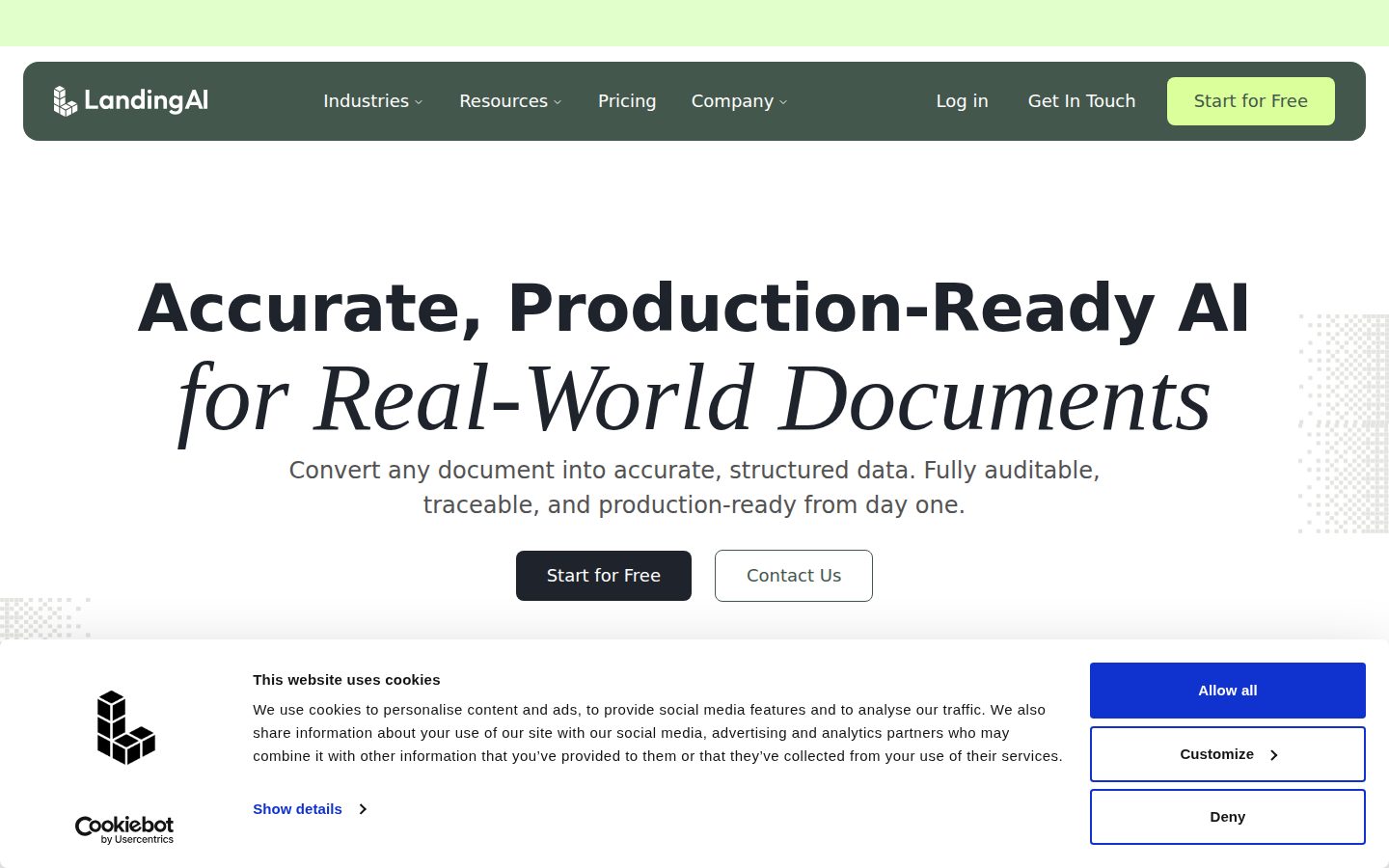
Agentic document extraction APIs that turn real-world documents into structured data

LandingAI is an agentic document extraction platform for enterprise developers building document automation pipelines.

AI Panel Score

8.0/10

6 AI reviews

Reviewed

AI Editor Approved

What is LandingAI?

LandingAI is an agentic document extraction platform that converts real-world documents such as loan applications, insurance claims, and medical records into structured, auditable data through its Parse, Split, and Extract APIs. It is built for enterprise developers creating document automation pipelines in financial services, insurance, healthcare, legal, and logistics. Pricing is usage-based: the Explore tier starts with 1,000 free credits at $1 per 100 credits, the Team plan costs $250 per month with 27,500 credits and unlimited seats, and Enterprise pricing is quote-based. Distinctive capabilities include visual grounding that cites the page, coordinates, and table cell behind every output, schema-defined field extraction, large table extraction spanning thousands of rows, and multilingual document support. It fits regulated teams that need traceable results, SOC 2 Type II and HIPAA compliance, and VPC or on-premises deployment. Alternatives include Amazon Textract, Google Document AI, and Azure AI Document Intelligence.

About LandingAI

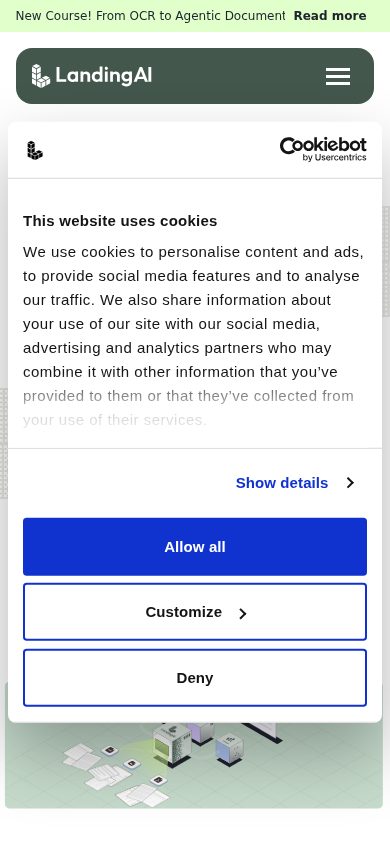
LandingAI's Agentic Document Extraction (ADE) works as a set of modular APIs that developers drop into document pipelines. Parse converts variable documents into LLM-ready Markdown with layout-aware structure; Split automatically segments multi-document files, including multi-hundred-page batches, into clean, classified sub-documents; and Extract pulls specific fields using a schema the developer defines, supporting flat or nested structures, arrays, and multi-table layouts. Teams can prototype in the ADE Playground in the browser, then move to production via the Python or TypeScript SDKs or the REST endpoints.

What sets ADE apart is auditability. Visual grounding attaches precise citations to every output block, including the page, coordinates, and table-cell location the data came from, and confidence scoring flags uncertain fields for review. The platform is built on vision-first proprietary models, reports 99.16% accuracy on the DocVQA benchmark with under 2-second processing, and has processed over 1 billion images and documents. It handles complex real-world layouts such as large tables spanning thousands of rows across many pages, plus multilingual documents.

ADE is aimed at enterprise developers in financial services, insurance, healthcare, energy and utilities, legal, and logistics who automate documents like loan applications, insurance claims, medical records, and regulatory filings. Pricing is usage-based: the Explore tier starts with 1,000 free credits at $1 per 100 credits, the Team plan costs $250 per month with 27,500 credits and unlimited seats, and Enterprise pricing is custom. Alternatives in the category include Amazon Textract, Google Document AI, and Azure AI Document Intelligence.

On the platform side, LandingAI is SOC 2 Type II certified and GDPR and HIPAA compliant, with a zero data retention option and a BAA available on the Team plan. Enterprise customers can deploy via SaaS, VPC, or on-premises, get SLAs and priority rate limits, and run ADE inside Snowflake through its native integration. Documentation covers async endpoints, rate limits, supported file types, and a public changelog.

Features

Auditability

  • Visual Grounding

    Attaches precise citations to every output block, including the page, coordinates, and table-cell location the extracted data came from.

Automation

  • Split & Classify

    Automatically segments multi-document files, including multi-hundred-page batches, into clean sub-documents classified by type within a single PDF.

Data Extraction

  • Extract API

    Pulls specific fields from documents using a developer-defined schema, supporting flat or nested structures, arrays, and multi-table extraction.

  • Large Table Extraction

    Extracts complex tables spanning thousands of rows across many pages into structured output.

Deployment

  • VPC & On-Prem Deployment

    Enterprise deployments run as SaaS, in a virtual private cloud, or fully on-premises with SLAs and priority rate limits.

Developer Tools

  • ADE Playground

    Browser-based playground for testing parsing and schema extraction on real documents before writing integration code.

Document Processing

  • Multilingual Document Support

    Processes documents in multiple languages across all pricing tiers.

  • Parse API

    Converts variable documents into LLM-ready Markdown with layout-aware structure, preserving the original document's organization.

Integration

  • Python & TypeScript SDKs

    Official client libraries for Python and TypeScript alongside modular REST APIs with async endpoints and documented rate limits.

  • Snowflake Integration

    Runs Agentic Document Extraction inside Snowflake as a native app, with integration support on the Enterprise plan.

Quality Control

  • Confidence Scoring

    Returns per-field confidence scores so pipelines can route uncertain extractions to human review.

Security

  • Zero Data Retention

    Optional zero data retention mode processes documents without storing them, available from the Team plan up.

Preview

LandingAI desktop previewLandingAI mobile preview

Pricing Plans

Explore

Free

Pay-as-you-go tier for individual developers evaluating the APIs.

  • 1,000 free credits to start
  • $1 buys 100 credits
  • Single seat
  • Community support
  • Parsing, field extraction, and visual grounding
  • Document splitting, classification, and multilingual documents
Popular

Team

$250/monthly

Monthly plan for teams running shared document pipelines in production.

  • 27,500 credits per month ($1 buys 110 credits, 10% more)
  • Unlimited seats
  • Team management and shared usage
  • Zero data retention option
  • HIPAA-compliant processing with BAA available
  • Enhanced email support

Enterprise

Contact sales

Custom-priced plan for organizations needing dedicated deployment and support.

  • SaaS, VPC, and on-prem deployments
  • Custom processing pipeline
  • SLAs and uptime guarantees
  • Priority rate limits
  • Snowflake integration support
  • Designated support

AI Panel Reviews

The Decision Maker

The Decision Maker

Strategic bet, vendor viability, timing, adoption approval
8.2/10

A defensible audit trail and a famous founder make this document extraction bet easier than most.

The pedigree is real and the product is aimed at exactly the buyers who pay for auditability. Pilot economics are low-risk, so this one is worth a quarter of evaluation.

Andrew Ng founded this company in 2017, and that name still opens boardroom doors. I care more about the $57M Series A McRock Capital led in 2021 and a team that's since bet the company on one product. Focus like that usually survives.

The audit story is the buy signal. Visual Grounding ties every extracted field to a page and table cell, which is what compliance asks for the moment documents touch loans or claims. ABBYY built a business on this promise; LandingAI's version is API-first and faster to pilot.

The catch: they're selling against three hyperscaler bundles, and procurement will notice. SOC 2 Type II and HIPAA remove the easy objections. Pilot it on your messiest document class, watch the confidence scores for a quarter, then decide.

Competitive Positioning7.8

Auditability differentiates it, but AWS, Google, and Microsoft bundle rival tools.

Reputation Risk8.4

SOC 2 Type II, GDPR, HIPAA with BAA, and traceable citations limit downside.

Speed to Value8.0

The ADE Playground and 1,000 free credits let a team validate in days.

Strategic Fit8.3

Purpose-built for loan, claim, and medical-record automation in regulated industries.

Vendor Viability8.3

Andrew Ng founded it in 2017 and McRock Capital led a $57M Series A in 2021.

Pros

  • Visual Grounding gives every extracted field a defensible audit trail.
  • Andrew Ng's founding and a $57M Series A lower vendor-viability risk.
  • SOC 2 Type II, GDPR, and HIPAA compliance clear procurement objections early.
  • Free Explore tier enables a low-risk pilot before any contract.

Cons

  • Competes against bundled document AI from AWS, Google, and Microsoft.
  • No funding disclosed since 2021, so current runway is unverified.

Right for

Enterprise leaders who need document automation their compliance team can defend.

Avoid if

Small teams who only need occasional OCR on simple documents.

The Domain Strategist

The Domain Strategist

Craft and strategy in the product's domain — adapts identity per category, same lens
8.3/10

Confidence-routed extraction with real deployment options is the right architecture for regulated document automation.

ADE treats human review as part of the pipeline, not a failure mode. That design choice matters more than any accuracy benchmark over a three-year horizon.

Straight-through processing is the number an automation program lives or dies on, and ADE's design takes it seriously. Confidence Scoring routes uncertain fields to human review instead of letting bad data flow downstream. That's the control loop most IDP stacks make you build yourself.

The integration surface fits how automation teams actually deploy. Python and TypeScript SDKs, async endpoints, a Snowflake native app, and VPC or on-prem options on Enterprise mean it slots into existing exception queues rather than replacing them. Azure AI Document Intelligence covers similar ground but keeps you inside one cloud's gravity.

The tradeoff is concentration risk. Document AI is a side feature for the hyperscalers but the entire business here, and the 99.16% DocVQA figure is vendor-reported. If we standardize on ADE, portable schemas and Markdown outputs keep the exit cheap.

Category Positioning8.0

Auditability-first positioning separates it from hyperscaler OCR bundles.

Domain Fit8.5

Targets loan, claim, and medical-record classes — exactly the workloads IDP programs own.

Integration Surface8.4

Python and TypeScript SDKs, async REST, Snowflake native app, and VPC or on-prem deployment.

Long-term Implications7.9

Portable Markdown and JSON outputs keep switching costs low if the vendor stumbles.

Strategic Depth8.3

Confidence Scoring and Visual Grounding form a genuine human-in-the-loop control architecture.

Pros

  • Confidence Scoring builds human-in-the-loop routing into the platform itself.
  • SaaS, VPC, and on-prem options fit varied enterprise deployment policies.
  • Snowflake native integration puts extraction where the data warehouse already lives.
  • Schema-defined extraction keeps document logic portable across vendors.

Cons

  • Operating history in document AI is short relative to incumbents.
  • Hyperscaler competitors can bundle adjacent services at marginal cost.
  • SLAs and priority rate limits require custom Enterprise pricing.

Right for

Automation leaders who run document pipelines across regulated business lines.

Avoid if

Teams who are locked into one cloud's document stack.

The Finance Lead

The Finance Lead

Money, total cost of ownership, contracts, procurement math
7.9/10

$250 buys 27,500 credits and unlimited seats, which beats seat-priced document AI for large teams.

Published pricing, unlimited seats, and bundled compliance make the Team plan honest value at $3,000 a year. Credit consumption per document is the number you still have to earn yourself.

Unlimited seats on the $250 Team plan is the quiet discount. Seat-priced competitors charge per reviewer; here a 40-person operations team pays the same as four. That changes the comparison math before you touch a credit.

Forecasting is harder on the credit side. Team includes 27,500 monthly at $1 per 110 credits, 10% better than Explore's $1 per 100. $250 × 12 = $3,000 a year, before overage. Credit burn per document depends on the API mix. Model your unit cost from a pilot, not the sticker.

Google Document AI bills per page, simpler to forecast. However, ADE bundles Zero Data Retention and a BAA into Team — those are usually enterprise-tier upsells. Procurement gets published prices and no sales call. That's rarer than it should be.

Billing & Procurement7.9

Usage-based billing with SOC 2 Type II and a BAA smooths procurement review.

Contract Flexibility7.9

Pay-as-you-go entry and monthly Team billing avoid annual lock-in.

Pricing Transparency8.2

Two tiers fully published with per-credit rates; only Enterprise requires a sales call.

ROI Clarity7.7

Vendor-reported accuracy and speed numbers support the case but lack published customer ROI data.

Total Cost of Ownership7.8

Unlimited seats cap headcount costs, but per-document credit burn needs a pilot to model.

Pros

  • Unlimited seats on Team removes per-reviewer cost scaling.
  • Published per-credit rates on both self-serve tiers.
  • Zero Data Retention and a BAA included at $250 rather than upsold.
  • Monthly billing with a pay-as-you-go entry tier avoids lock-in.

Cons

  • Per-document credit consumption is hard to forecast before a pilot.
  • SLAs and priority rate limits are gated behind custom Enterprise pricing.

Right for

Operations teams who process steady document volume with many reviewers.

Avoid if

Budget owners who need exact per-page costs before committing.

The Domain Practitioner

The Domain Practitioner

Daily hands-on reality in the product's domain — adapts identity per category, same lens
8.2/10

Extract's schema-driven payloads with cell-level grounding cut the glue code out of document pipelines.

The API shape does the tedious work — schemas in, grounded JSON out, confidence scores for routing. Real accuracy on your own corpus is the open question a pilot has to answer.

Schema-in, JSON-out is the right contract for an extraction API. Extract takes your field definitions — nested structures, arrays, multi-table — and returns per-field confidence plus Visual Grounding coordinates down to the table cell. That payload design saves you the reconciliation layer Amazon Textract makes you write, stitching block geometry back into rows.

The pipeline path is sensible. Prototype against real documents in the ADE Playground, then move to the Python or TypeScript SDK; async endpoints and documented rate limits are there for batch loads. Split handles multi-hundred-page files and classifies the pieces — one less preprocessing service to maintain.

Friction lives in the metering. Credits, not requests, so cost-per-document only surfaces after you run your own corpus. The 99.16% DocVQA score is impressive, but benchmarks aren't your documents — thousand-row tables will tell the real story.

Day-3 Reality8.2

Playground-to-SDK path means working extraction code within a day, based on the docs.

Documentation Practitioner-Fit8.1

Docs cover async endpoints, rate limits, file types, and keep a public changelog.

Friction Surface7.9

Credit metering hides per-document cost until you run a real corpus.

Power-User Depth8.3

Nested schemas, arrays, and thousand-row multi-page table extraction go well past basic OCR.

Workflow Integration8.4

Python and TypeScript SDKs plus async REST endpoints fit standard pipeline tooling.

Pros

  • Extract returns grounded, confidence-scored JSON against your own schema.
  • Python and TypeScript SDKs with async endpoints and documented rate limits.
  • Split classifies multi-hundred-page files without a custom preprocessing service.
  • ADE Playground lets you validate on real documents before writing code.

Cons

  • Credit metering obscures per-document cost until you run a real corpus.
  • Benchmark accuracy may not transfer to your specific document classes.

Right for

ML engineers who ship document extraction pipelines to production.

Avoid if

Developers who need a quick one-off OCR pass on clean documents.

The Power User

The Power User

Daily human experience, onboarding, polish, learning curve, reliability
7.9/10

The playground and clickable citations make this the rare document API that respects your time.

Free credits, a real playground, and citations you can see make evaluation painless. Schema writing is the skill you'll actually have to build.

You get 1,000 free credits and a browser playground before anyone asks for a credit card. Drop in your actual worst PDF — the scanned one with the sideways table — and watch what comes back. That's a vendor confident in its product, and it shows.

The part I'd actually enjoy: click an extracted field and the ADE Playground shows exactly where on the page it came from. No more squinting at page 47 to check whether the number is real. Amazon Textract gives you coordinates too, but you assemble the picture yourself from raw JSON.

It's an API product, so there's no app to polish and mobile isn't a thing here — fair enough. The catch is the learning curve: writing good extraction schemas takes real thought, and day three you'll still be tuning field descriptions.

Daily Polish8.0

Playground, public changelog, and grounded citations show sustained attention to developer experience.

Learning Curve7.8

Schema design and confidence-threshold tuning take real practice past the demo stage.

Mobile Parity7.5

API-first developer platform where mobile isn't a relevant use case; scored neutral.

Onboarding Experience8.3

1,000 free credits and a browser playground with no sales call in the way.

Reliability Feel7.9

Vendor reports sub-2-second processing, though SLAs are reserved for Enterprise.

Pros

  • 1,000 free credits and no credit card to start testing.
  • Clickable citations show exactly where every extracted value came from.
  • Public changelog signals steady, visible product maintenance.

Cons

  • Writing good extraction schemas has a real learning curve.
  • It's an API platform, so there's no polished end-user app.

Right for

Hands-on evaluators who test tools on real documents before committing.

Avoid if

Non-technical users who expect a finished document management app.

The Skeptic

The Skeptic

Contrarian. Watch-outs, deal-breakers, broken promises, category patterns
7.3/10

Vendor-reported benchmarks and a pivot history earn scrutiny, but the exit terms are honest.

The accuracy claims all trace back to the vendor, and the document product is younger than the brand suggests. Portable outputs and published pricing keep this out of trap territory.

A vendor that publishes its own report card deserves a second read. 99.16% on DocVQA, under 2 seconds, 1 billion documents processed — all from the vendor's own materials, based on what's visible. Could be true. Could be the best slice of many runs.

The history gives me pause too. This company spent years selling factory-floor vision before turning to documents. Pivots can work — Slack was a game studio — but ADE's short operating record has to carry the trust the brand implies.

Credit where due: the exit story is genuinely good. Markdown and JSON out, your own schemas, Zero Data Retention on Team at $250 a month. If Google Document AI undercuts them next year, you leave without a hostage negotiation. That's rarer than the accuracy claims.

Competitive Differentiation7.3

Grounded citations are real differentiation until a hyperscaler ships the same.

Exit Portability7.8

Markdown and JSON outputs plus your own schemas make leaving cheap.

Long-term Viability7.1

$57M Series A in 2021 is solid but that round is five years old now.

Marketing Honesty7.2

Specific, checkable claims like 99.16% DocVQA, but all self-reported.

Track Record Match7.0

The Andrew Ng brand is older than the document product it now fronts.

Pros

  • Exit portability is genuinely strong with Markdown and JSON outputs.
  • Specific, checkable claims instead of vague marketing superlatives.
  • Real compliance certifications, not just a security page.

Cons

  • Headline accuracy and speed numbers are all vendor-reported.
  • Document AI is the company's second act, not its founding mission.
  • Three hyperscalers sell adjacent products with infinite patience.

Right for

Pragmatic buyers who verify vendor benchmarks before signing anything.

Avoid if

Buyers who need a long public track record in document AI.

Buyer Questions

Common questions answered by our AI research team

Pricing

How much does LandingAI cost?

The Explore tier is pay-as-you-go with 1,000 free credits to start and $1 per 100 credits. The Team plan costs $250 per month with 27,500 credits and unlimited seats, and Enterprise pricing is quote-based.

Security

Is LandingAI HIPAA and SOC 2 compliant?

Yes. LandingAI is SOC 2 Type II certified and GDPR and HIPAA compliant. The Team plan adds HIPAA-compliant processing with a BAA available, plus a zero data retention option for sensitive documents.

Features

What does Agentic Document Extraction actually do?

ADE turns PDFs and other documents into structured data via three APIs: Parse outputs layout-aware Markdown, Split segments and classifies multi-document files, and Extract pulls fields using your schema, with visual grounding citations on every result.

Integration

Does LandingAI have a Python SDK?

Yes. LandingAI ships official Python and TypeScript SDKs plus modular REST APIs with async endpoints, documented at docs.landing.ai. A Snowflake native integration is also supported on the Enterprise plan.

Setup

Can LandingAI be deployed on-premises?

Yes. The Enterprise plan supports SaaS, VPC, and on-prem deployments, along with custom processing pipelines, SLAs and uptime guarantees, and priority rate limits. Explore and Team run on LandingAI's cloud.

Product Information

  • Company

    LandingAI
  • Founded

    2017
  • Pricing

    From $250/mo
  • Free Trial

    Available

Platforms

web

About LandingAI

Founded by Andrew Ng, LandingAI builds computer vision and agentic document extraction software for enterprises. Based in Palo Alto, California.

Resources

Documentation
API
Blog
Changelog

Also in AI Document Processing