AI project manager that auto-schedules tasks, meetings, and team workflows
Motion is an AI-powered project and task management platform for individuals, teams, and enterprises.
AI Panel Score
6 AI reviews
Reviewed
AI Editor ApprovedApproved and published by our AI Editor-in-Chief after full panel analysis.In practice, users connect their calendars (Google, Outlook, iCloud), add tasks and projects, and Motion's AI builds a daily schedule automatically. When a meeting is added, a deadline moves, or a task runs long, Motion reshuffles the plan without manual intervention. Users can also share booking links for meetings, and the AI enforces preferences around meeting times to protect focused work blocks.
Motion's feature set extends beyond calendar and task management. The AI Project Manager auto-assigns tasks, predicts completion dates based on current team capacity, and alerts users to potential delays before they happen. The AI Workflows Builder converts standard operating procedures or uploaded files into fully structured, auto-scheduled projects. Business-tier users also get Gantt charts with live dependency tracking, team capacity dashboards, time tracking, and granular permissions. An AI Meeting Notetaker integrates with Zoom, Google Meet, and Microsoft Teams to generate transcripts, summaries, and action items automatically. AI Docs supports collaborative editing with inline task creation and meeting note integration.
Motion targets professionals and teams in IT services, marketing, consulting, design, law, real estate, and sales who manage multiple concurrent projects. Pricing is tiered: the Pro AI plan covers individual and small-team use with full AI scheduling, task management, and docs; the Business AI plan adds capacity planning, Gantt charts, dashboards, time tracking, and priority support; Enterprise is custom-priced and includes white-glove onboarding and a dedicated solutions engineer. A free trial is available. Motion competes directly with Asana, ClickUp, Monday.com, and Wrike, differentiating on automated scheduling rather than manual task boards.
Motion runs on web, macOS (Apple Silicon and Intel), Windows, iOS, and Android. It integrates natively with Google Calendar, Gmail, Outlook, iCloud Calendar, Zoom, Google Meet, Microsoft Teams, Slack, HubSpot, Salesforce, Zapier, and Siri. An API is available for custom integrations and workflow automation. The platform is SOC 2 Type II certified and GDPR compliant.

Automatically schedules meetings and tasks, protects deep work time blocks, and continuously recalculates and optimizes the user's schedule in real time as changes occur.
A conversational AI assistant embedded in the platform that handles work-related queries and assists users with tasks, scheduling, and project management directly through chat.
A collaborative document editor with AI-powered drafting, summarization, and task extraction that supports version history, inline task creation, and integration with meeting notes.
Automates meeting scheduling, enforces scheduling preferences, eliminates conflicts, and generates meeting summaries, transcripts, and action items integrated with Zoom, Google Meet, and Microsoft Teams.
Automates project planning, task assignment, prioritization, and real-time status updates while predicting completion dates based on team capacity and alerting users to potential delays or bottlenecks.
Auto-schedules tasks based on deadlines, priorities, dependencies, and custom time windows, instantly reshuffling the daily schedule when plans change and flagging at-risk tasks.
Centralizes real-time business insights with customizable dashboards, drag-and-drop widgets, and proactive alerts that visualize team capacity, project progress, and bottlenecks.
Converts SOPs, prompts, or uploaded files into fully customized, auto-assigned, and auto-scheduled projects, identifying missing tasks and adapting workflows in real time.
Automatically rebalances workloads across team members based on capacity, deadlines, and project priorities to prevent overloading and ensure on-time delivery.
Provides real-time, auto-updating project timelines that adjust automatically as tasks and dependencies change, supporting drag-and-drop rescheduling and multiple timeline views.
Connects Motion to tools including Google Calendar, Gmail, Outlook, Zoom, Slack, HubSpot, Salesforce, and Zapier via native integrations, plus an open API for custom workflow automation.
Provides role-based permissions and access control to manage what team members can view or edit across projects, tasks, and documents within the platform.
For individuals who want an AI-powered calendar, task planner, and projects; $12.73/mo equivalent on annual billing. 7-day free trial, no card required.
For teams needing capacity planning and reporting on top of all Pro AI features; $19.43/seat/mo equivalent on annual billing. Most Popular.
For large organizations needing custom integrations and dedicated support; pricing requires contacting the vendor.
Motion's auto-scheduler is genuinely different from Asana; $19 buys real leverage.
“100,000 paying customers since 2019 gives this enough signal to take seriously. The AI scheduler isn't a feature wrapper — it's the product.”
Founded 2019, 100,000 paying customers, SOC 2 Type II certified. That's a real company, not a demo. No public funding data, but that customer count suggests sustainable revenue, not a cash-burning pre-product bet.
The differentiator is the AI Task Manager and AI Workflows Builder — not a prettier Gantt chart. When a deadline slips, Motion reshuffles everyone's plan automatically. Asana, ClickUp, and Monday.com don't do that. They show you the problem. Motion tries to fix it. At $19/seat on Pro AI or $29 on Business AI with capacity planning included, the pricing won't require a board justification.
The tradeoff: this only works if your team actually lives in Motion. Partial adoption kills the scheduler's value entirely. Teams that won't migrate off their existing calendar workflows will get 20% of the benefit and 100% of the friction.
Automated scheduling is a real moat over Monday.com and Asana; the risk is that those platforms are copying the concept fast.
Six-year-old product, clean compliance posture, and a named competitor set the board recognizes makes this a defensible choice.
Calendar and task connections are day-one, and the AI scheduler activates immediately — payback comes in weeks, not quarters, for high-meeting teams.
The AI Project Manager and auto-rescheduling aren't incremental — they change how work gets planned, not just tracked.
100,000 paying customers since 2019 and SOC 2 Type II certification signal durability, though no public funding data limits confidence past a 24-month horizon.
Teams managing multiple concurrent projects who are willing to standardize their calendar and task workflow inside one platform.
Your team won't commit to a single scheduling tool and already has deep Asana or ClickUp adoption.
Motion's AI scheduler is the operational leverage most COOs have been waiting to deploy.
“At $29/seat on Business AI, Motion delivers capacity planning, real-time Gantt updates, and automated rescheduling that most teams currently manage through weekly standups and Asana boards. The workflow architecture is genuinely different — the AI isn't a layer on top of task management, it is the task management.”
The AI Workflows Builder converting SOPs into auto-scheduled projects is the feature that changes the operational calculus. Most tools make you build the process inside their system; Motion lets you bring the process and have it structured for you. For a COO managing multiple concurrent workflows across consulting, IT, or marketing teams, that's real throughput gain, not a demo trick.
The Business AI tier at $29/seat bundles capacity planning, Gantt with live dependency tracking, and time tracking into one SKU. That's the stack I'd otherwise be stitching together across ClickUp plus a scheduling layer plus a capacity tool. The tradeoff: you're betting on Motion's AI judgment for prioritization. If the scheduler misreads a deadline dependency, the whole day reshuffles wrong — and there's no changelog public to audit how often that logic gets updated.
SOC 2 Type II and GDPR compliance clears the baseline bar for enterprise procurement. The 100,000 paying customers figure suggests operational stability, not a seed-stage experiment. If they hold the roadmap, in three years this is the default ops layer for sub-500-person professional services firms.
Motion is the only player in the Asana/ClickUp tier that leads with automated scheduling rather than manual boards, which is a durable differentiator as AI tooling matures.
Capacity planning dashboards, auto-assigned action items from meetings, and Gantt with live dependencies map cleanly to how ops leaders actually manage delivery risk.
Native connections to Google Calendar, Outlook, Slack, HubSpot, Salesforce, Zoom, and Zapier plus an open API covers most professional services stacks without custom work.
Adopting Motion means your team's scheduling logic lives inside Motion's AI model — powerful if they maintain it, brittle if they pivot or get acquired.
1,000+ parameter scheduler with real-time reoptimization is library-grade infrastructure, not a feature checkbox — no direct equivalent in Asana or Monday.com.
Ops leaders running 10-200 person professional services teams who want automated capacity management without a separate scheduling tool.
Your team needs deep custom workflow logic or you can't tolerate AI-driven prioritization that isn't fully transparent.
$19/seat sticker is honest; year-3 team math tells a different story
“Motion publishes three tiers without a sales call. Business AI at $29/seat is where most teams actually land.”
$19/seat Pro AI, $29/seat Business AI, Enterprise custom. Three tiers, all visible on the pricing page. Procurement won't escalate this one. Annual billing drops Business AI to $19.43/seat — nearly dollar-for-dollar with Asana's Starter tier, but Motion adds AI auto-scheduling across 1,000+ parameters that Asana doesn't touch.
50 seats × $29 × 12 = $17,400/year on monthly billing. Annual contract: ~$11,658/year. Year 3 with 30% seat creep lands at $15,155 annually — call it $45K over three years. No published overage rate on AI credits, though. Business AI shows 15,000 credits/seat/month. What happens at 15,001? That's the invoice risk.
No free plan. 7-day trial is short for a tool requiring calendar integration and workflow setup. Contract terms aren't published — auto-renewal window and termination-for-convenience clauses require a direct ask. ROI is measurable in theory via time tracking and AI Dashboards, but baseline data has to exist first.
Central billing and annual pricing visible upfront; 7-day trial with no card required reduces procurement friction significantly.
Auto-renewal window and termination terms aren't on the pricing page; requires direct vendor contact to confirm.
All three tiers published with monthly and annual equivalents, no sales call required — rare at this feature depth.
Time tracking and AI Dashboards on Business AI tier provide measurable inputs, but ROI depends on teams establishing baselines pre-deployment.
Sticker math is clean but AI credit overage rates aren't published, and 30% seat creep pushes year-3 Business AI spend materially higher.
Teams of 10-75 that run multiple concurrent projects and will actually use auto-scheduling to justify the $29/seat Business AI cost.
Your team manages simple linear projects where manual task boards in a cheaper tool are sufficient.
Motion's AI scheduler solves the daily re-planning tax that kills deep work
“At $19/month, Motion auto-builds your day from tasks, deadlines, and calendar reality — no manual shuffling. The gap between demo promise and day-three workflow is real, but narrower than most AI productivity tools.”
The core pitch holds up on inspection. Motion's AI scheduler evaluates deadlines, dependencies, and priorities across 1,000+ parameters, then rebuilds your day when anything shifts. That's the friction knowledge workers fight every morning — the 20-minute 'what's actually most important today' tax. Automating that is genuinely useful, not feature-padding.
Day three is where it gets interesting. You're now trusting the AI's prioritization over your own instincts. The AI Workflows Builder converting SOPs into auto-scheduled projects sounds powerful, but that's a Business AI feature at $29/seat — the $19 Pro tier covers individuals. If your team runs on ClickUp or Asana boards today, onboarding everyone into Motion's scheduling model is a real habit shift, not a tool swap.
The Meeting Notetaker auto-assigning action items directly into the correct project is the sleeper feature here. That's where context collapse usually happens across tools. SOC 2 Type II certified, 100,000 paying customers, and cross-platform coverage means this isn't vaporware.
Continuous AI rescheduling removes daily re-planning, but trusting automated prioritization over personal judgment is an adjustment that takes weeks, not days.
No changelog visible and docs capability flagged as N in evidence; the public Q&A answers are clean but read more like sales FAQ than practitioner-authored guidance.
The AI absorbs rescheduling friction but introduces configuration friction upfront — setting task parameters, deadlines, and dependencies accurately is what the AI quality depends on.
Gantt charts with live dependency tracking, team capacity dashboards, time tracking, and 15,000 AI credits/seat are all gated at Business AI ($29/seat), giving genuine depth for power users willing to pay.
Native integrations with Google Calendar, Outlook, Zoom, Slack, HubSpot, and Salesforce cover most knowledge worker stacks without forcing tool abandonment.
Knowledge workers and small teams managing multiple concurrent projects who want AI to handle daily scheduling so they can stay in deep work longer.
Your team is already embedded in ClickUp or Monday.com and won't rebuild task input habits around AI-first scheduling.
Motion does the calendar math you've been doing in your head for years
“At $19/month, Motion's AI scheduler genuinely changes how a day runs — tasks move automatically when meetings land, priorities shift, or deadlines slip. The learning curve is real, but so is the payoff.”
Motion's core trick — continuously reshuffling your day across 1,000+ parameters when anything changes — isn't something Asana or ClickUp even attempt. Those are boards. Motion is closer to a live system that watches your calendar and talks back. The AI Project Manager predicting completion dates based on actual team capacity, not optimistic estimates, is the kind of feature that makes project leads quietly relieved.
The learning curve is honest. First hour feels like you're configuring a cockpit. You're setting time windows, priorities, buffer preferences. That's the cost of automation this deep. Day three, when it reshuffles a meeting conflict without you touching anything, you get it. The Workflows Builder — converting an uploaded SOP into a scheduled project — sounds gimmicky until it isn't.
Tradeoff worth knowing: Business AI at $29/seat is where Gantt charts and capacity dashboards live. Pro AI users at $19 don't get those. For solo users, fine. For teams evaluating against Monday.com, check the tier carefully before the trial ends.
The AI Calendar's real-time reshuffling and skeleton-style task cards suggest care, but no public changelog means it's hard to track whether polish issues get fixed fast.
The AI Workflows Builder and capacity planning features are genuinely powerful but require significant configuration investment before they pay back — month one is harder than month three.
iOS and Android apps exist and are listed as full-featured alongside desktop, which is better than most AI productivity tools — not read-only, apparently.
A 7-day free trial with no card required is a good sign, but the depth of preferences to configure upfront — time windows, priorities, buffers — makes the first session feel like setup, not discovery.
SOC 2 Type II certification and 100,000+ paying customers suggest a stable platform; real-time rescheduling only works if the sync layer is solid.
Professionals or small teams managing several concurrent projects who are tired of manually replanning their day every time something shifts.
You want a simple task board and don't want to spend a week teaching an AI your working preferences before it helps.
Three green flags, two watches — AI scheduling moat is real but fragile
“Motion's auto-rescheduling AI is a genuine differentiator over Asana or Monday.com's static boards. Founded 2019, 100,000 paying customers, SOC 2 Type II — the fundamentals are there.”
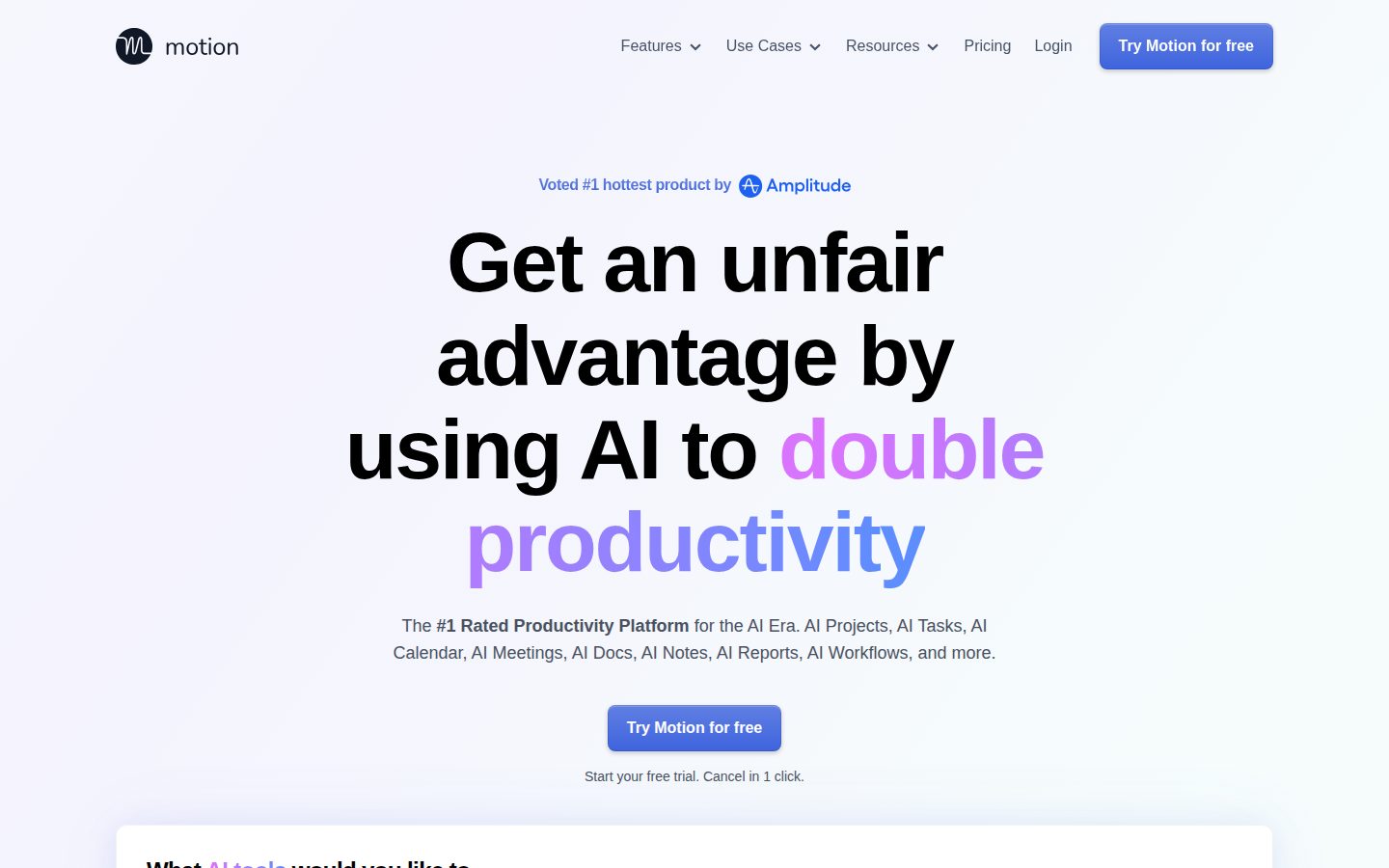
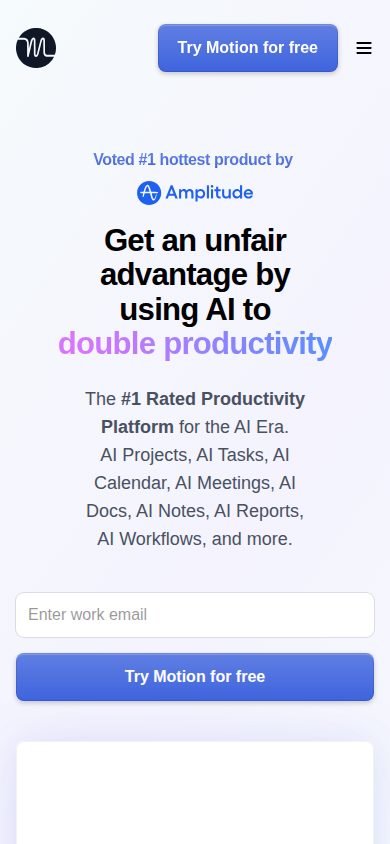
Three tells from the landing page. One: '#1 Rated Productivity Platform' with no source attached. Two: 'double productivity' in the H1 — the kind of superlative that ages poorly. Three: no changelog visible, which for a category this crowded is a yellow flag. I want to see shipping cadence, not just a feature list.
What's actually solid: the AI scheduler evaluating deadlines, dependencies, and capacity is a real architectural bet, not a GPT wrapper. At $19/mo for Pro AI and $29/mo for Business AI, the pricing is competitive against ClickUp. The Workflows Builder converting SOPs into auto-scheduled projects is specific and differentiated.
The exit story worries me. No changelog, API listed in Enterprise tier only, and tasks likely live in Motion's schema. Migration to Asana or Linear means manual export. That's real lock-in for a 5-year-old vendor with no public funding data visible.
Real-time AI rescheduling across 1,000+ parameters is a genuine architectural gap versus Asana or Monday.com's manual-first boards.
No evident one-click export to standard formats, API access gated to Enterprise tier, and task schema is proprietary — migration off Motion is a real project.
No public funding data, no visible changelog cadence — 100k customers is encouraging but the transparency signals are thin for a 3-year bet.
'#1 Rated' and 'double productivity' are unsourced superlatives — the docs and feature list are honest but the headline layer oversells.
100,000 paying customers since 2019 and SOC 2 Type II suggests real traction, though no public funding signals and no changelog make durability hard to confirm.
Teams in consulting or agency work managing multiple concurrent projects who want scheduling on autopilot instead of manual board updates.
You need clean data portability or are evaluating a 3-year platform bet without public funding or shipping transparency to anchor confidence.
Common questions answered by our AI research team
Yes. Motion's AI scheduler continuously optimizes plans in real time when priorities shift, auto-updating every team member's plan with each change — like missed deadlines or new priorities — without manual resync meetings.
Yes. Motion autogenerates action items from meetings and assigns them directly as tasks in Motion, organized under the correct project and assigned to the correct person.
Motion integrates with Gmail, Outlook, and iCloud for email, and supports Zoom, Google Meet, and Microsoft Teams for meetings, plus Slack and Teams for messaging.
Yes. Describe your project and add relevant docs, and Motion's AI instantly builds the entire project — tasks with deadlines and assignees, project stages, and more — with over 90% accuracy out of the box.
Yes. Motion offers a free trial that can be cancelled in one click.
Company
MotionFounded
2019Pricing
From $19/moFree Trial
AvailableMotion is a scheduling and task management platform based in San Francisco that uses AI to automatically prioritize tasks, schedule meetings, and manage calendars for individuals and teams.