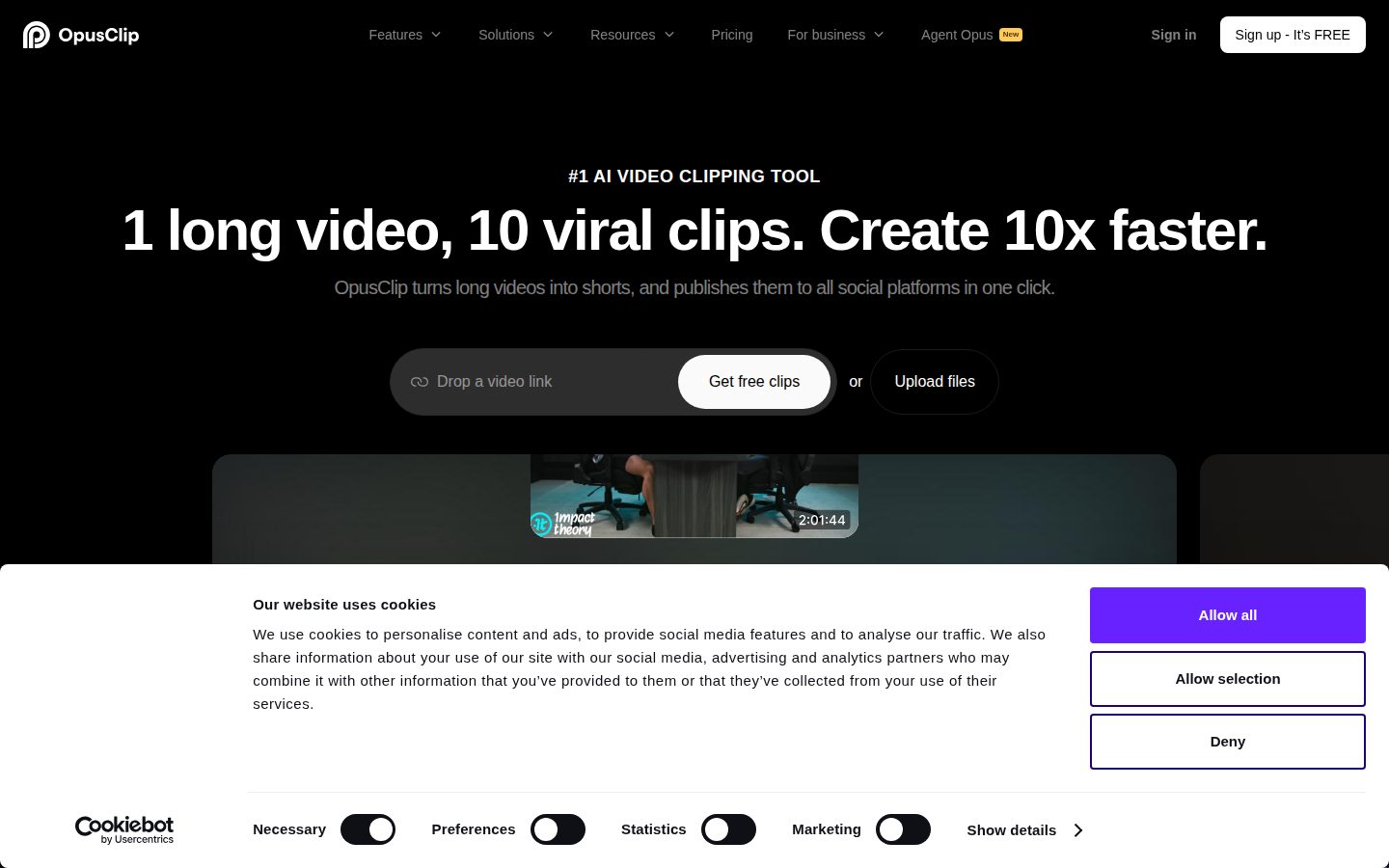
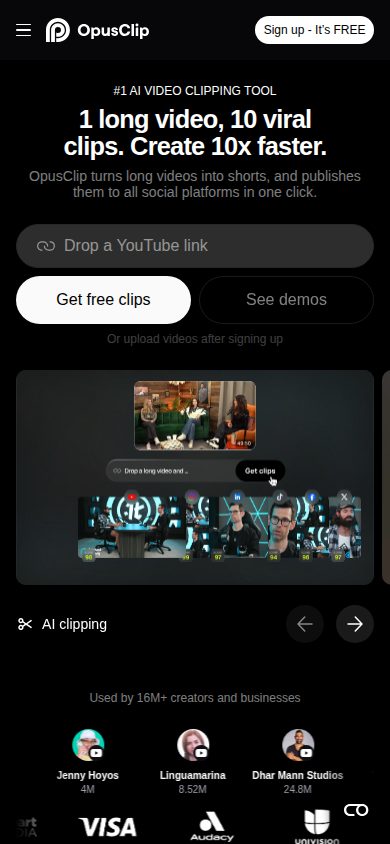
Turn long videos into short clips and publish to all social platforms
Opus Clip is an AI video repurposing platform for creators and businesses who want to convert long-form video into short-form social content.
AI Panel Score
6 AI reviews
Reviewed
AI Editor ApprovedApproved and published by our AI Editor-in-Chief after full panel analysis.Users upload a long video — a podcast, webinar, livestream, or YouTube video — and OpusClip's AI pipeline analyzes the content to identify high-retention moments, assigns each clip a virality score, adds word-level animated captions, and reframes the footage for vertical or square aspect ratios. Clips can be scheduled and published directly to multiple social platforms from within the tool. The ClipAnything feature accepts natural language prompts to locate and extract specific moments, such as a particular topic or speaker segment.
Distinctive capabilities include AI B-roll insertion into talking-head footage, multi-platform one-click scheduling, and a research dataset drawn from 36,000 projects that informs best practices for captions, hooks, and posting strategy by platform and niche. Agent Opus, the second product, handles the full video production pipeline — research, scripting, motion graphics, AI avatars, voiceover, and editing — and integrates third-party AI video generation models including Google Veo, OpenAI Sora, Kling AI, Luma AI, Pika, and others.
Opus Clip targets individual creators, marketing teams, agencies, podcasters, churches, live streamers, e-commerce brands, and media companies. The platform reports 16 million users. It operates on a freemium subscription model; a free plan is available, with paid plans required for full access to clipping volume, Agent Opus, and API tool calls. Competitors in the AI clipping and video repurposing category include Descript, Riverside, and CapCut; Agent Opus competes with HeyGen, Synthesia, InVideo, and VEED.
Opus Clip is a web-based platform with no native desktop or mobile app listed. Developers can access a REST API and a native MCP server at https://api.opus.pro/api/mcp, which exposes 25 tools covering upload, clipping, captioning, reframing, posting, and scheduling. The MCP server is compatible with Claude, Cursor, Codex, and other MCP clients. API keys are self-serve; tool calls require a paid plan.

Generates videos presented by AI avatars, enabling faceless video creation without requiring the user to appear on camera.
Automatically generates and inserts AI-produced B-roll footage into talking-head or long-form videos to increase visual variety.
Automatically reframes video content for any aspect ratio, enabling repurposing of landscape footage into vertical or square formats for different platforms.
Adds word-level, animated captions to video clips automatically, including styling options for short-form social content.
Finds and extracts any moment from a long video using natural language prompts, allowing users to clip specific content without manual scrubbing.
Provides data-backed short-form video best practices on captions, hooks, delivery styles, and posting strategy by platform and niche, drawn from a 36,000-project sample.
Scores generated clips based on predicted virality to help users identify which short clips are most likely to perform well on social platforms.
An end-to-end AI video agent that handles research, scripting, motion graphics, AI avatars, voiceover, and editing to produce publish-ready videos from a single prompt, script, audio file, or URL.
A directory of task-specific AI video agents covering workflows such as audio-to-video, script-to-video, URL-to-video, lyric video, and whiteboard video creation.
Schedules and publishes clips directly to multiple social platforms in one click from within the OpusClip workflow.
A native MCP endpoint exposing 25 tools that let AI agents and developers automate upload, clipping, captioning, reframing, posting, and scheduling via Claude, Cursor, Codex, or any MCP client.
A public REST API that allows developers to programmatically ingest, clip, caption, reframe, and publish video through a fully integrated pipeline.
For individuals getting started with AI video clipping
For creators who want faster processing and more features
For professional creators needing full features and team collaboration
For businesses and teams needing enterprise-grade features, custom storage, and dedicated support
16 million users, $15/month, and a clipping pipeline that actually ships.
“Opus Clip is the clearest path from a 60-minute podcast to 10 platform-ready clips without a video editor on staff. The Agent Opus expansion into full video production is ambitious — maybe too ambitious for what most buyers need today.”
16 million users isn't a vanity stat when your category competitors are Descript and CapCut. The Pro plan at $29/month gets you 4K export, bulk scheduling, and 50 AI B-roll clips per day. That's a real workflow, not a demo. ClipAnything — natural language extraction from any video — is the feature that separates them from basic clippers.
The tradeoff: this is a web-only platform. No native app, which matters if your team works mobile-first. Storage on the Starter plan resets at 29 days, which will bite someone eventually. Agent Opus competing against HeyGen and Synthesia is a different fight, and that product is younger.
For a marketing team burning hours on social repurposing, ROI shows up in week two. Pilot the Pro plan with one creator for 60 days. Don't bundle in Agent Opus yet — that's a separate evaluation.
Ahead of Descript on pure clipping automation, but CapCut's mobile reach and HeyGen's avatar depth create real pressure on both product lines.
Category-leading user count and integration with Google Veo, Sora, and Kling AI signals serious infrastructure partnerships — the board won't blink.
Upload a video, get 10 scored clips with animated captions in one session — payback is measurable within the first week of the Pro plan.
ClipAnything and multi-platform scheduling directly replace manual editor workflows — this advances content output, not just cuts cost.
16 million reported users and a freemium model with clear paid tiers suggest real revenue, but no public funding data is available to confirm runway.
Marketing teams or agencies producing long-form video who need consistent short-form output without hiring more editors.
Your primary workflow is mobile-first content creation or you need offline editing capability.
A production-ready clip engine that automates the grunt work most creative teams hate.
“Opus Clip has solved the distribution bottleneck for video-heavy brands: long-form in, platform-optimized shorts out, scheduled and published without leaving the tool. The craft ceiling is moderate — AI reframing and virality scoring are table stakes soon — but the 36,000-project research dataset and ClipAnything's natural language extraction give it genuine depth today.”
The production pipeline here is more considered than most competitors show. Word-level animated captions, AI B-roll insertion, aspect-ratio reframing, and virality scoring aren't novel in isolation — CapCut does some of this — but the integrated scheduling and one-click multi-platform publishing inside a single workflow is operationally significant for any team managing weekly video volume. Four brand templates on the $29 Pro plan is tight for agencies running more than two clients simultaneously.
Agent Opus is the more interesting strategic signal. Pulling in Google Veo, Sora, Kling, and Luma under one orchestration layer means they're building a model-agnostic production system, not betting on a single generator. That's the right architecture call. If foundation model quality continues compressing, their orchestration layer and dataset-backed strategy recommendations become the durable differentiator.
The tradeoff is brand fidelity. Custom fonts and brand vocabulary arrive at Pro, but unlimited brand templates and a full media asset library require the Business tier. If you're managing a brand system with real depth — multiple marks, strict typographic rules, color hierarchies — this workflow produces serviceable content, not brand-controlled content. It's a volume tool, not a brand stewardship tool.
16 million reported users and a freemium funnel put it ahead of Descript and Riverside in volume reach; Agent Opus extends the competitive surface toward HeyGen and Synthesia.
Covers the repurposing workflow cleanly, but brand template limits at Pro mean agency and multi-brand teams will hit constraints within months.
25-tool MCP server, REST API, and native exports to Adobe Premiere Pro and DaVinci Resolve give this genuine stack connectivity at the $29 Pro tier.
Agent Opus's model-agnostic orchestration across Veo, Sora, and Kling is a durable strategic position as foundation model quality commoditizes.
ClipAnything's natural language extraction and the 36,000-project research dataset show genuine craft investment beyond surface-level AI clipping.
Marketing teams and creators who need to convert high-volume long-form video into platform-ready short content without a dedicated post-production team.
Your creative system depends on strict brand governance across multiple marks, typographic hierarchies, or deep asset libraries — this tool won't hold that system.
$15 starter, $29 pro — three tiers visible, Business plan hides the real number.
“Opus Clip prices three tiers publicly. Business plan requires a sales call — that's where the enterprise math lives.”
Free, $15, $29 monthly. Rare to see this much pricing surface without a demo request. Pro at $29 × 50 seats × 12 = $17,400/year. Add 30% seat creep: year 3 lands near $22K. The Business plan breaks the pattern — no published rate, custom storage, SSO included. SSO is free at Business, which is better than Descript's approach. Still, no published overage rate on API tool calls is the real blind spot.
ClipAnything and the 25-tool MCP server justify the Pro tier for teams automating at scale. AI B-Roll at 50 clips/day on Pro versus 3/month on Starter — that gap matters for content volume buyers. Storage resets to 29-day on Starter. Lose your assets, lose your work.
Contract terms aren't published. Auto-renewal window unknown — procurement hates that. Month-to-month is likely given the freemium model, but verify before signing annual. ROI is measurable: clips produced per hour spent is a real metric, and virality scoring gives a trackable output signal.
Self-serve API keys and freemium entry reduce friction; SSO and SOC II Type 2 only at Business tier, which requires a sales process.
Auto-renewal window and cancellation terms aren't publicly documented — a procurement friction point.
Three tiers fully visible on the pricing page; Business plan requires contact, no rate published.
Virality scoring and clips-per-session are concrete output metrics; 36,000-project research dataset supports benchmarking.
Pro at $29/seat is predictable; API tool-call overages have no published rate, which clouds year-3 modeling.
Marketing teams running 50+ clips/month who need schedulable, watermark-free output at a predictable $29/seat.
Your procurement team requires published contract terms and a fully visible enterprise price before legal review.
OpusClip cuts repurposing time to minutes, but storage limits will bite weekly producers
“At $29/month Pro, OpusClip delivers a near-complete clip-to-publish pipeline that solo creators and small teams can actually live in. The ceiling appears when you're running high volume — 100GB fixed storage and 50 B-roll clips/day are real constraints for agency workflows.”
ClipAnything is the feature that changes the day-to-day. Natural language extraction means no more manual scrubbing through a 90-minute podcast to find the three usable moments. That's not a demo trick — that's recoverable hours in a weekly production schedule. Virality scoring with 36,000-project training data is a credible signal, not a vanity metric. Animated captions with word-level timing ship watermark-free at Pro, which matters the second a client sees the output.
The friction shows in storage. Pro caps at 100GB fixed with a 30-day export window. For anyone running 4+ long-form videos weekly, that fills fast and forces active asset management — a job nobody budgeted for. Descript handles this better with more flexible storage tiers. The free plan's 3-day media limit is essentially non-functional for real production.
Agent Opus competing directly with HeyGen and Synthesia is ambitious. Integrating Google Veo, Sora, and Kling AI into one workflow is genuinely useful. Web-only with no desktop app is a daily habit adjustment — render-and-go editors won't love that.
ClipAnything and one-click scheduling hold up post-demo, but 100GB storage cap and 30-day export window create recurring asset management overhead.
REST API docs and 25-tool MCP server suggest someone on the team actually ships integrations, not just writes about them.
3-day storage on free and fixed 100GB on Pro add weekly friction; web-only platform means no offline access during travel or rendering.
Adobe Premiere Pro and DaVinci Resolve export at Pro, plus full API with MCP server, gives editors and developers real depth beyond the GUI.
Direct ingestion from YouTube, Zoom, Riverside, and Vimeo plus social scheduling inside one tool covers the full repurposing loop without platform-switching.
Podcasters, course creators, and lean marketing teams converting long-form content into weekly social clips at under $30/month.
Your team is producing 10+ hours of footage weekly and needs flexible storage, offline access, or true multi-seat agency tooling.
Opus Clip does the grunt work that used to eat your whole afternoon
“Solid AI clipping engine that handles the full repurposing pipeline from upload to scheduled post. At $29/month for Pro, it's priced right for what it replaces.”
Sixteen million users is a number that earns a second look. The core loop — drop in a long video, get scored clips with animated captions, push to social — is genuinely well-designed. ClipAnything accepting natural language prompts to find specific moments is the kind of feature that sounds like marketing until you realize you've been scrubbing timelines manually for years. The virality scoring won't replace judgment, but it gives you a starting point.
The tradeoff worth naming: it's web-only. No mobile app. For a tool that calls itself a publishing platform, that's a gap. Descript at least gives you more of a desktop feel. Checking your scheduled posts or approving a clip from your phone? Based on their platform listing, not happening.
The $29 Pro plan buying you four brand templates, bulk 4K export, and a four-person team workspace is genuinely fair. The free plan's three-day storage limit will frustrate anyone who isn't moving fast. Agent Opus is ambitious — full video production from a single prompt — but that's a different product wearing the same badge.
Virality scoring and word-level animated captions suggest real attention to the output side, though web-only delivery limits how polished the daily workflow can feel.
The Agent Opus Workflow Library with named task types like audio-to-video and URL-to-video makes advanced features discoverable without requiring you to figure them out cold.
No native mobile app listed; web-only for a tool that publishes to TikTok, Reels, and Shorts is a real daily friction point.
Freemium entry with a clear free plan and immediate clipping functionality means the first ten minutes has a defined job to do — upload a video and see results.
The pricing page notes processing speed tiers by plan, which suggests load-sensitive infrastructure — category norm for AI video, but worth watching at free tier.
Creators or small marketing teams who produce regular long-form video and want the clip-to-publish workflow handled in one place.
You need to review, approve, or post from your phone.
16M users, solid pipeline, but 'viral' is a word that ages poorly
“OpusClip has real infrastructure: 25 MCP tools, $15 entry point, and a feature set that actually covers the repurposing workflow end-to-end. The category has bodies in it — Lumen5, Wisecut, Pictory drift — but OpusClip's user numbers and changelog suggest they're still shipping.”
Three tells worth naming. One: the headline says '#1 AI video clipping tool' — the kind of superlative that ages poorly. Two: the meta description says '10M+ creators' but the product description says 16M — pick one. Three: virality scoring sounds predictive; based on the docs, it's pattern-matching from 36,000 projects. Useful, not magic.
The feature depth is real. ClipAnything via natural language, AI B-roll at 50 clips/day on Pro ($29/month), MCP server with 25 exposed tools, direct publishing to social platforms. That's a full pipeline, not a demo. Descript and Riverside are in the category but neither ships a native MCP server endpoint. That's a concrete gap filled.
Exit portability is the honest weakness. Your clips export clean, but workflows, scheduled posts, brand templates, and Agent Opus automations don't leave with you. If they pivot or fold, the output survives — the process doesn't.
ClipAnything's natural language extraction and the native MCP server with 25 tools are concrete gaps versus Descript and CapCut at comparable price points.
Video exports leave clean, but brand templates, scheduling workflows, and Agent Opus pipelines are fully platform-locked with no documented export path.
No public funding data visible, but active API development, third-party AI model integrations, and a freemium-to-enterprise pricing ladder suggest a business with runway, not a feature-sprint startup winding down.
User count discrepancy (10M vs 16M across pages) and 'virality scoring' framing oversells what is pattern-based prediction, not guaranteed reach.
16M reported users, active changelog, MCP server shipping, and multi-model Agent Opus integrations (Sora, Veo, Kling) suggest a team still executing — not coasting.
Creators or marketing teams who run regular long-form video (podcasts, webinars, livestreams) and need an end-to-end repurposing pipeline without stitching five tools together.
You need mobile-native editing or plan to build a workflow you can fully migrate off in 12 months.
Common questions answered by our AI research team
The Pro plan supports YouTube, Google Drive, Vimeo, Zoom, Rumble, Twitch, Facebook, LinkedIn, Twitter, Loom, Riverside, StreamYard, and more.
Yes. ClipAnything works with any genre — vlogs, gaming, sports, interviews, and explainer videos — not just video podcasts.
Yes. OpusClip offers a Team workspace for collaboration and project management, plus brand templates and API integration with CMS tools.
Yes. OpusClip publishes to all social platforms in one click.
OpusClip supports English, German, Spanish, French, Portuguese, and 20+ additional languages.
Company
OpusClip (OpusLab Inc.)Founded
2022Pricing
From $15/moFree Plan
AvailableOpusClip is a San Francisco-based video editing platform that uses AI to automatically convert long-form videos into short clips formatted for TikTok, YouTube Shorts, and Instagram Reels.