Scrimba logo

Scrimba Review

Visit

Interactive coding courses where you edit code directly inside video tutorials

Scrimba is an interactive coding education platform for people learning web development and programming.

Scrimba AS·Founded 2017·From $25/moFree PlanAI Education & TrainingAI Coding Tools

AI Panel Score

7.9/10

6 AI reviews

Reviewed

AI Editor Approved

What is Scrimba?

Scrimba is an interactive coding education platform for people learning web development and programming. Its courses use a scrim format that lets learners pause a video tutorial at any point and edit the instructor's code directly inside the player, running and experimenting without switching to a separate editor. The platform suits teams upskilling junior to mid-level web developers and L&D programs covering JavaScript, React, Python, or AI engineering. Pricing starts at $24.50 per month, and a free plan is available. Key capabilities include an in-browser IDE, structured career paths, AI code review and feedback, interactive coding challenges, and completion certificates. TopReviewed's six-seat AI review panel scored it 7.9/10, praising the scrim player's elimination of context-switching while noting the Backend Developer path is thin for serious backend upskilling. It fits individuals and small teams budgeting under $300 per year per seat for structured web development training.

About Scrimba

The core of Scrimba's experience is its proprietary 'scrim' player, which records both the instructor's code and narration as a single interactive file. When watching a lesson, learners can pause at any moment, click into the code, make changes, and run the result — all within the same interface. This removes the friction of copying code into a separate environment and lets learners test their understanding mid-lesson rather than after the fact.

Scrimba includes an AI-powered coding assistant embedded directly in the scrim player. It can answer questions about the current lesson's code, provide hints, and offer feedback on learner-written code without leaving the course. The platform also includes challenges and projects built into courses, where learners must complete tasks before progressing, making completion a hands-on requirement rather than passive viewing.

Scrimba targets beginners through intermediate developers, with a curriculum centered on JavaScript, React, CSS, Python, and related front-end and full-stack topics. It offers a free plan with access to a subset of courses, and a paid Pro subscription priced at around $18/month (billed annually) that unlocks the full course library, the AI tutor, and community features. Competitors in the interactive coding education space include freeCodeCamp, Codecademy, Frontend Masters, and Zero To Mastery.

Scrimba is entirely browser-based and requires no local installation or environment setup. The scrim format is also available to course creators who want to build and publish their own interactive coding content on the platform.

Features

AI

  • AI Code Review & Feedback

    An AI feature reviews learners' code solutions and provides automated feedback on how to improve the code, giving students instant, personalized guidance without waiting for an instructor.

  • AI Engineering Course Catalog

    Scrimba offers dedicated AI engineering courses covering generative AI, LLM tooling, RAG, AI agents, the OpenAI Assistants API, DALL-E image generation, and GPT-4 Vision, keeping content at the forefront of the AI development space.

Analytics

  • Progress Tracking

    The platform tracks each learner's course completion progress so students can monitor their advancement and identify areas needing further practice.

Collaboration

  • Discord Community (75,000+ Members)

    A 75,000+ member Discord server provides a peer-to-peer support space where learners can ask for coding help, share projects, get career advice, and attend weekly Town Hall sessions hosted by the Scrimba team.

  • Team Plans for Organizations

    Scrimba offers team/organizational plans that give companies full control over staff learning and development, enabling structured upskilling programs across a group.

Core

  • Completion Certificates

    Learners who complete courses — including those on the free tier — receive completion certificates to validate and showcase their newly acquired coding skills.

  • In-Browser IDE

    A built-in browser-based code editor lets students write, edit, and run code without any local installation or project setup, supporting HTML, CSS, JavaScript, React, Vue, TypeScript, Node.js, Python, SQL, and more.

  • Interactive Coding Challenges

    Courses embed hands-on coding challenges throughout lessons (e.g., 140+ challenges in Learn JavaScript) that prompt learners to pause and solve problems directly inside the scrim rather than passively watching.

  • Scrim Interactive Screencast Format

    A proprietary video format that merges the screencast and code editor into one, allowing learners to pause any lesson and edit the instructor's code live directly in the browser without switching tabs or setting up a local environment.

  • Self-Paced Course Library

    Scrimba offers 72+ curated courses covering frontend, backend, and AI topics, with 25+ courses (including Learn React, Learn JavaScript, Learn Python, and Learn SQL) available completely free with completion certificates.

  • Structured Career Paths

    Pro subscribers gain access to four structured career paths — Frontend Developer (81.6 hrs, built in partnership with MDN Web Docs), Fullstack Developer (108.4 hrs), Backend Developer, and AI Engineer — each designed to take learners from zero to job-ready.

Customization

  • User-Created Scrims & Templates

    Since Scrimba 2.0, the platform is open for any user to create and publish their own scrims, templates, and even full courses — expanding beyond a closed teacher-only content model to a community-driven open platform.

Preview

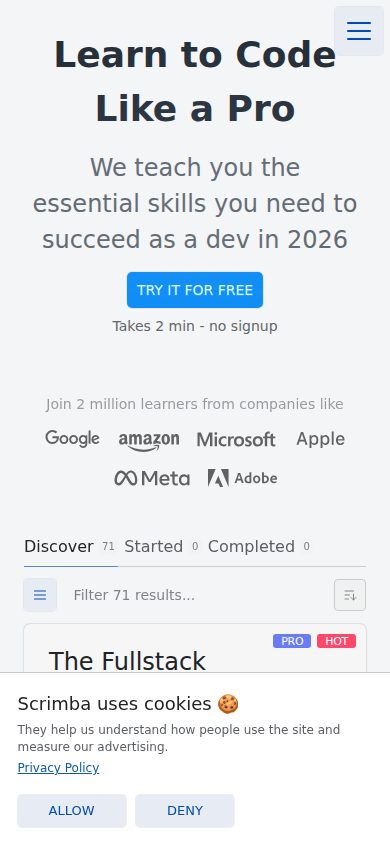
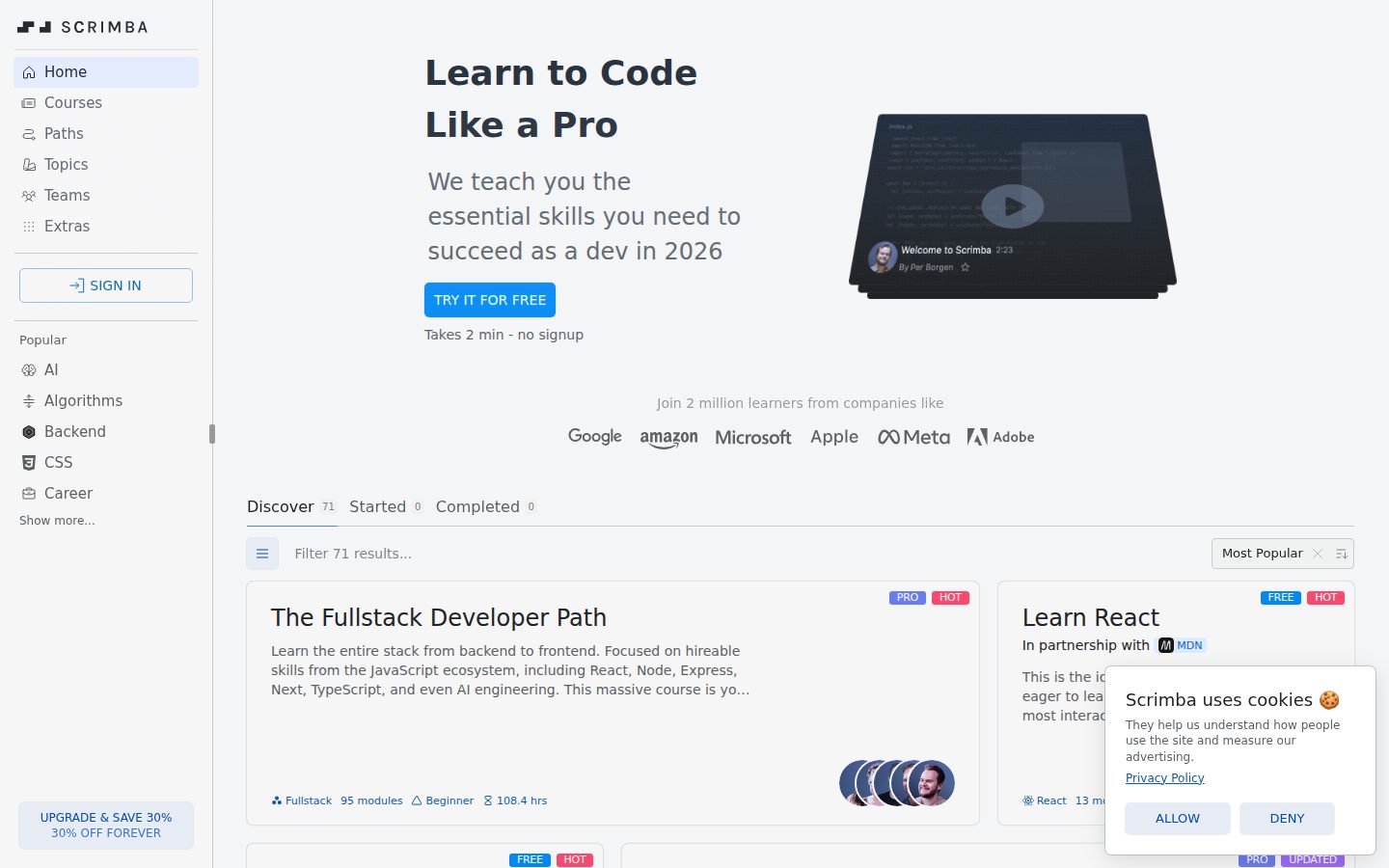
Scrimba desktop previewScrimba mobile preview

Pricing Plans

Free

Free

For beginners who want to explore coding with no commitment. Access to 25 free courses and 100+ hours of content.

  • 25 free courses (100+ hours of content)
  • Free courses include Learn React, Learn JavaScript, Learn Python, Learn SQL, Learn TypeScript, Node.js, Express, and Next.js
  • Interactive scrim format (edit instructor code in-browser)
  • Access to Scrimba community

Pro (Monthly)

$49/monthly

For learners who want full access to all Scrimba content on a flexible month-to-month basis.

  • Full access to all 72+ courses
  • Access to all four career paths: Frontend Developer (81.6 hrs), Fullstack Developer (108.4 hrs), Backend Developer (30.1 hrs), AI Engineer (11.4 hrs)
  • Solo projects and interactive practice environments
  • Completion certificates
  • AI-powered Instant Feedback on coding challenges
  • Community access and support
  • Regional (PPP) and student discount eligibility
Popular

Pro (Annual)

$25/monthly

Best value for learners committing to 6+ months of study. Billed annually at $294/year, saving ~$96 vs monthly.

  • Full access to all 72+ courses
  • Access to all four career paths: Frontend Developer (81.6 hrs), Fullstack Developer (108.4 hrs), Backend Developer (30.1 hrs), AI Engineer (11.4 hrs)
  • Solo projects and interactive practice environments
  • Completion certificates
  • AI-powered Instant Feedback on coding challenges
  • Community access and support
  • Regional (PPP) and student discount eligibility
  • Price locked — no increases on renewal

AI Panel Reviews

The Decision Maker

The Decision Maker

Strategic bet, vendor viability, timing, adoption approval
7.8/10

Scrimba's scrim format is genuinely different — $294/year for real interactivity.

The proprietary scrim player solves the actual problem with video tutorials: you learn by doing, not watching. Strong free tier, four structured career paths, 75K Discord community — this isn't vaporware.

72 courses, 75,000-member Discord, AI feedback embedded in the lesson itself. The scrim format isn't a gimmick — editing instructor code mid-video without switching tabs removes the single biggest drop-off point in self-paced learning. Codecademy charges more and does less of this natively.

The tradeoff: Scrimba is front-end and full-stack focused. Backend Developer clocks 30.1 hrs versus 81.6 hrs for Frontend. If your team needs deep backend, systems, or data engineering coverage, the catalog thins out fast.

At $24.50/month billed annually, the board won't care. No funding data is public, but Scrimba AS has been running long enough to build four career paths co-developed with MDN Web Docs. That's a real partnership, not a slide. For upskilling junior web developers, this is the right tool at the right price.

Competitive Positioning7.5

The scrim format is a genuine differentiator over Codecademy and freeCodeCamp; Frontend Masters beats it on depth for senior engineers, but Scrimba wins on beginner-to-intermediate accessibility.

Reputation Risk8.5

75,000-member community and an MDN co-branded path — this looks like a credible L&D choice, not a risky startup bet.

Speed to Value8.2

Interactive challenges embedded in every lesson and AI code review mean learners get hands-on feedback immediately, not after a project submission cycle.

Strategic Fit8.0

Structured career paths (Frontend 81.6 hrs, Fullstack 108.4 hrs) plus AI Engineering coverage means this advances web dev capability, not just replaces YouTube.

Vendor Viability7.0

No public funding data, but Scrimba AS has shipped Scrimba 2.0 with user-created content and an MDN Web Docs partnership — signs of a durable, operating company.

Pros

  • Scrim player — edit and run instructor code mid-video, no tab switching
  • $24.50/month annual unlocks all four career paths and AI feedback
  • 25+ free courses including React, Python, SQL — strong try-before-buy
  • 75,000-member Discord with weekly Town Halls gives real community support

Cons

  • Backend Developer path is only 30.1 hrs — thin for serious backend upskilling
  • No public funding transparency makes 36-month viability harder to confirm
  • Content depth doesn't compete with Frontend Masters for senior engineers

Right for

Teams upskilling junior to mid-level web developers who need structure and won't actually use a separate editor.

Avoid if

Your team needs deep backend, systems, or data engineering training.

The Domain Strategist

The Domain Strategist

Craft and strategy in the product's domain — adapts identity per category, same lens
8.1/10

Scrimba's scrim format solves the biggest dropout problem in self-paced coding education.

The interactive scrim player removes the context-switching friction that kills learner momentum in every competing platform. At $294/year, the value proposition for individual upskilling is difficult to argue against.

The scrim format is genuinely architectural, not a feature bolt. Merging the screencast and IDE into a single file means learners stay in one cognitive context throughout a lesson — and 140+ embedded challenges in Learn JavaScript alone signals someone thought seriously about active retrieval, not just content delivery. That's real instructional design thinking, not a demo trick.

The four structured career paths are where this gets interesting for L&D teams. Frontend Developer at 81.6 hours built in partnership with MDN Web Docs, Fullstack at 108.4 hours — those aren't marketing estimates, they're scoped curricula. Team plans exist, but the docs indicate organizational controls are limited compared to an LMS like Coursera for Business or Degreed. Progress tracking is basic; no skills taxonomy, no manager dashboards visible in the evidence.

The ceiling is the constraint. Scrimba is purpose-built for web development and AI engineering — it won't serve a broad L&D portfolio. If your upskilling agenda spans that stack, it's a best-in-class tool. If you need compliance, soft skills, or enterprise reporting, you'll need a second platform.

Category Positioning8.2

Scrimba sits clearly above Codecademy on interactivity depth and below Frontend Masters on advanced content, occupying a defensible beginner-to-intermediate lane.

Domain Fit7.8

Career path scoping and AI engineering course catalog align well with current developer upskilling priorities, but organizational reporting is thin for enterprise L&D.

Integration Surface6.8

No API or LMS integration evidence in the docs; team plans exist but lack the manager dashboard and skills-mapping layer most L&D stacks require.

Long-term Implications7.5

Proprietary scrim format creates some content lock-in, but the open creator platform since Scrimba 2.0 reduces dependency on a single content team.

Strategic Depth8.5

The proprietary scrim format plus 140+ in-lesson challenges in a single course reflects real instructional architecture, not surface-level interactivity.

Pros

  • Scrim format eliminates context-switching — the single biggest cause of self-paced dropout
  • $294/year annual Pro pricing with PPP discounts makes individual enrollment decisions easy
  • AI Engineering career path covering RAG, agents, and GPT-4 Vision keeps content current
  • 75,000+ member Discord with weekly Town Halls adds a community learning layer competitors rarely match

Cons

  • No LMS integration or API surface visible — hard to plug into an existing L&D stack
  • Progress tracking shows completion, not competency — no skills taxonomy or manager reporting
  • Curriculum is narrow by design: web dev and AI engineering only, nothing beyond that lane
  • Team plan organizational controls appear basic compared to Coursera for Business or Degreed

Right for

L&D teams running developer upskilling programs in JavaScript, React, Python, or AI engineering who want structured career paths with real hands-on mechanics.

Avoid if

Your L&D portfolio spans beyond web development, or you need enterprise reporting and LMS integration out of the box.

The Finance Lead

The Finance Lead

Money, total cost of ownership, contracts, procurement math
7.8/10

$294/year beats Codecademy Pro; scrim format is the real differentiator.

Scrimba Pro annual runs $294/year — transparent, no sales call required. The scrim format is proprietary and genuinely distinct from static-video competitors.

$24.50/month billed annually = $294/year. Monthly option is $49 — a $96/year penalty for flexibility. Free tier includes 25 courses and 100+ hours. Pricing page shows all three tiers without a sales call. Rare.

Team plans exist but pricing isn't published. That's the procurement friction point. Individual TCO is clean: $294 × 3 = $882 over 3 years per seat, price-locked on renewal per their terms. No overage model visible — flat subscription, predictable invoice. Compare Codecademy Pro at ~$192/year: Scrimba costs ~$100 more annually but includes 140+ embedded challenges, AI code feedback, and four structured career paths totaling 231+ hours.

ROI is measurable by completion rate and certificate output, not hand-wavy. The tradeoff: team plan pricing requires contact, which adds procurement friction for L&D buyers. Individual buyers get full transparency. Org buyers do not.

Billing & Procurement6.5

Individual billing is frictionless; team/org plan requires contact, adding procurement overhead for L&D buyers.

Contract Flexibility7.0

Annual plan saves $96/year but commits a full 12-month term; monthly exit exists at $49/month penalty rate.

Pricing Transparency8.5

All three individual tiers published with full feature breakdowns — no sales call needed, though team plan pricing is opaque.

ROI Clarity7.5

Completion certificates, progress tracking, and 140+ challenges per course give measurable learning output, not just access.

Total Cost of Ownership8.2

$294/year, price-locked on annual renewal, no visible add-ons or overages — 3-year TCO is $882/seat, fully predictable.

Pros

  • $294/year annual rate is price-locked on renewal
  • 25 free courses with 100+ hours — no credit card trial needed
  • AI code feedback and 140+ challenges embedded in courses
  • 72+ courses across frontend, backend, and AI engineering tracks

Cons

  • Team plan pricing not published — procurement friction for org buyers
  • No free trial on Pro; annual commitment required for best rate
  • Backend Developer path is only 30.1 hours — thin vs Frontend at 81.6
  • No API or LMS integration data visible for enterprise L&D stacks

Right for

Individual developers or small teams budgeting under $300/year per seat for structured web development training.

Avoid if

Your L&D team needs published org-tier pricing and LMS integration before procurement approval.

The Domain Practitioner

The Domain Practitioner

Daily hands-on reality in the product's domain — adapts identity per category, same lens
8.2/10

Scrimba's scrim format solves the copy-paste problem that kills every other coding tutorial

The interactive scrim player removes the biggest friction in self-paced coding education: learners stop switching tabs mid-lesson. At $24.50/month annually, it's priced right for individual learners committing to a structured path.

The scrim format is the real product here. Pause the video, edit the instructor's code, run it — all in the same window. Codecademy has a split-screen editor. Scrimba collapsed the split. That's not a small UX win, that's a workflow redesign. For learners who kept abandoning courses because copy-pasting broke their flow, this fixes the actual dropout moment.

Day-3 reality: the 72+ course library is curated but not deep. The AI Engineer path clocks at only 11.4 hours versus the Frontend path's 81.6 hours. Learners who outgrow the curriculum hit a ceiling without a clear next step. The 75,000+ member Discord fills some of that gap, but community-as-curriculum is a fragile substitute for structured content.

The embedded AI Code Review feature is the right call — instant feedback without leaving the lesson is exactly what a solo learner needs at 11pm. The tradeoff: no free trial on Pro, so committing $294/year requires trusting the free tier sample.

Day-3 Reality8.0

The scrim format holds up daily — no environment setup, no tab switching — but the AI Engineer path's 11.4 hours will leave intermediate learners wanting more within weeks.

Documentation Practitioner-Fit6.5

No public docs, changelog, or blog surfaced in evidence — curriculum quality is unverifiable beyond feature listings, which is a gap for trainers evaluating content rigor.

Friction Surface8.3

140+ embedded challenges in Learn JavaScript alone means learners are practicing constantly, not passively watching; the main friction is the thin advanced content, not the interface.

Power-User Depth6.8

The four career paths top out at Frontend/Fullstack depth; since Scrimba 2.0, user-created scrims expand content, but quality control on community courses is unclear.

Workflow Integration8.5

Browser-only, zero local install, code runs inside the player — the entire learning loop lives in one tab, which is as frictionless as self-paced coding gets.

Pros

  • Scrim format eliminates copy-paste friction that kills completion rates on every competing platform
  • 25 free courses including React, Python, and SQL — no credit card required
  • AI Code Review delivers instant feedback inside the lesson, not after
  • $24.50/month annual rate is competitive against Frontend Masters and Zero To Mastery

Cons

  • AI Engineer path is only 11.4 hours — thin for anyone serious about the topic
  • No free trial for Pro means committing $294/year on limited sample
  • No public changelog or docs makes curriculum depth hard to evaluate before buying
  • Content ceiling arrives fast for post-intermediate learners

Right for

Self-directed beginners to mid-level developers learning frontend or fullstack JavaScript who need structure without environment setup friction.

Avoid if

You're past the intermediate level or need deep backend, systems, or enterprise-focused curriculum.

The Power User

The Power User

Daily human experience, onboarding, polish, learning curve, reliability
8.2/10

Scrimba's scrim format solves the thing every coding tutorial gets wrong

Editing instructor code inside the video player is genuinely clever and removes the tab-switching friction that kills momentum on Codecademy and YouTube tutorials alike. At $24.50/month billed annually, it's priced fairly for what you actually get.

The core insight here is simple and correct: nobody learns to code by watching. The scrim format — pause, edit, run, keep going — is the right loop. That 140+ embedded challenges in Learn JavaScript alone tells you the team built this around doing, not just watching. That's not a small thing. Most competitors are still basically video plus a separate sandbox window.

The AI Code Review feature embedded in the player is where month-three either clicks or gets annoying. Instant feedback without leaving the lesson is good. Whether it's actually good feedback at scale is harder to verify from outside. The 75,000-member Discord feels like genuine community, not a ghost town.

The real tradeoff: this is a web-only product, and coding education on mobile is basically a non-starter anyway. But the $49/month billing for the flexible monthly plan is rough — the annual at $294 is the only sensible entry point, which means you're committing before you're sure.

Daily Polish8.0

The scrim player concept is tightly executed — one interface for video, code, and running output signals a team that thought through the daily loop carefully.

Learning Curve8.0

Four structured career paths up to 108.4 hours (Fullstack) give learners a clear runway from first lesson to job-ready, which prevents the 'now what?' moment at month two.

Mobile Parity5.5

Web-only platform; coding in an interactive editor on a phone is mostly theoretical, so mobile parity is basically an apology note.

Onboarding Experience8.5

Free tier includes 25 full courses with no install, no setup, and certificates — you're writing code in minutes, which is exactly the right first impression.

Reliability Feel7.5

Browser-based with no local environment is either very reliable or very fragile depending on the scrim player's stability — no public changelog to check, so this is a mild unknown.

Pros

  • Scrim format eliminates tab-switching — you edit and run code inside the video, which is the right design
  • 25 free courses including React, Python, and SQL with actual completion certificates — generous free tier
  • 75,000+ Discord community plus weekly Town Halls means you're not just alone with a tutorial
  • AI engineering course catalog covering RAG, AI agents, and GPT-4 Vision keeps content current

Cons

  • Monthly plan at $49 is steep — almost forces the annual $294 commitment before you know if it sticks
  • No public changelog or API docs, so it's hard to gauge how fast the platform is actually improving
  • Mobile experience is effectively read-only — fine for this category, but worth knowing upfront

Right for

Self-taught beginners to intermediate developers who want hands-on JavaScript and React fundamentals without setting up a local environment.

Avoid if

You want deep computer science fundamentals, advanced backend topics, or need a fully auditable enterprise LMS with reporting.

The Skeptic

The Skeptic

Contrarian. Watch-outs, deal-breakers, broken promises, category patterns
7.2/10

Proprietary format is genuinely different — three things I'd watch anyway

Scrimba's 'scrim' player is a real technical moat. The format solves a real friction point. But some public signals are thin, and the $49/month monthly tier is aggressive for a category where freeCodeCamp is free forever.

The scrim format is legitimately differentiated. Codecademy has in-browser coding. Frontend Masters has video. Scrimba merged them. 140+ embedded challenges in Learn JavaScript alone, and the AI feedback loop runs without leaving the player. That's not marketing copy. That's architecture.

Two flags. No changelog, no blog, no API visible in the scraped evidence — thin public transparency for a platform asking for annual commitment at $294/year. Monthly at $49 is expensive if you stall. The four career paths range from 11.4 hrs (AI Engineer) to 108.4 hrs (Fullstack) — that gap raises questions about depth parity.

One watch: exit portability is weak. The scrim format is proprietary. If Scrimba winds down — and coding bootcamp platforms have died at scale — your progress lives in their ecosystem. The 75,000-member Discord is a real asset. The Scrimba 2.0 open platform pivot could matter. Maybe.

Competitive Differentiation8.0

No named competitor merges screencast and live editor in the same viewport — freeCodeCamp, Codecademy, and Frontend Masters all separate the two.

Exit Portability4.5

Proprietary scrim format means no standard export; course progress and projects don't port to any other platform.

Long-term Viability6.2

No changelog, no public funding round, no API — thin transparency signals for a company asking annual subscription commitment.

Marketing Honesty7.5

'Interactive coding' claim is backed by the actual scrim architecture — not aspirational, based on documented feature behavior.

Track Record Match6.8

Category has real casualties — Treehouse pivoted hard, Pluralsight lost retail focus — Scrimba's 2.0 open-platform move mirrors survivor patterns but no funding data visible.

Pros

  • Scrim format genuinely removes the editor-switching friction that kills beginner momentum
  • 25 free courses including React and Python — no paywall to evaluate quality
  • 75,000-member Discord is unusually active for a platform this size
  • AI feedback embedded in the player, not bolted on as a separate tab

Cons

  • $49/month monthly tier is steep vs. freeCodeCamp (free) and Codecademy Pro (~$19/month)
  • No changelog or blog visible — shipping cadence is opaque
  • AI Engineer career path at 11.4 hrs looks thin next to Fullstack at 108.4 hrs
  • Proprietary format creates lock-in with no clean migration path

Right for

Beginners who learn by doing and want a structured path to frontend or fullstack work without local environment headaches.

Avoid if

You need enterprise SLAs, API access, or want confidence the platform will still exist when you finish an 81-hour career path.

Buyer Questions

Common questions answered by our AI research team

Features

Can I edit instructor code directly inside the video?

Yes. Scrimba's 'scrim' format lets you pause the tutorial at any point and edit the instructor's code directly within the video player.

Setup

Do I need a separate code editor to use Scrimba?

No separate editor is needed. Scrimba embeds an interactive coding environment inside the video player itself.

Features

Can I run code without leaving the video player?

Yes. You can run, modify, and experiment with code without leaving the video player.

Also in AI Education & Training