HR, scheduling, and payroll software for hourly workforces
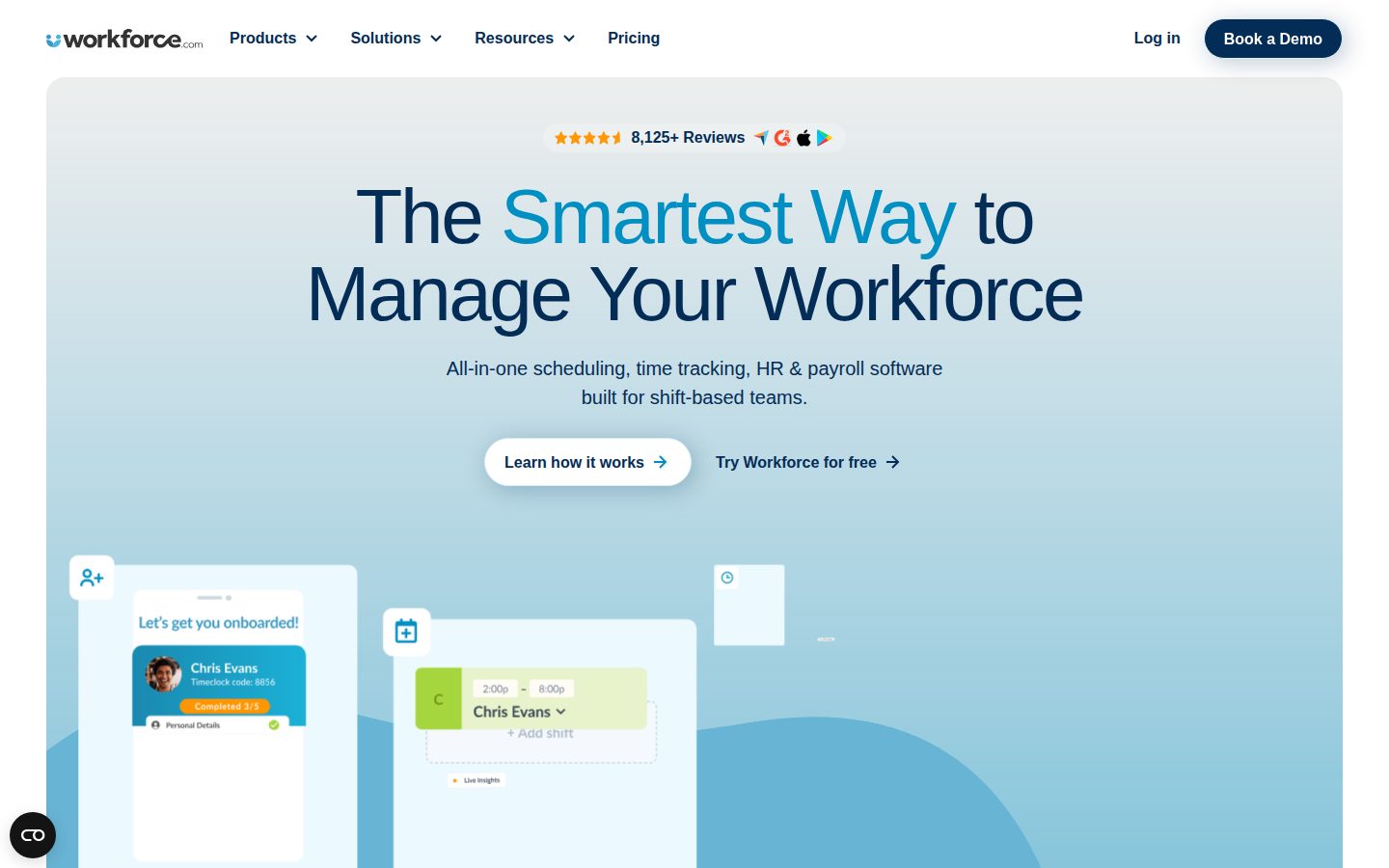
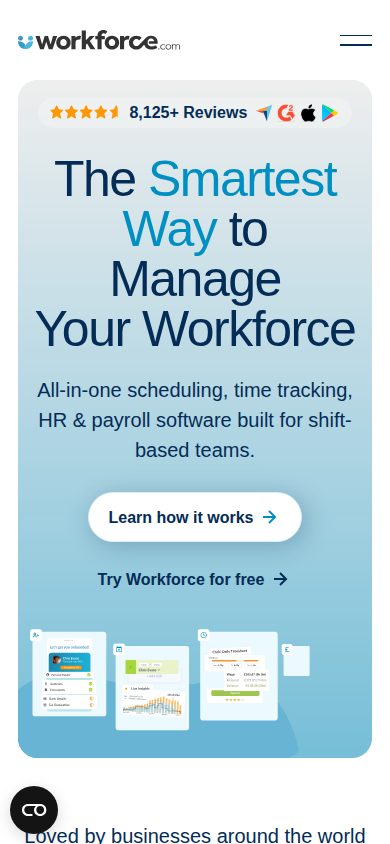
Workforce.com is a workforce management platform for businesses that employ hourly workers.
AI Panel Score
6 AI reviews
Reviewed
In practice, managers use Workforce.com to build and publish staff schedules, forecast labor demand, and fill open shifts through shift swapping and bidding. Employees can clock in and out, request time off, swap shifts, and access pay documents through a mobile self-service interface. Payroll is processed using clocked hours and team structures, with the system automatically calculating applicable overtime and differential rates before submission.
The platform's highlighted capabilities include real-time labor dashboards that surface staffing gaps as they occur, 1-click payroll compliance that applies local wage and hour rules automatically, and an applicant tracking and onboarding flow that feeds directly into payroll setup. Additional modules cover performance management, benefits administration, and an integrated communications tool for team messaging. The platform positions its native module integration — one login, no duplicate data entry — as its primary technical differentiator over legacy HR and payroll systems.
Workforce.com targets hourly-workforce-heavy industries including restaurants, retail, hospitality, healthcare, and care facilities. It is used by businesses ranging from small operations under 20 employees to enterprises with 500 or more. Pricing is not publicly listed and requires contacting sales. Competitors in the workforce management category include Deputy, When I Work, Homebase, and ADP Workforce Now.
The platform is accessible via web browser and offers mobile apps for iOS and Android. It supports public API access and lists integrations with third-party systems on its website. Deployment is cloud-based with no self-hosted option indicated.

Forecasts labor demand to auto-guide staffing levels, helping businesses avoid being short-staffed and reduce overtime.
Provides native dashboards and an alert system that gives managers real-time visibility into workforce status and labor cost data across locations and teams.
Automatically calculates complex pay rates — including differentials and overtime — based on team structures, clocked hours, and local regulations before payroll is processed.
Allows employees to swap shifts or bid on open shifts to help managers fill gaps caused by call-outs without manual intervention.
Tracks job applicants as part of the HR suite, integrated with onboarding and HRIS to streamline the hiring pipeline.
Builds staff schedules for hourly workforces with reactive scheduling capabilities to quickly fill gaps and manage call-outs.
A unified HR information system that syncs hiring, onboarding, and payroll under a single login to eliminate double entry.
Manages new hire onboarding as part of the integrated HR system, connected directly to scheduling and payroll.
Processes payroll using data synced directly from scheduling and time-tracking modules, eliminating manual data re-entry.
Manages employee performance as part of the integrated HR suite, listed alongside HRIS, onboarding, and applicant tracking in the product navigation.
Tracks hours worked by hourly employees and generates accurate timesheets used directly in payroll processing.
Enables employees to update personal details, request time off, and access their W-2s from a mobile device.
Contact-based pricing for hourly workforce management covering Scheduling, HR, and Payroll. Employee ranges from 1-20 up to 500+ supported.
Native integration across scheduling, payroll, and HR is the real differentiator here.
“Workforce.com targets the exact pain hourly-workforce operators actually have: clock-in to paycheck without manual re-entry. No public pricing is a friction point, but the module depth is real.”
The integration story holds up. Scheduling syncs to time-tracking syncs to payroll — wage and hour automation included — and that eliminates the patchwork most restaurant and retail operators are stuck with today. Homebase and When I Work handle scheduling, but they don't own payroll. That's the gap Workforce.com is filling.
No public pricing is a real constraint. You can't self-qualify, can't run a fast pilot budget past your CFO, and contact-only sales means a longer buy cycle. POS integration is confirmed, which matters for labor forecasting tied to actual foot traffic and sales.
The tradeoff: if you only need scheduling, Deputy or When I Work will be cheaper and faster to deploy. This platform earns its place when payroll complexity — overtime rules, shift differentials, multi-location compliance — is the actual problem.
Competitors like Deputy and Homebase stop short of payroll; Workforce.com's all-in-one module breadth is a genuine differentiator for complex hourly operations.
Positions alongside ADP Workforce Now in the category — a credible peer set that won't raise board eyebrows.
Applicant tracking feeds directly into onboarding feeds directly into payroll, which shortens time-to-productive for new hires — but no free trial means slower internal validation.
Native scheduling-to-payroll sync with 1-click wage compliance directly eliminates manual re-entry and compliance risk for hourly-heavy operations.
No public funding data, but the platform supports 1-to-500+ employee ranges and lists API access and integrations — signs of a mature product, not a seed-stage experiment.
Multi-location operators with complex shift differentials, overtime rules, or high hourly turnover who want one system from hire to paycheck.
You only need shift scheduling and your payroll already runs cleanly through ADP or Gusto.
Tight native integration across scheduling, HRIS, and payroll built specifically for hourly ops.
“Workforce.com's architecture is the pitch: one data model across scheduling, time-tracking, and payroll, no middleware glue. For multi-location hourly operations, that's a real structural advantage over cobbled stacks.”
The module integration story is architecturally sound. Clocked hours feed payroll directly, wage and hour automation runs before submission, and the HRIS, onboarding, and applicant tracking share a single record. That's not a feature list — that's a schema decision someone made early and stuck with. It's meaningfully tighter than what you get stitching together Deputy for scheduling and ADP Workforce Now for payroll.
The AI labor forecasting pulling from POS and foot-traffic data is the right next layer — demand-driven scheduling is where this category is heading. No public changelog makes it hard to verify iteration cadence, which matters when you're betting on a payroll-adjacent vendor for three years.
The tradeoff is opaque pricing and no free trial. For a platform covering payroll — a zero-defect domain — buying blind through a sales call adds procurement friction. If you're running 500+ hourly employees across locations, the all-in-one integration pays for that friction. Under 50 employees, Homebase's transparent pricing may close faster.
Positioned above point solutions like When I Work and below full enterprise HCM suites, which is the right wedge for mid-market hourly-heavy operators.
Shift swapping, bidding, real-time staffing dashboards, and 1-click payroll compliance map precisely to how hourly workforce managers actually operate under time pressure.
Public API and POS integrations documented, but no changelog and limited public evidence of integration depth makes stack compatibility hard to verify pre-contract.
Single-vendor payroll plus HRIS creates deep lock-in by year two — powerful if the vendor executes, painful if you need to migrate clocked-hour history and compliance records.
Native cross-module data flow from scheduling through payroll, plus wage and hour automation, signals real domain investment beyond surface-level feature bundling.
Multi-location operators with 50-500 hourly employees who want one system to own scheduling through payroll without integration middleware.
You need pricing transparency before a sales call or you're running under 20 employees where simpler tools close faster.
No public pricing, no trial, no sticker — just a sales call.
“Workforce.com bundles scheduling, HRIS, and payroll into one native platform for hourly workforces. Every number is locked behind a quote, which makes TCO modeling a pre-sales exercise.”
Zero published rates. Pricing page exists but delivers no figures — employee ranges from 1–20 to 500+ are listed, but no per-seat cost anywhere. Compare to Homebase at $24/month/location or Deputy at roughly $4.50/seat/month — both post real numbers. Workforce.com won't. That's a procurement friction problem before contract day one.
Modular purchasing helps. Scheduling, HR, and Payroll sold separately or bundled. That structure limits forced bundling risk. But no public overage rates, no published implementation fees, no trial to pressure-test the product. 3-year TCO for a 50-person operation is genuinely unknowable without a sales call. Category norm for this segment runs $5–12/seat/month; assume midpoint, that's $45K over 3 years before implementation.
Wage & Hour Automation and 1-click payroll compliance are the real ROI levers — measurable in avoided penalties and payroll hours saved. That's concrete value. The risk is contract terms: no published auto-renewal window, no termination-for-convenience language visible. Sign nothing without legal review.
Per-user, per-module billing confirmed, but no trial, no free plan, and quote-only pricing adds procurement cycles before any purchase decision.
No published auto-renewal terms, cancellation policy, or term lengths visible in public materials — standard risk for contact-only vendors.
No per-seat rates published anywhere; pricing page exists but yields zero numbers, requiring a sales call for any figure.
Wage & Hour Automation and 1-click payroll compliance tie directly to measurable savings in penalties and manual payroll hours.
Modular structure limits forced bundling, but no implementation fees, overage rates, or training costs are disclosed — 3-year TCO is unmodelable pre-call.
Multi-location hourly employers in restaurants or healthcare who want one system for scheduling through payroll and can tolerate a negotiated contract process.
You need public pricing to build a TCO model before engaging sales, or you're under 20 employees with budget sensitivity.
Unified hourly workforce stack that eliminates the Deputy-plus-payroll patchwork
“Workforce.com puts scheduling, time tracking, HRIS, and payroll under one login with no duplicate entry. Built specifically for shift-based industries — restaurants, retail, healthcare — not retrofitted from a white-collar HR core.”
Native module sync is the real story here. Clocked hours flow directly into payroll calculations, wage differentials and overtime apply automatically before submission, and onboarding feeds straight into scheduling. That's the chain that breaks in a Deputy-plus-ADP setup — someone re-keys hours, someone misses a differential, payroll fires late. The docs indicate modular purchasing too: scheduling without payroll is valid, which matters for ops managers who already own payroll infrastructure.
Day-3 friction will concentrate around pricing opacity. No public rates means every configuration change goes back through a sales call. For a 30-person restaurant group adjusting headcount seasonally, that's a recurring fight. The changelog isn't public either, so you won't know what changed until something behaves differently.
The AI labor forecasting using POS and foot traffic data is genuinely differentiated — When I Work doesn't touch that layer. Performance management and benefits admin are listed in nav, but depth there is unclear from public evidence. Power users will find the wage compliance automation and real-time dashboards strong; the edges of the HR modules are harder to verify without a trial, and there isn't one.
Unified data model means less daily re-entry than Deputy or Homebase combos, but no free trial means you're committing before you've felt the scheduling UI under real call-out pressure.
Docs exist and API is public, but no blog or changelog suggests documentation is functional rather than practitioner-authored — hard to self-serve on edge cases.
Contact-only pricing and no public changelog create recurring friction — seasonal headcount changes and surprise feature updates both require extra steps.
Wage and hour automation handling differentials and local overtime rules plus real-time multi-location dashboards signal genuine depth for complex hourly operations.
POS integration plus AI labor forecasting means scheduling connects upstream to actual demand signals, not just historical headcount guesses.
Multi-location hourly operations in restaurants, retail, or healthcare that are currently stitching together scheduling and payroll across two or more tools.
You need transparent per-seat pricing to get budget approval fast, or you're a solo or sub-20-employee shop that doesn't need the full compliance and forecasting stack.
Finally, a scheduling-to-paycheck system that doesn't make you re-type everything
“Workforce.com is purpose-built for hourly teams and it shows. The native module integration is the real product — not a feature list, a design philosophy.”
The thing about managing hourly workers is the data lives in six places and none of them talk to each other. Workforce.com's pitch is one login, no duplicate entry — scheduling syncs to attendance, attendance syncs to payroll, wage and hour rules calculate automatically before anyone touches submit. For anyone who's spent a Sunday night reconciling timesheets in a spreadsheet, that's not a small thing. The shift swapping and bidding feature alone probably saves managers three calls a week.
No public pricing is the friction point. Contact sales for a quote, every time. Homebase posts its pricing. When I Work posts its pricing. Having to get on a call to find out if you can afford it is a day-one drag. The docs indicate modular purchasing, which is smart — you can buy scheduling without HR or payroll — but the opacity makes comparison shopping hard.
Mobile self-service covers the basics employees actually need: time-off requests, personal details, W-2 access. That's real parity, not a watered-down companion app. The AI labor forecasting tied to sales and foot traffic data is the kind of feature that earns its keep by month three, quietly.
Real-time dashboards with staffing gap alerts suggest the team thought about manager workflows beyond just data entry, though no changelog exists to verify ongoing iteration.
Modular purchasing and integrated HRIS-to-payroll flow are intuitive for the category, but the full suite covering performance management plus payroll plus scheduling is a lot to absorb without a trial.
iOS and Android apps support W-2 access, time-off requests, shift swapping, and personal profile updates — that's employee-complete, not read-only.
No free trial and contact-only pricing means new users can't self-explore — the first experience is a sales call, not the product.
Cloud-based with public API and native module sync suggests solid infrastructure, but no public changelog or status page evidence limits confidence.
Multi-location hourly operations in restaurants, retail, or healthcare that are drowning in scheduling and payroll data re-entry.
You're a small operation under 20 people who just needs simple scheduling and can't stomach an opaque sales process.
Solid all-in-one for hourly workers, but the opacity wall is real
“Native module integration — scheduling to payroll, no re-entry — is the actual pitch, and it's a legitimate one for hourly-heavy ops. No public pricing, no changelog, no free trial means you're flying partially blind on fit before a sales call.”
Three flags before I go deep. One: no public pricing, contact-only. Two: no changelog visible — can't verify shipping cadence. Three: 'leading workforce management software' in the meta description. The kind of superlative that ages poorly. That said, the feature set is coherent. Wage & Hour Automation and 1-click payroll compliance for differentials and overtime is genuinely hard to get right — Deputy and When I Work don't own that space the way a dedicated payroll layer does.
The modular buy option (scheduling without HR or payroll) is a real green flag. Homebase and ADP Workforce Now tend to bundle-or-nothing you. The 1-to-500+ employee range is plausible, though I'd want to see actual case evidence at enterprise scale before betting a 300-person healthcare operation on it.
Exit portability worries me. API exists, which helps. But payroll data locked in a contact-pricing vendor with no SLA page visible? Migration pain could be significant. Worth negotiating data export terms upfront.
Wage & Hour Automation with differential and overtime calculations is a real gap vs. Deputy and When I Work; the modular purchase option is also more flexible than ADP Workforce Now's bundle defaults.
Public API is a positive, but payroll data in a contact-only, no-SLA-page vendor with opaque terms makes clean migration a real question mark.
No public funding data, no changelog, no blog — the signals that usually tell me a team is shipping and invested are mostly absent.
'Leading workforce management software' with no third-party validation cited and no public pricing is a credibility drag — grounded product, aspirational positioning.
Native HRIS-to-payroll integration for hourly workers matches the pattern of durable category players; contact pricing and no changelog are patterns I've seen from vendors that stall around Series B.
Multi-location hourly operations in restaurants, retail, or care facilities that need scheduling and payroll compliance under one login.
You want transparent pricing, a trial before commitment, or a vendor with public evidence of active shipping.
Common questions answered by our AI research team
Yes, Scheduling, HR, and Payroll can each be purchased individually. You can also bundle them together in the All-in-One plan.
Yes, Labor Forecasting uses AI to guide staffing levels based on sales, foot traffic, and more.
Every plan includes employee profiles, teams & locations, the mobile app, communication, and advanced reporting and analytics.
Workforce.com supports integrations with POS platforms, listed among its integration options alongside Payroll and HR platforms.
Pricing is per user based on the bundle or plan selected. The exact cost depends on which modules you choose, your headcount, and implementation requirements — quotes are provided via a call with their team.