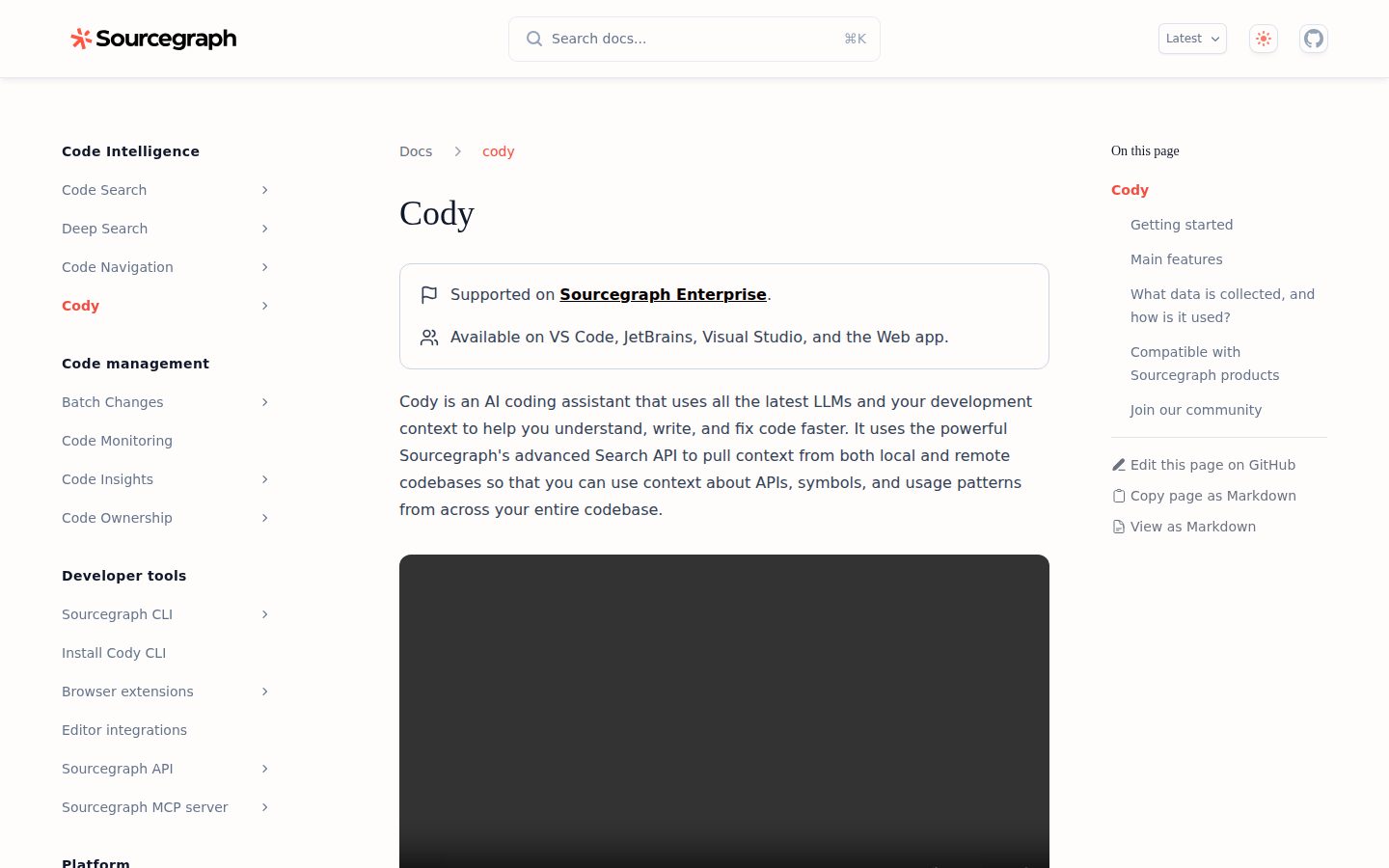
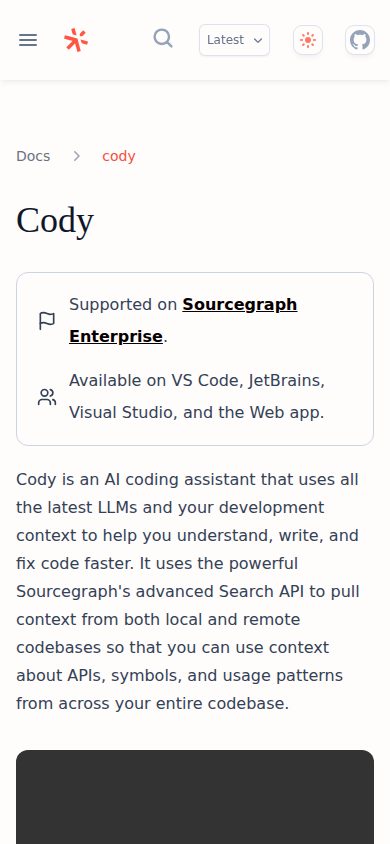
AI coding assistant with context across your entire codebase
Cody is an AI coding assistant for software developers that integrates with VS Code, JetBrains, Visual Studio, and the web.
AI Panel Score
6 AI reviews
Reviewed
Cody works inside a developer's existing editor — VS Code, JetBrains, or Visual Studio — as well as through a web interface and CLI. Developers interact with it through a chat panel to ask questions about code, generate new code, or debug issues. The @ symbol lets users explicitly pull in context from specific files, symbols, remote repositories, or non-code artifacts during a conversation.
Distinctive capabilities include Auto-edit, which monitors cursor movement and recent edits to proactively suggest contextual code changes, and Context Filters, which let teams exclude specific repositories from chat and autocomplete results. Cody supports multiple LLMs and lets teams build reusable, shareable prompts to automate recurring tasks. It integrates with Sourcegraph's Code Search product, surfacing a Cody chat button directly on repository and file views.
Cody targets individual developers and engineering teams, including enterprise teams on Sourcegraph Enterprise. A free tier is available through Sourcegraph.com, making it accessible without a paid plan. Competitors in the AI coding assistant category include GitHub Copilot, Cursor, and Amazon Q Developer. Enterprise pricing requires contacting Sourcegraph's sales team.
Cody is available as IDE extensions for VS Code, JetBrains, and Visual Studio (experimental), as well as a CLI and a web app. Sourcegraph states it does not use individual user data to train models. Usage data and prompt/response data are collected to operate and improve the service.
Suggests code changes by analyzing cursor movements and typing, proposing contextual modifications based on cursor position and recent changes after at least one character edit.
Chat directly with AI to ask questions about your code, generate code, and edit code, with context from your open file and repository, plus the ability to add specific files, symbols, remote repositories, or other non-code artifacts via @.
Provides inline code completions and code edits directly within the editor to help developers write code faster.
Identifies and fixes errors in your code using debugging capabilities and autocomplete suggestions to accelerate the debugging process.
Supports all the latest LLMs, allowing developers to use the most powerful models available for chat and code assistance.
Automate key tasks in your workflow with premade and customizable prompts that can be built, saved, and shared with your team.
Works alongside Sourcegraph Code Search, enabling a Cody chat interface accessible directly from search query results, repositories, and files.
Provides a command-line interface option to run Cody outside of an IDE directly from the terminal.
Uses Sourcegraph's advanced Search API to pull context from both local and remote codebases, including APIs, symbols, and usage patterns across the entire codebase.
Integrates with codehosts like GitHub and GitLab to provide repository-level context for AI assistance.
Connects seamlessly with VS Code, JetBrains, and Visual Studio via dedicated extensions, as well as a web app and CLI option.
Allows ignoring selected repositories from chat and autocomplete results, giving control over what context your codebase uses.
One platform to understand, oversee, and evolve the world's most complex codebases. Built for enterprise scale. Starting at $16K, scales with team size.
AI coding assistant with the deepest enterprise codebase context — backed by an 11-year code-search business.
“Sourcegraph founded 2013, $223M+ raised, Cody launched 2023. The codebase-context story is real because it sits on top of the Sourcegraph indexer.”
Sourcegraph founded 2013. Andreessen Horowitz Series D. $223M+ raised, Series D at $2.6B valuation. Cody launched 2023 on top of the existing Sourcegraph code-intelligence platform. Three signals — durable parent company, real funding, new product riding mature infrastructure.
Two things matter. One: the codebase-context advantage is real. Cursor and GitHub Copilot index their own way; Cody uses Sourcegraph's 11-year-old indexing engine. For monorepos and microservice meshes, that's a different category of context. Two: Sourcegraph's enterprise install base — banks, government, healthcare — gives Cody a built-in distribution channel competitors can't match.
The risk is GitHub Copilot's distribution dominance. Pilot Cody on a regulated codebase where enterprise context matters and GitHub's offering struggles. If the team feels the difference, the buy is defensible. If not, Copilot's install base wins on procurement.
Differentiated context depth vs Cursor and Copilot; weaker on raw distribution and editor mindshare.
Sourcegraph parent brand has bank and government references — board-defensible.
Codebase indexing for context takes time on large monorepos before Cody value shows up.
Strong fit for monorepo and regulated-enterprise codebases; weaker fit for greenfield or solo developers.
Sourcegraph at 11 years and Series D funding is the strongest viability signal among AI coding tools.
Engineering orgs already running Sourcegraph or with regulated codebases where deep enterprise context matters.
Your team is on GitHub.com without compliance constraints and Copilot already covers the workflow.
Cody's context engine is Sourcegraph's indexer — 11 years of code-graph engineering carrying the AI layer.
“The architectural advantage is borrowed, not built fresh. Cody inherits Sourcegraph's code intelligence platform, which means depth that startup-vintage coding AIs cannot match.”
The architectural advantage is borrowed, not built fresh. Cody runs on top of Sourcegraph's code-graph indexer — the same infrastructure that powers Sourcegraph's code search at Microsoft, Adobe, and Wells Fargo. That's 11 years of engineering most AI coding tools don't have access to.
If we adopt this, in 3 years our developer experience is a code-search-plus-AI workflow, not just AI completions. The strategic shape is different from Cursor: Cursor bets on the editor as the platform; Cody bets on the codebase index as the platform. Both can be right; they're different bets.
Integration surface is VS Code, JetBrains, the Sourcegraph web UI, and a CLI. Standard for the category. Self-hosted Sourcegraph plus self-hosted Cody is supported — the only AI coding tool with a credible air-gap deployment story.
Differentiated vs Cursor on context depth; behind Copilot on distribution mindshare.
Maps to how senior engineers actually work in monorepos — code-search-plus-AI, not editor-only completion.
VS Code, JetBrains, web UI, CLI — covers all the surfaces engineers actually use.
Self-hosted air-gap deployment is genuine differentiation for regulated industries over 3-year horizon.
Inherits 11 years of Sourcegraph indexer engineering — depth most AI coding tools cannot replicate.
Engineering orgs with regulated codebases or air-gap requirements where AI context-depth and self-hosting matter.
Your team prioritizes editor-first AI workflows and Sourcegraph's parent context isn't a strategic asset.
Free, $9/dev/month Pro, Enterprise on contact-sales — competitive against Copilot at $19.
“Pro tier at $9 is half of GitHub Copilot Business. Enterprise is opaque, but it ships with the Sourcegraph parent platform — bundle math changes the cost shape.”
Free tier with limited models. Pro at $9 per developer per month. Enterprise: contact-sales.
50 developers × $9 × 12 = $5.4K/year for Pro tier. Compare GitHub Copilot Business at $19 × 50 × 12 = $11.4K/year. Cody Pro is roughly half on sticker. Enterprise pricing assumed to bundle with Sourcegraph parent product — the unit economics depend on whether you're already paying for code search.
The hidden cost is the indexing infrastructure. Cody is cheap because Sourcegraph runs the indexing layer — but for self-hosted deployments, you pay the compute and storage. Add 10-20% on top of license cost for the parent infrastructure when self-hosting. Still cheaper than Copilot at scale, but the math isn't the headline number.
Pro is credit-card self-serve; Enterprise procurement involves Sourcegraph parent contract.
Self-serve Pro tier; Enterprise bundles assumed annual with Sourcegraph parent product.
Free and Pro tiers are listed publicly; Enterprise is contact-sales and bundles with Sourcegraph parent.
Engineer productivity gain measurable; harder to attribute when bundled with parent code search platform.
Sticker is competitive at $9; self-hosted infrastructure costs add 10-20% for the indexing layer.
Engineering orgs already running Sourcegraph or willing to bundle code search with AI coding for finance leverage.
You want a single-product AI coding tool with simple SaaS pricing and no parent-platform dependency.
Codebase-aware AI completion that actually feels aware of your codebase — once the indexer finishes.
“Day-3 reality: Cody reads your repos and answers like it has read them. Day-30 reality: indexing latency on large monorepos is the friction.”
Cody's differentiator shows up immediately. Ask it about a function in your codebase and it cites the file:line, not a hallucinated guess. That's Sourcegraph's indexer doing the work behind the AI layer. Compare GitHub Copilot Chat: weaker codebase context, faster start time on small repos.
Day-three reality: completion suggestions land with codebase-aware context. Compare Cursor: faster on file-local context, weaker on cross-repository awareness. Different shapes, different fit. Cody works best on monorepos and microservice meshes; Cursor works best on focused single-app codebases.
Day-thirty fight is the indexing latency. Adding a new repo means waiting for Sourcegraph to index it before Cody is useful. On a 10M-line monorepo, that's a several-hour wait the first time. After that, incremental updates are fast. The VS Code and JetBrains plugins both work; web UI is functional but not where engineers actually live.
Codebase-aware completions land immediately on indexed repos; the AI feels grounded, not guessing.
Real code examples in the docs; Sourcegraph parent docs are deeper than Cody-specific.
Indexing latency on large monorepos is real; subsequent incremental updates are fast.
Custom prompt commands, recipes, code-graph queries scale for advanced engineering teams.
VS Code and JetBrains plugins work without proprietary editor lock-in.
Engineers in monorepo or multi-service codebases where cross-repository AI context matters daily.
Your team works in single-app focused codebases where Cursor's editor-first speed wins.
Cody knows your codebase — when it's done indexing, which is the day-three reality.
“On day three, Cody finally feels like the AI assistant that read your repos. The first 48 hours feel slower than Copilot for the same reason.”
Cody's pitch is true and the experience confirms it — once indexing finishes. Ask about a function your team wrote 6 months ago, and it points you to the file:line and explains it. That's the Sourcegraph parent showing up.
The friction is the wait. Adding a 5M-line repo to Cody means waiting hours for the index. Compare GitHub Copilot: works immediately, less context-aware. Different tradeoffs, both honest. The VS Code plugin is fine — feels like every other AI completion plugin in 2024 — and the chat panel works without ceremony.
Free tier covers individual evaluation. Pro at $9/month is below the threshold most engineers expense without asking. Enterprise pricing is opaque, which feels off when GitHub Copilot publishes its Business tier. The product earns its keep on monorepos and large codebases. On a side project with three files, you barely feel the codebase-context advantage.
VS Code plugin and chat panel are clean; not noticeably more polished than Cursor or Copilot.
First hour is slow due to indexing; week three is when the codebase-aware advantage compounds.
Mobile is not a developer tool surface — neutral category-wide.
First 48 hours are slow because of indexing latency; less welcoming than Copilot's instant-on shape.
Once indexed, completions are consistent and citations are accurate — trust grows over weeks.
Engineers working on real-world large codebases who can wait hours for initial indexing in exchange for grounded AI context.
You want immediate AI completion on the first day without waiting for an indexing job to finish.
Sourcegraph parent makes Cody real — but the AI coding category will consolidate to two players by 2026.
“Three green flags from the Sourcegraph parent. The yellow flag is GitHub Copilot's distribution moat that makes survival in AI coding harder than the product alone suggests.”
Three green flags. Sourcegraph parent at 11 years and $223M+ raised. The codebase-context architecture is real differentiation, not marketing. Self-hosted air-gap deployment is the only credible enterprise compliance story in AI coding.
Green flag color depth: the team has shipped code intelligence at scale at Microsoft, Adobe, Wells Fargo. Cody isn't the first product they've shipped — it's the first AI product riding mature infrastructure.
Two yellow flags worth naming. GitHub Copilot has distribution dominance at 1M+ paying users — Cody is fighting against an installed base. The AI coding category has 8+ active competitors right now (Copilot, Cursor, Codeium/Windsurf, Tabnine, Continue, Aider, Cody, Magic.dev). Two of those 8 survive at scale by 2026. Cody's strongest argument is the parent product moat — without Sourcegraph, the standalone story is harder to defend.
Codebase context is real but Copilot can replicate; Sourcegraph parent moat is the durable differentiation.
VS Code and JetBrains integrations are standard plugins; switching out is a plugin uninstall.
Parent durability is strong; AI coding category consolidation pressure is real.
Codebase-context claims hold up; Sourcegraph parent narrative is direct and unforced.
11 years of Sourcegraph operation puts the parent past most survival concerns.
Engineering orgs already running Sourcegraph or with regulated codebases where the parent platform moat matters.
You want the category-leader pick today and Copilot's distribution dominance is decisive.
Common questions answered by our AI research team
Cody supports VS Code, JetBrains, and Visual Studio (Experimental) as IDE extensions, plus a web app and CLI.
Sourcegraph does not use your data to train models. Prompts and responses are collected to provide the service and enhance user experience.
Yes, Cody uses Sourcegraph's advanced Search API to pull context from both local and remote codebases, including APIs, symbols, and usage patterns.
Install Cody's extension for VS Code directly from the VS Code marketplace. The extension is also linked from sourcegraph.com/cody.
Company
SourcegraphFounded
2013Pricing
FreemiumFree Plan
AvailableSourcegraph is a San Francisco-based code intelligence company whose Cody AI coding assistant and code search are used by enterprise engineering teams.