Visme logo

Visme Review

Visit

Visual content platform for presentations, infographics, documents, and video

Visme is a web-based visual content platform for creating presentations, infographics, documents, and videos.

AI Panel Score

7.0/10

6 AI reviews

Reviewed

AI Editor Approved

About Visme

Visme is used through a web-based editor where users start from a template or an AI-generated draft and then customize layouts, add data visualizations, images, and interactive elements. A typical workflow involves selecting a content type such as a presentation, infographic, or document, applying brand colors and fonts, inserting charts or graphs built from data, and then exporting or sharing the finished asset as a file, embed, or live link. Teams can work on projects together, leave feedback, and keep visual assets aligned with a shared brand kit.

The platform's AI tools include an AI Designer for generating layouts from text prompts, an AI Presentation Maker that builds decks from a prompt or existing source content, and an AI Image Generator for creating custom visuals. Beyond AI features, Visme emphasizes data visualization through dedicated graph and chart makers, along with interactive content options such as animations, clickable hotspots, and embedded media within presentations or documents. A library of templates, icons, and stock photos supports faster asset creation, and brand management tools help maintain consistent colors, fonts, and logos across a team's output.

Visme is aimed at marketers, sales teams, educators, and business users who need to produce branded visual content such as pitch decks, proposals, lesson materials, internal reports, and marketing graphics. It follows a freemium pricing model with paid plans that unlock additional templates, AI credits, storage, and collaboration features; current pricing details are listed on Visme's pricing page. In the visual content and presentation design category, it competes with tools like Canva, Beautiful.ai, Piktochart, and Prezi.

Visme operates as a web-based SaaS application accessible through a browser, with no dedicated desktop or mobile applications mentioned on the site. Content created in Visme can be exported to formats such as PDF, image files, or embedded HTML, and projects can also be shared or presented directly via a shareable link.

Features

AI

  • AI Designer

    Generate designs and layouts automatically from text prompts.

  • AI Image Generator

    Generate custom visuals and images for use in projects.

  • AI Presentation Maker

    Create full presentations from a prompt or existing source content.

Collaboration

  • Team Collaboration

    Share projects and collect feedback to support team-based content workflows.

Core

  • Chart Maker

    Build charts for data storytelling and business communication.

  • Data Visualization Widgets

    Build charts, graphs, widgets, and dashboard-style visuals to represent data.

  • Document Creator

    Build reports, proposals, whitepapers, ebooks, and other branded documents.

  • Export and Sharing Options

    Publish, present, embed, download, or share visual content in multiple formats.

  • Graph Maker

    Create graphs and data visuals for use in presentations, reports, and infographics.

  • Infographic Maker

    Design visual explainers and data-rich infographics.

  • Presentation Software

    Create presentations using templates, animations, interactivity, and AI assistance.

  • Templates Library

    Browse and use templates for presentations, infographics, reports, and social graphics.

  • Video Maker

    Create animated videos and visual communication assets.

Customization

  • Brand Management

    Maintain consistent colors, fonts, and logos across all visual content.

  • Interactive Content Elements

    Add clickable elements, hover effects, embeds, and animations to designs and presentations.

Preview

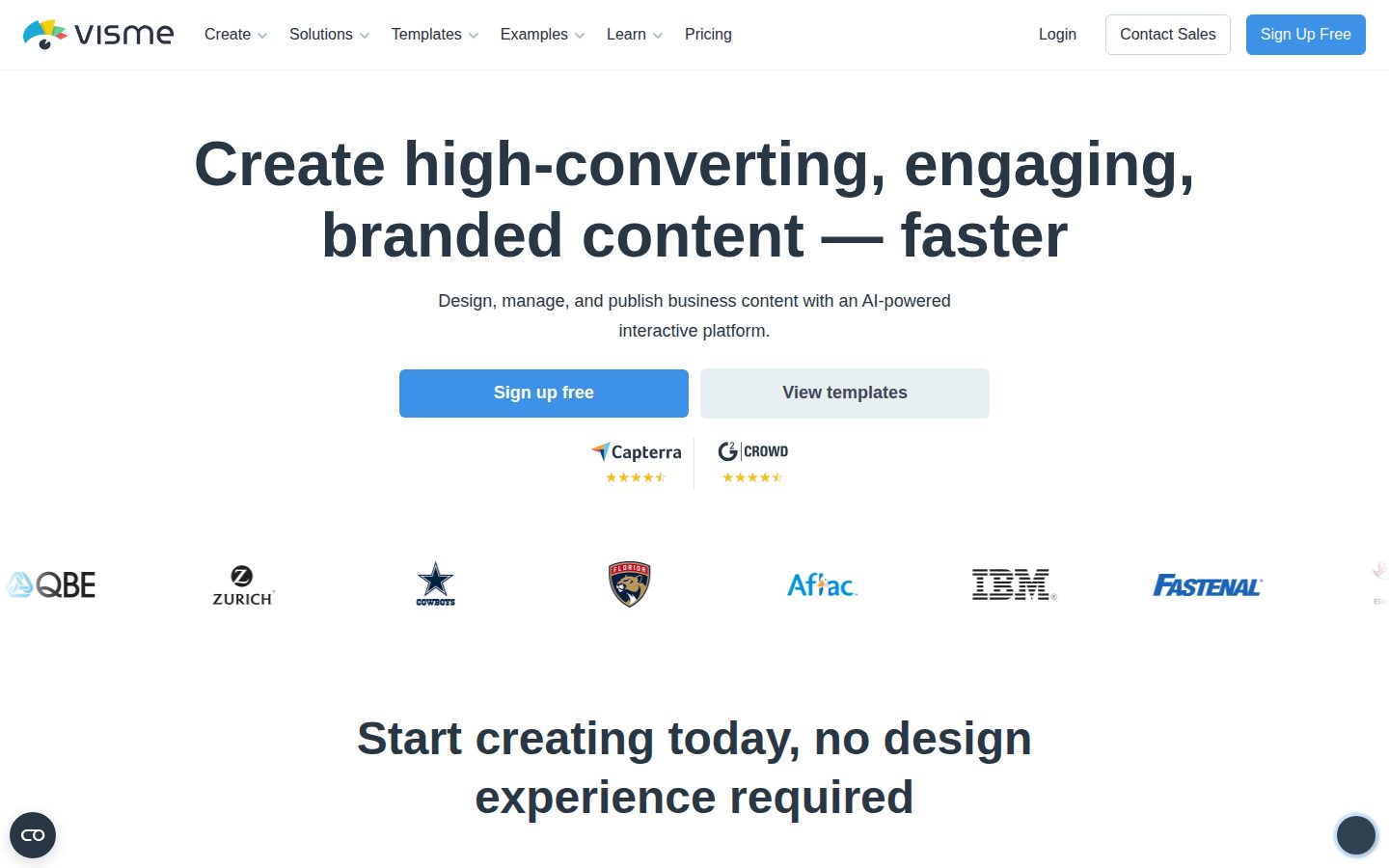
Visme desktop previewVisme mobile preview

Pricing Plans

Basic

Free

For individuals starting out and wanting to create free visuals

  • Unlimited projects
  • 500MB storage
  • Limited templates & design assets
  • 50 slides/pages per project
  • Regular support

Starter

$12/monthly

For solo creators who want premium visuals

  • All premium assets
  • Full access to templates and assets
  • 1GB storage
  • Download as JPG, PNG, PDF
  • 24/7 email & chat support
Popular

Pro

$25/monthly

For teams that need branding, collaboration, and deeper control

  • Download as PPTX, HTML5, Video, & GIF
  • Brand Kit, Analytics, most integrations
  • 10GB storage
  • Privacy controls
  • Advanced collaboration

Enterprise

Contact sales

For organizations needing consistency, security and visibility at scale; custom pricing from 10 users, contact sales for a demo

  • Custom sub-domain
  • Enhanced project security & services
  • Project management & approvals
  • Single sign-on (SSO) & 2FA
  • Personalized training & onboarding
  • Dedicated customer success manager

AI Panel Reviews

The Decision Maker

The Decision Maker

Strategic bet, vendor viability, timing, adoption approval
6.9/10

Solid Canva alternative for data-heavy content, not a category mover.

Visme covers presentations, infographics, and documents in one editor with real AI generation baked in. No public funding data or team size, so viability is a guess based on time-in-market alone.

$24.75/month gets Pro: brand kit, PPTX and video exports, analytics. That's fair value against Canva, Beautiful.ai, and Piktochart, and the Chart Maker plus Graph Maker give it a genuine edge for data-heavy decks.

Two things concern me. One: no funding data anywhere, no team size, no docs or API listed. Two: AI Designer and AI Presentation Maker are table stakes now — Canva and Beautiful.ai both ship similar prompt-to-deck features, so this isn't a differentiator, just parity.

The board won't raise an eyebrow at this purchase. They also won't be impressed. It's a competent tool for marketers and educators producing branded content, not a strategic bet that moves you forward in the market.

Competitive Positioning6.5

Data visualization tools like Chart Maker stand out versus Canva, but AI features mirror Beautiful.ai and Prezi, not lead them.

Reputation Risk7.0

Neutral choice — nobody questions a $12.25/month design tool, but nobody praises it either.

Speed to Value7.5

Templates plus AI Presentation Maker get a usable deck out fast; free Basic plan even allows JPG/PDF downloads.

Strategic Fit6.5

Consolidates presentation, infographic, and video creation but mostly replaces tools teams already use, like Canva.

Vendor Viability6.0

No public funding data, team size, or trial offered — time-in-market is the only signal we have.

Pros

  • Chart Maker and Graph Maker give genuine data-storytelling depth competitors lack
  • Free Basic plan allows real downloads, not just previews
  • Pro tier at $24.75/month bundles brand kit, analytics, and PPTX/video export

Cons

  • No funding data, team size, or API/docs listed — viability is unclear
  • AI Designer and AI Presentation Maker are parity features, not differentiators
  • No free trial on paid tiers, only a capped free plan

Right for

Marketers and educators who need data-rich decks and documents without hiring a designer.

Avoid if

Skip it if your team already has Canva licenses and doesn't need heavy chart or data visualization work.

The Domain Strategist

The Domain Strategist

Craft and strategy in the product's domain — adapts identity per category, same lens
6.9/10

A capable multi-format content shop, not a design system — and that's the ceiling.

Visme covers presentations, infographics, docs, and video with a real Brand Kit and AI Designer, but breadth substitutes for depth. Fine for producing branded content fast; not where a craft-first team builds its visual language.

Six content types under one editor — presentations, infographics, documents, video, charts, social graphics — plus an AI Designer and AI Presentation Maker that draft from a prompt. That's a production tool, built for volume output, not a design system built for typographic or grid discipline. Brand Kit exists at Pro ($24.75/month), which is table stakes against Canva's brand controls, but there's no mention of component libraries, nested symbols, or auto-layout logic that a senior practitioner would lean on for scale.

Data visualization is the real differentiator — dedicated Chart Maker and Graph Maker plus dashboard widgets go deeper than Canva or Beautiful.ai on data storytelling. That's a legitimate wedge for marketers and analysts who need charts inside decks, not just pretty slides.

Three years in, this is the tool your team uses for fast, branded outputs — reports, proposals, internal decks — while the actual brand system lives elsewhere. 10GB storage at Pro and no API or desktop app cap how far it integrates into a broader creative stack. Good utility layer, not an architecture.

Category Positioning7.5

Sits alongside Canva and Beautiful.ai but differentiates on data visualization depth via dedicated Chart and Graph Makers.

Domain Fit7.0

Matches how marketers and sales teams actually work — templates plus data visualization plus quick exports — but not how design teams build systems.

Integration Surface6.0

Web-only, no desktop or mobile app mentioned, exports limited to PDF/image/HTML embed.

Long-term Implications6.5

Storage caps at 10GB on Pro and no API suggest a ceiling once a team scales output volume.

Strategic Depth6.5

Six content types and AI generation show breadth, but no component system or advanced typography controls were surfaced in evidence.

Pros

  • Strong data visualization tooling (Chart Maker, Graph Maker, dashboard widgets)
  • AI Designer and AI Presentation Maker speed up first-draft production
  • Brand Kit and privacy controls available at $24.75/month Pro tier

Cons

  • No API or desktop app limits integration into a broader creative stack
  • Storage caps (500MB free, 10GB Pro) constrain teams with heavy asset libraries
  • Breadth across six content types trades off against deep design-system controls

Right for

Marketing and sales teams that need fast, branded decks, reports, and infographics without a dedicated design system.

Avoid if

Avoid if your team needs a true component-based design system or deep API integration into an existing creative pipeline.

The Finance Lead

The Finance Lead

Money, total cost of ownership, contracts, procurement math
7.4/10

Solo plan at $12.25, but Brand Kit and Analytics wait for Pro at $24.75.

Three visible tiers, no sales call required for anything under Enterprise. TCO scales fast once teams need branding or private sharing.

Starter runs $12.25/month, solo use only. Pro jumps to $24.75/month for Brand Kit, analytics, PPTX and video export. That's a 2x step for team features most businesses actually need.

10-seat team on Pro: $24.75 × 10 × 12 = $2,970/year. Enterprise pricing is hidden behind sales, starts at 10 users — no published floor. That's the real budgeting risk, not the sticker.

Compare to Canva Teams, which bundles similar collaboration at a comparable per-seat rate. Visme's free Basic plan does allow JPG/PNG/PDF export — rare, most freemium tools gate downloads. No free trial on paid tiers, though, so you're committing on a monthly card charge to test Pro-only features like the Brand Kit.

Billing & Procurement7.2

Card-based monthly billing is low-friction for SMB; Enterprise procurement path (SSO, 2FA) undocumented on price.

Contract Flexibility7.0

Monthly billing on Starter and Pro avoids long lock-in; Enterprise terms unpublished, category norm is annual with auto-renewal.

Pricing Transparency8.0

Three tiers with full feature lists published; only Enterprise requires a sales call.

ROI Clarity6.5

Time-saved-on-decks story is plausible but unmeasured; no usage analytics until Pro tier.

Total Cost of Ownership6.8

Per-seat cost is low, but Brand Kit and private sharing sit behind Pro, pushing real team cost past sticker.

Pros

  • Free Basic plan allows JPG/PNG/PDF downloads, unusual for freemium
  • Monthly billing on paid tiers avoids annual lock-in
  • AI Designer and AI Presentation Maker included without separate add-on fee

Cons

  • Brand Kit and analytics gated behind Pro at $24.75/seat
  • Enterprise pricing hidden behind sales call, no published floor
  • No free trial to test Pro-only export formats before paying

Right for

Solo creators or small teams needing branded decks without enterprise security requirements.

Avoid if

You need SSO or custom pricing visibility before starting procurement.

The Domain Practitioner

The Domain Practitioner

Daily hands-on reality in the product's domain — adapts identity per category, same lens
7.2/10

A one-stop content shop that trades design precision for breadth across decks, docs, and infographics

Visme covers presentations, infographics, docs, and video in a single browser tab, backed by AI Designer and AI Presentation Maker generation. The tradeoff is depth — it's a template-and-widget tool, not a precision layout engine.

Day one is genuinely fast: pick a content type, let AI Presentation Maker draft a deck from a prompt, then swap in brand colors from the Brand Kit. Day three is where the fatigue sets in. Free tier caps you at 50 slides/pages and 500MB storage, so any real client work pushes you toward Starter at $12.25/month just to unlock full template access — and even then you're stuck exporting JPG/PNG/PDF only, no PPTX or video until Pro at $24.75.

Compared to Canva's editing feel, Visme's chart and data-viz tools are the actual differentiator — Graph Maker and dashboard widgets aren't things Canva or Beautiful.ai do well. But the interactive elements (hover effects, clickable hotspots) feel like features you configure once and never touch again, not daily-use tools.

No desktop or mobile app, web-only. Fine for solo work, friction for design reviews on the go.

Day-3 Reality7.0

AI drafting speeds up day one, but export gating by tier (JPG/PNG/PDF only below Pro) creates friction once real deliverables are due.

Documentation Practitioner-Fit6.0

No public docs or API listed in capabilities (docs=N, API=N), suggesting help content leans marketing rather than practitioner reference.

Friction Surface6.5

50 slides/pages and 500MB storage caps on free tier, plus PPTX/video export locked to Pro at $24.75, add up over a working week.

Power-User Depth7.5

Chart Maker, data visualization widgets, and Brand Kit give real depth beyond templates, scaling reasonably into Pro and Enterprise tiers.

Workflow Integration6.8

Fits marketers and educators producing decks and reports, but offers no desktop/mobile app and no API per the evidence, limiting pipeline fit.

Pros

  • Chart Maker and data visualization widgets go deeper than Canva or Piktochart for data-heavy decks
  • AI Presentation Maker and AI Designer generate usable first drafts from a prompt
  • Free Basic plan allows JPG/PNG/PDF downloads, not just previews

Cons

  • Web-only, no desktop or mobile app for on-the-go editing
  • PPTX, video, and GIF export locked behind Pro at $24.75/month
  • No public API or docs referenced, limiting integration into existing design pipelines

Right for

Marketers and educators who need branded decks, infographics, and reports without hiring a designer.

Avoid if

Avoid if you need pixel-precise layout control or a native desktop app, closer to what Beautiful.ai or Canva offer.

The Power User

The Power User

Daily human experience, onboarding, polish, learning curve, reliability
7.2/10

The everything-app for visuals, but no phone in your pocket.

Visme piles presentations, infographics, docs, and video into one editor, with AI to kickstart the blank page. Just don't expect to touch it from your phone.

Visme's pitch is basically 'why open five tools.' Presentations, infographics, charts, video, all in one editor, with an AI Designer and AI Presentation Maker to get you past the blank page. That's a real time-saver on day one, and it's the same instinct Canva runs on, just aimed more at data-heavy business content like reports and proposals.

The free Basic plan actually lets you download as JPG, PNG, PDF, which is more generous than most freemium traps. But 500MB storage and 50 slides per project on that tier means you'll hit walls fast, and jumping to Pro at $24.75/month for PPTX and video export is where the real product lives.

No mobile app, at all, for a tool meant for reports and pitch decks you'll want to tweak on the go. That's the kind of gap you notice around week three, not day one.

Daily Polish7.0

Deep feature set (charts, brand kit, interactive hotspots) suggests real investment, though no evidence of empty-state or micro-copy care.

Learning Curve7.5

Templates and AI drafts ease the first hour, while brand kits, data widgets, and interactivity give room to grow into month three.

Mobile Parity3.0

Platforms listed as web-only, no dedicated mobile or desktop app mentioned anywhere.

Onboarding Experience7.5

AI Designer and Presentation Maker let you generate a draft from a prompt instead of starting from a blank canvas.

Reliability Feel6.5

No public data on load times or error handling; freemium storage caps (500MB) hint at where things get tight.

Pros

  • AI Designer, Presentation Maker, and Image Generator cover most content types from one prompt
  • Free Basic plan allows real downloads (JPG, PNG, PDF), not just previews
  • Strong data visualization tools (Chart Maker, Graph Maker) beyond what Canva or Prezi typically offer

Cons

  • No mobile app at all, purely web-based
  • Storage caps (500MB free, 1GB Starter) will feel tight fast for video or image-heavy work
  • No free trial on paid tiers, just the limited free plan to test with

Right for

Marketers and business teams who need branded decks, reports, and infographics from one tool.

Avoid if

Avoid if you need to edit or present from your phone regularly.

The Skeptic

The Skeptic

Contrarian. Watch-outs, deal-breakers, broken promises, category patterns
6.5/10

Canva with a chart-maker bolt-on. Solid, not singular.

Visme does what it says — templates, AI drafts, data viz, brand kits. The question is why you'd pick it over Canva, which has ten times the ecosystem.

"High-converting, engaging, branded content — faster" is the H1. That's aspirational marketing language, but the feature list backs most of it: AI Designer, AI Presentation Maker, Chart Maker, Brand Kit at $24.75/month on Pro. No wild overreach here.

Where it gets shakier: this is the exact playbook Canva ran years ago, then Beautiful.ai narrowed to just presentations, then Piktochart to just infographics. Visme wants all three plus video plus documents. Jack-of-all-trades platforms in this category tend to lose focus wars to specialists or get steamrolled by Canva's scale.

Exit portability is fine — PDF, JPG, PNG, PPTX exports on Pro mean you're not locked into a proprietary format. No API, no docs page listed, though. Free plan caps at 500MB storage and 50 slides, which is workable for testing, not production. No named funding round in the evidence. Fair bet for solo creators, cautious one for teams betting three years out.

Competitive Differentiation5.5

Overlaps heavily with Canva's feature set; data viz and interactive hotspots are the main distinguishing claims.

Exit Portability7.0

Standard exports (PDF, PPTX, JPG, PNG) on paid tiers mean low lock-in, though no API limits automation exit paths.

Long-term Viability6.5

Active blog and changelog signal shipping cadence, but no public funding data or team size in the evidence.

Marketing Honesty6.8

Headline is superlative-heavy but feature claims (AI Designer, Chart Maker) are specific and match the pricing page.

Track Record Match6.0

All-in-one visual content platforms echo early Canva but also echo unfocused competitors that got squeezed out.

Pros

  • Full export range (PPTX, HTML5, video, GIF) on Pro tier at $24.75/month
  • Free Basic plan allows JPG/PNG/PDF downloads, not just previews
  • Enterprise tier includes SSO, 2FA, dedicated customer success manager

Cons

  • Directly overlaps Canva, Beautiful.ai, and Piktochart with no sharp specialization
  • No API or public docs page listed, limiting integration and automation
  • Free plan storage capped at 500MB and 50 slides per project

Right for

Solo marketers or small teams needing branded decks, infographics, and reports without juggling three separate tools.

Avoid if

You already have a Canva subscription and no specific need for its chart or data-viz depth.

Buyer Questions

Common questions answered by our AI research team

Pricing

What's the difference between Visme's Starter and Pro plans?

Starter ($12.25/month) offers full access to templates and assets with downloads as JPG, PNG, PDF plus 24/7 email and chat support. Pro ($24.75/month) adds PPTX, HTML5, video, and GIF downloads, a Brand Kit, analytics, most integrations, and privacy controls for teams.

Pricing

Does Visme's free plan let you download designs?

Yes, the free Basic plan lets you download designs as JPG, PNG, and PDF, though it includes only a limited set of templates and regular support compared to paid tiers.

Features

Can Visme generate designs from a text prompt?

Yes. Visme AI Designer turns a text prompt into a ready-to-use design, and the platform also includes an AI Presentation Maker and AI Image Generator that generate decks and images from prompts.

Security

Does Visme support single sign-on (SSO)?

Yes, Single Sign-On (SSO) and 2FA are included in the Enterprise plan, along with personalized training, dedicated customer success management, and enhanced workspace security.

Security

Can I make my Visme content private?

Yes. Business plans let you make some or all of your content private, and you can also share projects to be editable among selected team members on business and enterprise plans.

Also in AI Design Tools