Almanac logo

Almanac Review

Visit

Wiki and workflow tool for distributed teams

Almanac is a wiki and document workflow platform for distributed teams who need a single source of truth.

AI Panel Score

7.5/10

6 AI reviews

Reviewed

AI Editor Approved

What is Almanac?

Almanac is a wiki and document workflow platform for distributed teams that need a single source of truth. It combines document storage, version control, and lightweight task management in one workspace. Its standout capability is Layers, a version-control mode that requires changes to handbooks and critical documents to be submitted and approved before publishing, replacing ad-hoc comment threads with a structured review workflow. Supporting features include deprecation and scheduled reviews, read receipts, document history, advanced permissions, and SSO/SAML provisioning. Pricing starts at $15 per month for the Pro plan, a free trial is available, and Enterprise pricing is unpublished. TopReviewed's six-seat AI review panel scored it 7.5/10, praising the Layers approval workflow for closing the governance gap Notion and Confluence leave open while noting the lack of public pricing, changelog, or funding signals leaves vendor viability unclear. It best fits distributed ops or HR teams of 20 to 200 seats.

About Almanac

Users organize documents into a centralized wiki, search across the full body text of any doc, and assign read receipts to ensure teammates have seen important policies or announcements. Documents can be converted into lightweight tasks, and an activity feed surfaces pending reviews and outstanding requests in one place without switching tools.

Almanac includes several collaboration-specific features not common in standard wiki tools: Layers (draft-and-approve version control for sensitive docs), Deprecation scheduling (recurring reviews so doc owners are prompted to update stale content), Approvals (formal sign-off flows), and Read Receipts (confirmation that specific users have read a document). It also supports building shareable microsites from content. Integrations cover Jira, GitHub, Linear, Loom, Figma, Google Workspace, Canva, ClickUp, Airtable, Slack, Dropbox, and Miro.

Almanac targets operations, product, engineering, sales, and marketing teams that find Confluence, Notion, or Asana too fragmented or chaotic. The platform is SOC2 and HIPAA compliant, supports SSO/SAML provisioning, and offers advanced permissions at the document, folder, and workspace level. Pricing details are not published on the homepage; contact or trial signup is required to confirm current plan costs.

Almanac is a web-based platform. Security controls include independently verified SOC2 and HIPAA compliance, SSO/SAML-based identity management, and granular access controls scoped to individual documents or folders.

Features

Collaboration

  • Activity Feed

    Aggregates all pending review requests and sent requests in a single view so nothing falls through the cracks.

  • Approvals

    Gives designated decision-makers control and veto power over document changes so that critical content is approved before it goes live.

  • Read Receipts

    Tracks whether team members have actually read important documents, announcements, or policies.

  • Version Control Mode (Layers)

    Locks down entire handbooks so that all changes must be submitted and approved through a structured review workflow before publishing.

Core

  • Body Search

    Searches the full contents of any document so users can find specific information across the workspace in seconds.

  • Deprecation & Scheduled Reviews

    Sets up scheduled or recurring reviews on handbook docs so document owners are prompted to update or retire outdated knowledge.

  • Doc History

    Records a full change history for every document, allowing users to compare any two points in time and revert to a previous version.

  • Lightweight Task Management

    Converts documents into trackable tasks to support project management without requiring a separate task tool.

Customization

  • Microsites

    Lets teams publish beautiful public or client-facing microsites directly from their docs without exporting content to another tool.

Integration

  • Integrations

    Embeds or uploads content from tools including Jira, GitHub, Linear, Loom, Figma, Google Workspace, Canva, ClickUp, Airtable, Slack, Dropbox, and Miro directly into docs or review workflows.

Security

  • Advanced Permissions

    Controls access to content at the document, folder, and workspace level so collaboration is limited to the right people.

  • SSO/SAML Provisioning

    Supports SSO/SAML authentication and advanced user provisioning for centralized, secure identity management.

Preview

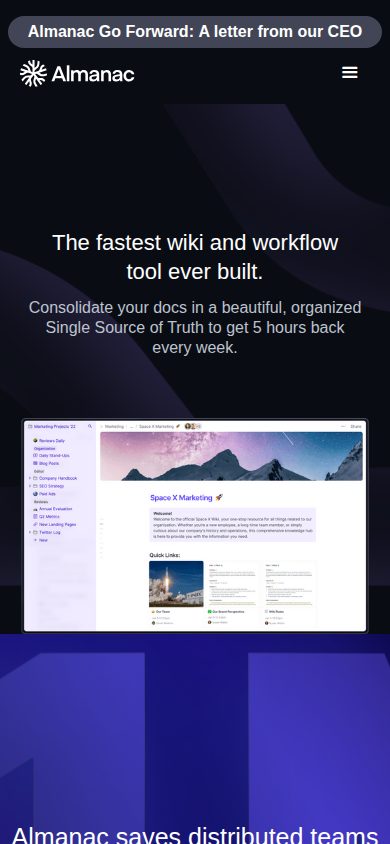
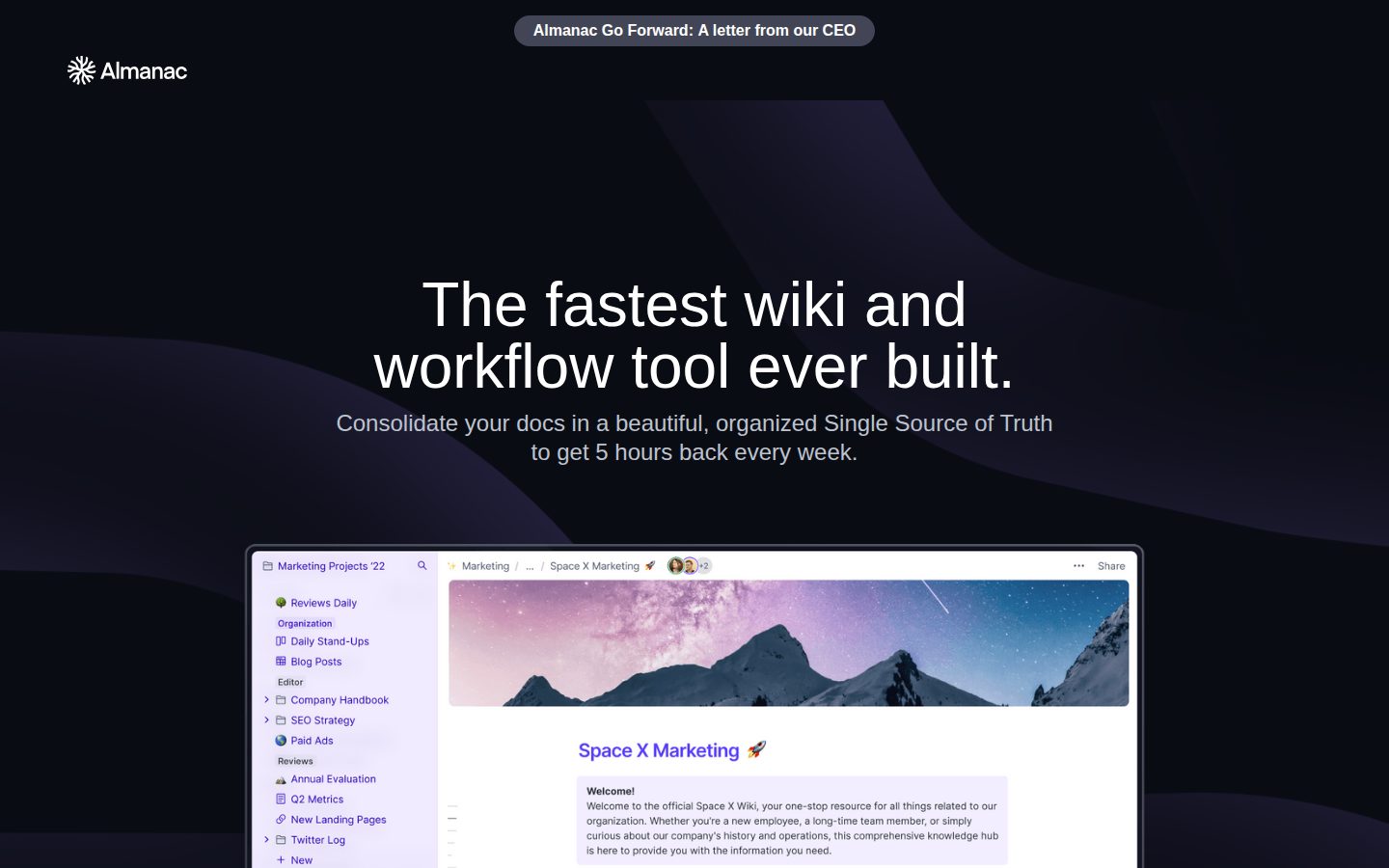
Almanac desktop previewAlmanac mobile preview

Pricing Plans

Basic

Free

Free plan ideal for individual professionals and freelancers. Includes up to 50 documents and core editing features.

  • Up to 50 documents
  • Document editor with version control
  • Guest access to individual docs
  • No credit card required
Popular

Pro

$15/monthly

For growing teams that need unlimited documents and deeper collaboration. $12/user/month billed annually (20% discount).

  • Unlimited documents
  • Real-time collaboration
  • Document approvals and task management
  • Version control and revision history
  • Third-party integrations
  • 20% discount when billed annually ($12/user/month)

Enterprise

Contact sales

For larger organizations needing advanced security, SSO, and SCIM provisioning. Pricing requires contacting Almanac sales. Estimated 3–5x Pro plan costs based on third-party analyst data.

  • Everything in Pro
  • SAML SSO via Okta
  • SCIM user provisioning
  • Advanced access controls and permissions
  • Audit logs
  • Dedicated support
  • Custom contracts

AI Panel Reviews

The Decision Maker

The Decision Maker

Strategic bet, vendor viability, timing, adoption approval
7.6/10

Almanac solves the stale-wiki problem Confluence never did.

Solid wiki-plus-workflow tool with real differentiation in Layers and Read Receipts. No public pricing, no changelog, thin funding signal — that's the risk.

Deprecation scheduling and Layers are genuinely differentiated. Notion doesn't have approval-gated version control. Confluence doesn't schedule recurring doc reviews. At $15/user/month on Pro, this isn't a budget tool, but it's not a punt either. The free tier caps at 50 documents, which means any real team hits the paywall fast. Three questions I'd want answered before signing: Is Almanac Labs still actively shipping? What's their current headcount? And who's on the cap table? No changelog and no funding data visible publicly — that's not fatal, but it's a gap I'd close before an enterprise rollout. The governance workflow — Approvals, Read Receipts, SSO/SAML — is genuinely enterprise-ready. SOC2 and HIPAA compliance clears the security bar for most buyers. Pilot with one ops or product team for 90 days. If doc hygiene improves and review cycles shrink, the board story writes itself.

Competitive Positioning7.5

Structurally ahead of Notion on governance and ahead of Confluence on usability, though neither is standing still.

Reputation Risk7.5

SOC2 and HIPAA compliance plus SSO/SAML provisioning make this defensible to a security-conscious board.

Speed to Value8.0

Activity Feed and Read Receipts surface outstanding requests immediately — payback is visible within weeks, not quarters.

Strategic Fit8.0

Layers and Deprecation scheduling solve real distributed-team problems that Confluence and Notion leave unaddressed.

Vendor Viability6.5

No public funding data, no changelog, no blog — hard to confirm active investment or runway behind Almanac Labs Inc.

Pros

  • Layers approval workflow is a real differentiator — no ad-hoc comment threads on critical docs
  • Deprecation scheduling forces doc hygiene that most wiki tools ignore entirely
  • SOC2 and HIPAA compliance out of the box, with SSO/SAML at Enterprise tier
  • 12-integration list covers the modern stack: Linear, Figma, Loom, Slack, GitHub

Cons

  • No public pricing page, no changelog, no visible funding signal — viability is genuinely unclear
  • 50-document free tier is too low for any team running a real evaluation
  • Lightweight task management won't replace Asana or Linear — it's supplementary, not a swap

Right for

Distributed ops or product teams drowning in stale wikis who need approval-gated docs and read-confirmation workflows.

Avoid if

You need a heavy-duty project management layer or can't afford vendor ambiguity on a mission-critical knowledge base.

The Domain Strategist

The Domain Strategist

Craft and strategy in the product's domain — adapts identity per category, same lens
7.8/10

Almanac's Layers feature solves a real operational problem Confluence never did.

Almanac builds structured approval workflows directly into the wiki layer — that's an operational gap Notion and Confluence have ignored for years. SOC2 plus HIPAA compliance at $15/seat makes the compliance story credible without an enterprise contract.

The Layers version control and Deprecation scheduling features tell me someone mapped actual ops pain before writing a spec. Most wiki tools treat documents as static artifacts; Almanac treats them as living assets with owners, review cycles, and sign-off chains. That's how policy documents, onboarding handbooks, and runbooks actually need to work at scale.

The integration surface — Jira, Linear, Slack, GitHub, Figma, ClickUp — covers a modern distributed team's full stack without requiring a middleware layer. Read Receipts and Approvals together give ops and HR leaders audit trail coverage that Notion can't provide natively. The lightweight task conversion is useful but won't replace a real PM tool for complex project tracking.

The constraint I'd flag: pricing isn't public, and Enterprise is estimated at 3–5x the $15 Pro rate based on third-party data. If a 200-person org hits that multiplier, the TCO conversation gets uncomfortable fast. If you stay on Pro, the advanced permissions and SCIM provisioning are gated, which limits how cleanly you can manage access at scale.

Category Positioning7.8

Sits credibly between Notion's flexibility and Confluence's structure, with compliance credentials neither fully delivers at this price point.

Domain Fit8.5

Approvals, Read Receipts, and scheduled reviews map directly to how ops teams actually govern critical documentation.

Integration Surface8.0

11 named integrations including Slack, Jira, and Linear cover the core distributed-team stack without custom connectors.

Long-term Implications7.5

If adoption grows past 100 seats, opaque Enterprise pricing creates budget risk without a negotiated contract in place.

Strategic Depth8.2

Layers plus Deprecation scheduling show genuine workflow architecture thinking, not just a feature list.

Pros

  • Layers approval workflow closes the governance gap that Notion and Confluence leave open
  • SOC2 and HIPAA compliance at $15/seat is strong value for regulated-industry ops teams
  • Read Receipts plus Approvals give HR and ops leaders a lightweight audit trail
  • Deprecation scheduling prevents the stale-wiki problem that kills knowledge management programs

Cons

  • Enterprise pricing is opaque — 3–5x Pro estimate means budget planning requires a sales call
  • No mobile app listed; web-only limits async access for field or traveling teams
  • Lightweight task management won't satisfy teams with complex project dependencies
  • Free plan caps at 50 documents, which is too shallow to evaluate at team scale

Right for

Distributed ops or HR teams at 20–200 seats who need governed documentation with a real approval layer.

Avoid if

Your team needs deep project management or you're already embedded in Confluence with enterprise Atlassian contracts.

The Finance Lead

The Finance Lead

Money, total cost of ownership, contracts, procurement math
7.2/10

$15/seat Pro tier is honest; Enterprise pricing disappears behind a sales call.

Almanac's Pro plan at $15/seat ($12 billed annually) is clean and visible. Enterprise costs are opaque — third-party estimates put it 3–5x Pro, meaning $45–$75/seat before negotiation.

$12/seat annually × 50 seats = $7,200/year. Add 30% seat creep by year 3: $9,360. Still reasonable. The Basic tier caps at 50 documents — useless for a real team, but it's a trial mechanism, not a trap. Pro includes Approvals, Layers version control, and integrations. No SSO tax at Pro, which category norm is to paywalled behind Enterprise.

Enterprise is where math gets uncomfortable. No published rate. Analyst estimates: $45–$75/seat. At 50 seats that's $27K–$45K/year. SOC2, HIPAA, SCIM, and audit logs all live there. Any regulated industry buyer hits Enterprise fast. Compare to Confluence Cloud: $8.15/seat standard, SSO included earlier in the stack. Almanac's compliance story is stronger; the pricing story is worse.

Annual billing locks you in 12 months. No published termination-for-convenience clause. Auto-renewal window not publicly documented — procurement should confirm at contract signing. ROI hook is quantified in their own marketing: "5 hours/week" recovered per user. Unverified, but at least it's a number to test against.

Billing & Procurement7.0

Pro tier invoicing is straightforward; Enterprise requires custom contract negotiation with no self-serve path.

Contract Flexibility6.5

Annual billing with no published cancellation or auto-renewal window — standard hostage terms, undocumented.

Pricing Transparency6.0

Pro pricing is visible at $15/$12/seat, but Enterprise requires a sales call with no published floor.

ROI Clarity7.5

Read Receipts, Deprecation Scheduling, and the '5 hours/week' claim give procurement a measurable handle on value.

Total Cost of Ownership7.0

Pro TCO is predictable; Enterprise 3-year cost could land at $135K+ for 50 seats with no public anchor.

Pros

  • $12/seat annual Pro rate — competitive against Confluence
  • Layers and Approvals included at Pro, not gated to Enterprise
  • SSO/SAML at Enterprise, but SOC2 and HIPAA compliance are confirmed
  • 12-integration list covers the standard distributed-team stack

Cons

  • Enterprise pricing opaque — 3–5x Pro estimate only, no published rate
  • No published auto-renewal or cancellation terms
  • No free trial converts to paid without credit card confirmation process
  • Web-only — no desktop or mobile app listed

Right for

Distributed ops or product teams at 20–200 seats needing structured doc approval workflows without Confluence's complexity.

Avoid if

You need SSO at SMB budget or predictable Enterprise pricing before a sales conversation.

The Domain Practitioner

The Domain Practitioner

Daily hands-on reality in the product's domain — adapts identity per category, same lens
7.8/10

Almanac fixes the chaos Confluence created — if your team buys into the workflow

Layers-based version control and Read Receipts solve real distributed-team problems that Notion and Confluence leave as comment-thread nightmares. The $15/user/month Pro tier is reasonably priced for what's here, but no public pricing page means every budget conversation starts with a sales call.

The Layers feature is the real differentiator. Locking handbooks behind a submit-and-approve flow replaces the 'who changed this and when' guessing game that plagues Notion wikis. Deprecation scheduling is the other one — the docs indicate recurring review prompts exist, meaning stale SOPs get flagged rather than silently rotting. These two features alone justify serious consideration for ops-heavy teams.

Day-three reality: the activity feed aggregating pending reviews is genuinely useful, but the lightweight task management is a tradeoff. It positions Almanac as a Linear or Asana replacement for some workflows, but teams with deep project management needs will hit the ceiling fast. It's a coordination layer, not a task system.

The free plan caps at 50 documents — a single-person knowledge base hits that within weeks. No free tier for teams means everyone's evaluating blind until the trial. SOC2 and HIPAA compliance are solid anchors for healthcare and regulated-industry buyers.

Day-3 Reality7.5

Activity feed and Layers address real daily friction, but lightweight task management won't replace dedicated tools, creating a decision gap that surfaces around day three.

Documentation Practitioner-Fit7.8

Deprecation scheduling and Doc History read like features built by people who've actually maintained a handbook, not a marketing checklist.

Friction Surface7.2

No public pricing page means budget validation requires a sales touchpoint every time; that's recurring friction for any team lead re-evaluating quarterly.

Power-User Depth7.6

Advanced permissions scoped to individual documents plus SCIM provisioning and audit logs at Enterprise tier give power users real controls, though discoverability from the evidence is unclear.

Workflow Integration8.0

Integrations with Slack, Linear, Jira, and Figma cover most knowledge worker stacks, and Slack-based approval responses reduce context switching meaningfully.

Pros

  • Layers version control replaces ad-hoc comment threads with a structured approve-before-publish flow
  • Deprecation scheduling actively surfaces stale docs rather than letting them rot
  • SOC2 and HIPAA compliance makes it viable for regulated industries where Notion isn't an option
  • Read Receipts add genuine accountability for policy and announcement distribution

Cons

  • No public pricing page — every cost conversation requires a sales interaction
  • 50-document free plan cap is too low for any real team evaluation
  • Lightweight task management won't satisfy teams already running Linear or Asana
  • Web-only platform means no offline or desktop app for async-heavy remote workers

Right for

Distributed ops or product teams drowning in unreviewed Confluence edits who need structured doc governance without enterprise overhead.

Avoid if

Your team's primary pain is project tracking — the task layer won't replace a dedicated tool and you'll end up running two systems anyway.

The Power User

The Power User

Daily human experience, onboarding, polish, learning curve, reliability
7.8/10

Confluence but someone actually thought about daily use

Almanac does the wiki-plus-workflow thing with real structural thinking behind it. Layers and Read Receipts alone put it ahead of Notion for ops teams who need accountability, not just docs.

The Layers feature is the thing. Locking down handbooks so every change goes through a proper review workflow instead of comment chaos — that's solving a real daily pain. At $15/user/month, or $12 annually, it's priced like a serious tool without the Confluence sticker shock. The Deprecation scheduling is something almost nobody builds; the fact that it exists tells you someone at Almanac actually watched stale docs rot.

The tradeoff: web-only. No mobile app worth mentioning, which for a tool marketing itself to distributed teams is a quiet contradiction. Distributed teams work weird hours from weird places. Read-only mobile is an apology dressed as a feature.

Onboarding evidence is thin — no changelog, no public blog, no pricing page visible. That's three signals that day-one feels a bit handholdy in the sales-touch way, not the good self-serve way. Still, for ops or product teams drowning in Notion chaos, this is a real option.

Daily Polish7.5

Activity Feed aggregating pending reviews in one place suggests someone cared about the daily loop, but no changelog or public docs make it hard to verify consistent polish over time.

Learning Curve7.8

Layers and Approvals have a learning curve, but the feature set is purposeful and the integration list — Jira, Linear, Slack, Figma — means most teams land in familiar territory fast.

Mobile Parity4.5

Web-only platform with no stated mobile app — for a distributed-team tool, that's a real gap, not a minor one.

Onboarding Experience6.8

No pricing page and contact-required Enterprise plans suggest onboarding leans on sales touch rather than clean self-serve; free trial exists but the path isn't transparent.

Reliability Feel7.5

Doc History with full revision comparison and revert is a reliability confidence signal; autosave behavior isn't documented publicly but version control architecture implies it's there.

Pros

  • Layers version control is genuinely differentiated — Notion and Confluence don't do this cleanly
  • Read Receipts and Deprecation scheduling solve real ops problems most wiki tools ignore
  • SOC2 and HIPAA compliance included, not enterprise-gated
  • $12/user/month annually is reasonable for what's here

Cons

  • Web-only is a real problem for a distributed-team pitch
  • No public pricing page means the buying process has friction built in
  • Lightweight task management won't replace Jira or Linear for any serious team
  • No free plan beyond a 50-doc individual tier limits team trial flexibility

Right for

Ops or product teams with 10-100 people who've outgrown Notion chaos and need actual document governance.

Avoid if

Your team does serious work on mobile or needs a full-featured free tier to evaluate before committing.

The Skeptic

The Skeptic

Contrarian. Watch-outs, deal-breakers, broken promises, category patterns
6.8/10

Layers is real differentiation. Everything else? I've seen this pitch before.

Almanac has one genuinely distinct feature in Layers — structured version control for sensitive docs. The rest is Notion with better compliance and fuzzier pricing.

Three flags before I go deeper. One: 'fastest wiki ever built' is the kind of superlative that ages poorly. Two: no pricing page, changelog, or API listed in the scraped evidence. Three: free plan caps at 50 documents, which evaporates fast.

Layered approvals and deprecation scheduling are real. Confluence doesn't do scheduled doc reviews. Notion doesn't do formal sign-off flows. The $15/seat Pro tier is reasonable if those workflows matter to you. SOC2 plus HIPAA is credible differentiation for healthcare-adjacent ops teams.

What I can't see: funding history, shipping cadence, team size. No public changelog means I can't verify momentum. That's the exit risk — if Almanac stalls, you're migrating docs from a proprietary wiki with no API. Category history is not kind to bootstrapped wiki tools. Confluence absorbed them. Notion outlasted them. Watch the roadmap closely.

Competitive Differentiation7.5

Layers version control plus deprecation scheduling are genuinely absent from Confluence and Notion — not a copycat, but a narrow moat.

Exit Portability5.5

No public API listed in evidence; proprietary doc format with unclear export fidelity makes migration risk real.

Long-term Viability5.8

No changelog, no public funding data, no blog listed in scraped evidence — hard to confirm active shipping cadence.

Marketing Honesty5.5

'Fastest wiki ever built' and '5 hours back every week' are unsubstantiated claims; no pricing page is a transparency gap.

Track Record Match6.0

Matches the pattern of focused wiki challengers — some survived (Notion), most didn't (Slite, Tettra); no public funding signals visible.

Pros

  • Layers approval workflow fills a real gap Confluence and Notion don't cover
  • Deprecation scheduling for stale docs is underrated and rare
  • SOC2 and HIPAA compliance at $15/seat is strong for the price
  • Integration breadth — Jira, Linear, Slack, Figma, Loom — covers most modern stacks

Cons

  • No public API means you're locked in harder than the pitch implies
  • No changelog visible — can't verify this team is actively shipping
  • 50-document free plan cap is tight; pricing page requires contact
  • Lightweight task management won't replace Linear or Asana for anyone serious

Right for

Ops and compliance-heavy teams who need formal doc approval workflows and have outgrown Notion's chaos.

Avoid if

You need API access, predictable roadmap visibility, or are betting long-term on an unverified vendor.

Buyer Questions

Common questions answered by our AI research team

Security

Does Almanac support SSO and SAML authentication?

Yes, Almanac supports SSO/SAML authentication with advanced user provisioning for simple and secure identity management.

Features

How does Almanac's Layers version control work?

Layers locks down entire handbooks so all changes must be submitted and approved before publishing, replacing ad-hoc comment threads with a structured review workflow.

Security

Is Almanac SOC 2 or HIPAA compliant?

Almanac is independently verified as both SOC2 and HIPAA compliant, covering business continuity and the security of protected health information.

Integration

Does Almanac integrate with Slack for document workflows?

Slack integration lets you respond to document access requests and comments directly in Slack without switching tools.

Features

Can Almanac replace separate task management tools?

Yes, Almanac transforms docs into lightweight tasks, positioning itself as a replacement for separate task tools with built-in project management.

Product Information

Platforms

web

About Almanac Labs Inc

Almanac Labs Inc was a San Francisco-based document collaboration and version-control platform for remote-first teams, founded in 2019 and shut down in January 2025.

Also in Collaboration Tools