OpenProject logo

OpenProject Review

Visit

Open source project management with full control over your data

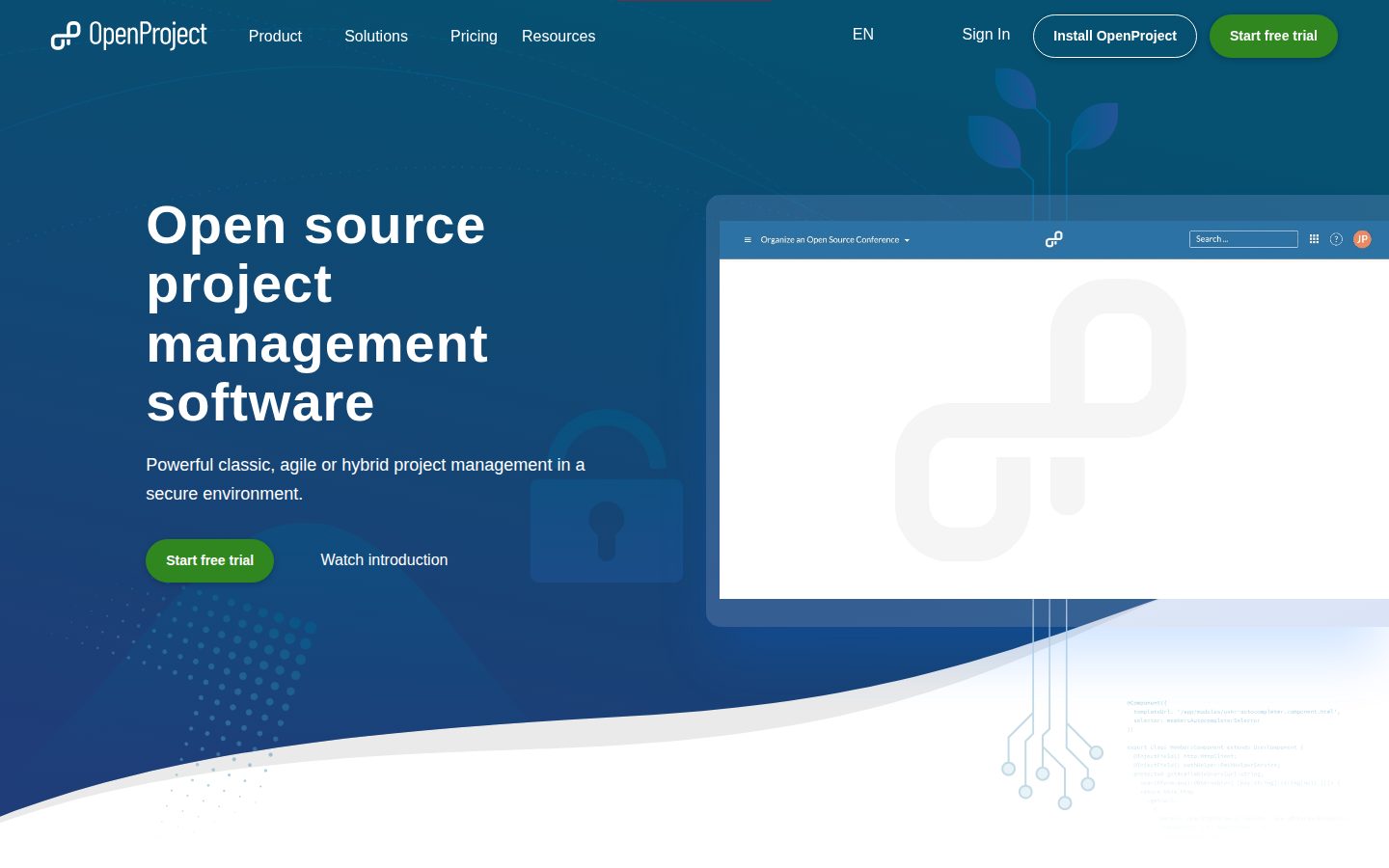
OpenProject is an open source project management platform for teams running classic, agile, or hybrid projects.

OpenProject·Founded 2012·From $7/moFree PlanFree TrialProject ManagementCollaboration Tools

AI Panel Score

7.9/10

6 AI reviews

Reviewed

AI Editor Approved

What is OpenProject?

OpenProject is an open source project management platform for teams running classic, agile, or hybrid projects. It is aimed at organizations that want control over where their data lives: you can self-host the free Community edition, run the Enterprise on-premises edition with vendor support and add-ons, or use the Enterprise Cloud hosted on servers in the EU or Germany. Paid plans start at $7.25 per user per month, and a 14-day free trial is available. Core capabilities include Gantt-chart planning, Scrum and Kanban boards, time tracking with cost reporting and budgeting, meeting management, and project wikis, plus file integrations for Nextcloud and OneDrive/SharePoint and a guided Jira Migrator for leaving Atlassian tools. Licensed under GNU GPL v3, it is developed publicly on GitHub. It best fits public-sector organizations, universities, and security-conscious teams that need data sovereignty, and competes with Jira, Asana, Trello, Monday.com, Wrike, and Redmine.

About OpenProject

Work in OpenProject is organized into projects and work packages — tasks, features, phases, milestones, and bugs that you create, assign, and track across your team. You plan schedules on an interactive Gantt chart with automatic or manual scheduling modes, break work down into a work breakdown structure, and follow progress through the project overview dashboard, a personal My Page, and an in-app notification center. Agile teams work from product backlogs and sprint boards with story-point estimation and burndown charts, or use Kanban boards for status-based flow.

The platform’s distinguishing focus is data sovereignty: it can be installed on-premises so all project data stays inside your own infrastructure, while the Enterprise Cloud stores data on servers in the EU or, on request, in Germany. Beyond planning, it includes a team planner for visualizing workload in weekly calendars, baseline comparison for tracking plan changes, meeting management with agendas and minutes linked to work packages, budgets with labor and unit cost reporting, project wikis with real-time collaborative document editing, and custom fields, custom workflows, and project templates. File storage integrations link Nextcloud and OneDrive/SharePoint files directly to work packages, GitHub and GitLab integrations connect development activity, and a guided Jira Migrator imports projects, issues, and users from Atlassian tools.

OpenProject fits organizations that need control over where their project data lives — public-sector bodies, universities, and security-conscious companies feature prominently among its customers. The free Community edition is fully open source with no user minimum; paid Enterprise plans add vendor support and Enterprise add-ons, starting at $7.25 (€5.95) per user per month, with a 14-day free trial. It competes with Jira, Asana, Trello, Monday.com, Wrike, Basecamp, and Redmine, and positions itself explicitly as a self-hostable alternative to Jira.

Technically, OpenProject is licensed under GNU GPL v3 and developed publicly on GitHub. Self-hosted installation targets your own Linux infrastructure, and a REST API supports custom integrations and automation. Authentication options include LDAP and two-factor authentication, and Git and Subversion repositories can be attached to projects. A separate BIM edition adds building-project workflows for construction teams.

Features

Agile

  • Agile boards for Scrum and Kanban

    Boards tailored for Scrum and Kanban, including a product backlog, sprint boards, story-point estimation, and burndown charts.

Collaboration

  • Meetings management

    Create and share meeting agendas and minutes and link them directly to work packages.

  • Wiki and collaborative document editing

    Share project documentation in a wiki and edit documents in real time with live collaborative editing.

Customization

  • Custom fields and workflows

    Add custom fields to work packages, projects, and users, and define custom workflows and project templates.

Integration

  • GitHub and GitLab integration

    Connect GitHub and GitLab development activity to work packages; Git and SVN repositories can also be attached to projects.

  • Nextcloud and OneDrive/SharePoint integration

    Link files and folders from Nextcloud or OneDrive/SharePoint directly to OpenProject work packages.

  • REST API

    REST API for integrating OpenProject with other systems, automating actions, and building custom plugins.

Migration

  • Jira Migrator

    Guided migration of projects, issues, users, and more from Jira into OpenProject.

Planning

  • Gantt charts and timelines

    Create and visualize project plans and timelines on interactive Gantt charts and share them with the team and stakeholders.

  • Team planner

    Visually assign tasks to team members in a weekly or bi-weekly calendar to balance workload across the team.

Tracking

  • Time tracking, cost reporting and budgeting

    Log time on work packages, track unit and labor costs, plan project budgets, and evaluate them in detailed reports.

Workflow

  • Work packages and task management

    Break projects down into tasks, subtasks, features, phases, and milestones and assign them across the team.

Preview

OpenProject desktop previewOpenProject mobile preview

Pricing Plans

Community

Free

Free and open source self-hosted edition with no minimum users and community support via forum and tickets.

  • Full Community feature set (Gantt, boards, time tracking)
  • Self-hosted on your own infrastructure
  • Community forum and tickets
  • User guides

Basic

$7/monthly

$7.25 (€5.95) per user per month; recommended from 5 users. Cloud from 5 users (monthly billing available at a surcharge); on-premises from 25 users, billed annually.

  • All Community features
  • Basic Enterprise add-ons
  • Email support (Mon-Fri business hours)
  • Cloud or self-hosted

Professional

$14/monthly

$13.50 (€10.95) per user per month for teams from 25 users, billed annually; adds Professional Enterprise add-ons and phone support.

  • All Basic features
  • Professional Enterprise add-ons
  • Phone support
  • 25 user minimum

Premium

$20/monthly

$19.50 (€15.95) per user per month for organizations from 100 users, billed annually; adds remote hands and installation and upgrade assistance.

  • All Professional features
  • Premium Enterprise add-ons
  • Remote hands
  • Installation and upgrade assistance
  • 100 user minimum

Corporate

Contact sales

Pricing on request for organizations from 1,000 users; requires contacting the vendor. Adds custom plugin support, a dedicated support engineer, and onboarding training.

  • All Premium features
  • Corporate Enterprise add-ons
  • Dedicated support engineer
  • Custom plugin support
  • Onboarding training and dedicated onboarding manager

AI Panel Reviews

The Decision Maker

The Decision Maker

Strategic bet, vendor viability, timing, adoption approval
8.1/10

The self-hostable project tool that keeps regulated buyers' data on their own infrastructure.

A rare project tool you can fully self-host under GPL v3, built by a team that has shipped since 2012. The data-sovereignty angle makes it a clean board defense for regulated buyers, even if real support costs extra.

Most project tools ask you to trust their cloud. OpenProject lets you keep every work package on infrastructure you control, or in an EU-based Enterprise Cloud if you'd rather not run Linux yourself. For a public-sector or regulated buyer, that's the whole conversation.

It's been shipping since the 2012 fork from ChiliProject, developed in the open under GPL v3. That's a durability record Monday.com can't match, and the code doesn't disappear if the GmbH does. The Jira Migrator means you're not locked out of an exit either.

The catch is real support costs money — Community is forum-only, and Basic starts at $7.25 per user. For universities and agencies that need data control, that's an easy board defense. Pilot it against your Jira instance before you commit the org.

Competitive Positioning7.8

A credible self-hostable alternative to Jira, though cloud-native rivals like Monday.com feel slicker.

Reputation Risk8.2

Open-source pedigree and a public-sector customer base make this a safe, defensible board pick.

Speed to Value7.3

Jira Migrator speeds imports, but self-hosted setup needs Linux skills that slow first value.

Strategic Fit8.0

Data sovereignty and self-hosting meet a real strategic need for regulated orgs, not just cost savings.

Vendor Viability8.3

Twelve-plus years shipping since the 2012 ChiliProject fork, with open GPL v3 code that outlives the vendor.

Pros

  • Fully open source under GPL v3 with no user minimum on the free Community edition.
  • Self-hosting keeps all project data on your own EU or on-premises infrastructure.
  • Twelve-plus year track record and public GitHub development signal durability.
  • Jira Migrator provides a clear import and exit path.

Cons

  • Community edition support is limited to forums and tickets.
  • Self-hosted installation requires Linux experience most SMB teams lack.

Right for

Regulated buyers who need project data on their own infrastructure.

Avoid if

Small teams who want a polished tool with zero setup.

The Domain Strategist

The Domain Strategist

Craft and strategy in the product's domain — adapts identity per category, same lens
8.2/10

Own the code and the data, and vendor lock-in stops being your three-year risk.

OpenProject turns project management into infrastructure you own outright, GPL v3 code plus a REST API on your own servers. The craft is deeper than most open-source PM tools, though the UI polish and self-hosting burden set a real ceiling.

Run your projects in a hosted PM tool and the history lives on someone else's servers, under someone else's roadmap. OpenProject inverts that: GPL v3 code you can read, fork, and run on your own Linux boxes, with a REST API into the rest of the stack. For a CTO defending a three-year platform bet, that's the durable call.

The craft runs deeper than the open-source badge suggests. Work packages model classic, agile, and hybrid delivery in one schema, and baseline comparison tracks how a plan drifted — something Redmine, its own ancestor, never matured. GitHub and GitLab integration ties commits back to the plan without a middleware layer.

The ceiling is real, though. The UI moves slower than Jira's polish, and self-hosting means you own upgrades and Postgres backups nobody else will run for you. If your team can carry that operational weight, the strategic payoff outlasts the effort.

Category Positioning7.9

The definitive self-hostable Jira alternative, if less polished than cloud-native rivals.

Domain Fit8.0

Matches how PMO and engineering leads plan, from Gantt charts to work breakdown structure.

Integration Surface7.8

A REST API plus native GitHub, GitLab, and Nextcloud links fit a real engineering stack.

Long-term Implications8.4

GPL v3 and public GitHub development mean the platform outlives any single vendor decision.

Strategic Depth8.2

Work packages unify classic, agile, and hybrid delivery in one schema with baseline comparison.

Pros

  • GPL v3 code you can audit, fork, and self-host with no vendor dependency.
  • Work packages and baseline comparison give real planning depth for hybrid delivery.
  • Native GitHub, GitLab, and REST API integration fit an engineering stack cleanly.

Cons

  • Self-hosting puts upgrades, backups, and uptime on your own team.
  • UI polish and onboarding trail slicker cloud-native rivals.

Right for

CTOs who want a project platform they can self-host and fork.

Avoid if

Teams without the operational capacity to run their own upgrades.

The Finance Lead

The Finance Lead

Money, total cost of ownership, contracts, procurement math
7.7/10

The free tier is real, but the Enterprise minimums decide your actual bill.

Community edition is genuinely free, and every paid tier is priced publicly from $7.25 per user. The real cost hides in self-hosting and annual on-premises billing, not the sticker price.

The free tier is not a teaser. Community edition genuinely costs nothing — self-hosted, no user minimum. But that free line hides your real cost: the servers, backups, and admin time to run it.

Enterprise Basic is $7.25 per user monthly, or €5.95. Enterprise Cloud needs 5 users minimum; on-premises Professional needs 25. Fifty seats on Basic runs $4,350 a year, before the Linux admin you'll hire. Jira Cloud Standard sits in the same $7–8 band — OpenProject barely undercuts it.

Watch the annual billing. On-premises tiers bill yearly, and Premium demands 100 users at $19.50. Pricing is fully public without a sales call, which procurement will appreciate. The catch: your TCO lives in the hosting, not the sticker.

Billing & Procurement7.8

Public pricing and no mandatory sales call cut procurement friction.

Contract Flexibility7.0

On-premises tiers bill annually and Premium demands a 100-user commitment.

Pricing Transparency8.5

Every tier from $0 to $19.50 is published without a sales call.

ROI Clarity7.6

Time tracking, cost reporting, and budgets let you measure value directly.

Total Cost of Ownership7.2

Self-hosting and admin labor push real TCO above the per-seat sticker.

Pros

  • Community edition is free with no user minimum.
  • Full pricing is public from $7.25 per user, no sales call.
  • Time tracking, cost reporting, and budgets make ROI measurable.

Cons

  • On-premises tiers bill annually with steep user minimums.
  • Real TCO hides in hosting and admin labor, not the sticker.

Right for

Finance teams who can absorb self-hosting costs for zero license fees.

Avoid if

Cloud buyers under the five-user minimum.

The Domain Practitioner

The Domain Practitioner

Daily hands-on reality in the product's domain — adapts identity per category, same lens
7.9/10

Work packages bend to classic, agile, or hybrid delivery without fighting the schema.

The work package model flexes across classic, agile, and hybrid delivery without forcing new habits. Self-hosted instances feel heavier than Asana, but the workflow depth and honest docs pay it back within a month.

The unit you live in is the work package — task, feature, phase, milestone, or bug, five item types in one model you can nest into a work breakdown structure. Switch a project from Gantt scheduling to a Kanban board and the same items just re-render. That flexibility is the daily payoff.

The Team Planner earns its keep, dragging assignments across a weekly calendar to rebalance load. GitHub and GitLab integration links commits straight to work packages, so status isn't a second bookkeeping chore. Story-point estimation and burndown charts cover the Scrum side, closer to Jira than Trello ever gets.

The friction is speed and setup. Self-hosted instances feel heavier than Asana, and complex custom workflows take real configuration time. But the docs are thorough and clearly written by people who run the tool. Live with it a month and it stops fighting back.

Day-3 Reality7.8

The work package model holds up daily across Gantt, Scrum, and Kanban views.

Documentation Practitioner-Fit8.0

Docs are thorough and clearly written by people who run the tool.

Friction Surface7.2

Self-hosted speed and custom workflow setup add real daily friction versus Asana.

Power-User Depth7.9

Custom fields, workflows, and the REST API scale from beginner to power user.

Workflow Integration8.0

GitHub and GitLab links tie commits to work packages without double bookkeeping.

Pros

  • One work package model spans tasks, milestones, and bugs across any methodology.
  • Team Planner and GitHub/GitLab links keep assignments and status in sync.
  • Thorough documentation written by people who actually run the tool.

Cons

  • Self-hosted instances feel slower than cloud-native rivals like Asana.
  • Complex custom workflows require real configuration time upfront.

Right for

Project managers who run mixed classic and agile portfolios.

Avoid if

Small teams who want a tool running in minutes.

The Power User

The Power User

Daily human experience, onboarding, polish, learning curve, reliability
7.7/10

Deep, capable, and unmistakably built for teams who'd rather run their own servers.

OpenProject trades day-one polish for genuine depth that reveals itself by month three. There's no native mobile app, but nothing about it feels flimsy or built just to demo.

This is the kind of tool that rewards patience. The Gantt charts and work packages are genuinely deep, but the interface has that dense, everything-visible feel that Asana spent ten years sanding down. Day one you're a little overwhelmed. Day thirty you know where everything lives.

The nice surprises are the small ones. My Page pulls your assignments into one view, meeting management links agendas and minutes right to the work, and the wiki does live collaborative editing. That last one matters — real-time docs inside a self-hosted PM tool isn't a given.

Two honest gripes. There's no native mobile app, so on your phone it's the responsive web and nothing more — something Basecamp solved with a real app years ago. And Community edition means you're on your own to install it — Linux required. But nothing here feels flimsy; it feels like software built to last, not to demo.

Daily Polish7.4

Dense, everything-visible interface trails the polish of Asana and Monday.com.

Learning Curve7.6

Steep at first but genuinely deep by month three, with My Page easing daily use.

Mobile Parity7.0

No native mobile app; the phone experience is responsive web only.

Onboarding Experience7.2

Day one overwhelms, and self-hosted setup needs Linux before you start.

Reliability Feel8.2

Twelve-plus years of open-source development make it feel solid, not flimsy.

Pros

  • Genuinely deep Gantt, work package, and wiki features that reward long use.
  • Live collaborative document editing inside a self-hostable tool is rare.
  • My Page consolidates your assignments into one clean daily view.

Cons

  • No native mobile app; phone use is responsive web only.
  • Dense interface and self-hosted setup make the first days a slog.

Right for

Patient teams who value depth over instant polish.

Avoid if

People who need a native mobile app for daily work.

The Skeptic

The Skeptic

Contrarian. Watch-outs, deal-breakers, broken promises, category patterns
7.6/10

The open-source code is your escape hatch, which is more than most rivals offer.

OpenProject's GPL v3 code on public GitHub gives it the cleanest exit story in the category. The track record is real, but Community support is thin and there's no native mobile app.

Start with the exit, because that's where most of these die. OpenProject is GPL v3 on public GitHub, and the Jira Migrator imports your Atlassian projects. If the GmbH folds tomorrow, the code doesn't. You keep running it. That's a cleaner escape hatch than Asana or Monday.com will ever hand you.

The track record checks out. Forked from ChiliProject in 2012 — and ChiliProject itself is dead, which tells you this category eats projects. OpenProject didn't get eaten. Fourteen years, steady releases, real public-sector customers. That's not nothing.

Two watch items. Community support is forum-and-tickets only, so 'free' assumes you can fix your own server. And there's no native mobile story. But the marketing is honest — they say self-hosting takes Linux skills, and they mean it. Rare to see a landing page admit the work.

Competitive Differentiation7.2

Data sovereignty and full self-hosting separate it from Asana and Jira Cloud.

Exit Portability8.2

GPL v3 code on public GitHub means you can never be locked out.

Long-term Viability7.2

Steady shipping and public-sector customers, but Community support is thin.

Marketing Honesty7.8

Landing page openly states self-hosting needs Linux skills, with no overselling.

Track Record Match7.5

Fourteen years of releases since the 2012 fork; it outlived its own ChiliProject parent.

Pros

  • GPL v3 code on public GitHub guarantees a clean exit.
  • Fourteen-year track record outlived its own ChiliProject origin.
  • Marketing honestly states the Linux self-hosting requirement.

Cons

  • Community support is limited to forums and tickets.
  • No native mobile app and no public funding data.

Right for

Teams who want a project tool they can never be locked out of.

Avoid if

Buyers who need vendor-managed support out of the box.

Buyer Questions

Common questions answered by our AI research team

Pricing

How much does OpenProject cost?

The self-hosted Community edition is free and open source. Paid Enterprise plans start at $7.25 (€5.95) per user per month for Basic, rising to $13.50 for Professional and $19.50 for Premium, with a 14-day free trial.

Features

Does OpenProject support Scrum and Kanban?

Yes. OpenProject includes agile boards tailored for Scrum and Kanban, with a product backlog, sprint boards, story-point estimation, burndown charts, and status-based Kanban boards.

Setup

Can I self-host OpenProject for free?

Yes. The free Community edition installs on your own infrastructure, and Enterprise on-premises adds vendor support and Enterprise add-ons. Installation requires Linux or Mac experience; a hosted Enterprise Cloud is also available.

Integration

Does OpenProject integrate with Nextcloud?

Yes. The Nextcloud integration links files and folders directly to OpenProject work packages. OneDrive/SharePoint, GitHub, GitLab, and openDesk integrations are also available, plus a REST API.

Security

Where is OpenProject cloud data stored?

Enterprise Cloud data is stored on secure servers within the EU, or in Germany on request. Security features include HTTPS encryption, two-factor authentication, LDAP authentication, and configurable session runtimes.

Also in Project Management