Tines logo

Tines Review

Visit

Workflow automation platform for security and IT teams

Tines is an intelligent workflow automation platform for security and IT teams.

AI Panel Score

0 AI reviews

What is Tines?

Tines is an intelligent workflow automation platform built for security and IT teams. Teams assemble automated workflows — called Stories — by connecting actions such as webhooks, HTTP requests, email handling, event transforms, conditional logic, and AI agents into visual pipelines, orchestrating tools and human decision points without writing application code. Stories can call other Stories through the Send to Story action, and a Run Script action covers cases that need custom code. Built-in credentials management keeps secrets out of individual workflow steps, while story versioning and change control track how automations evolve — useful for teams treating security automation as production infrastructure. Public and private action templates speed up common patterns, and story runs with event retention provide an execution history for review. A free Community plan and a free trial are available, and paid pricing starts at $500 per month for the Starter tier, with Business and Enterprise plans quote-based.

About Tines

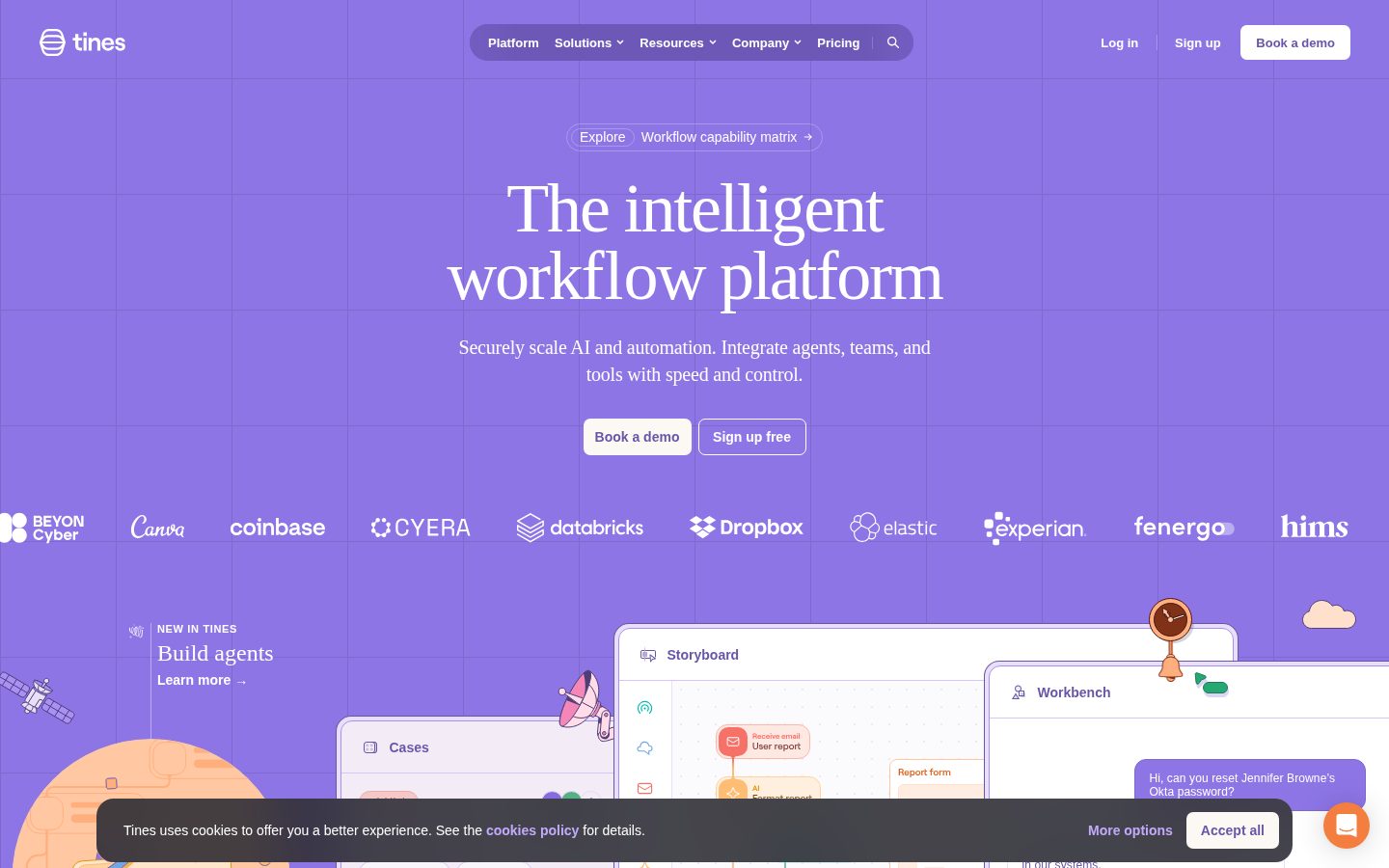
In Tines, users build automation workflows on a visual storyboard canvas by chaining together discrete action blocks. Actions include webhooks, HTTP requests, send/receive email, conditional branching, event transformation, script execution, and AI Agent steps. Workflows can be triggered by incoming events, schedules, or exposed as APIs, and each run is logged with full event data for auditing and debugging. Workflows can also call other workflows via a Send to Story mechanism, enabling modular, reusable automation.

Tines provides a broad library of pre-built connection templates covering over 100 tools—including CrowdStrike, Microsoft Defender, Jira, Slack, Splunk, ServiceNow, and cloud providers such as AWS—alongside credential management that supports text, OAuth 2.0, JWT, AWS IAM, mutual TLS, and multi-request patterns. An AI Agent action type allows workflows to incorporate large language models inline. Features such as Change Control, story versioning, and event retention address governance and auditability requirements common in enterprise security and IT environments.

Tines is positioned for security operations, IT automation, and adjacent teams in mid-market and enterprise organizations. Named competitors in the security automation category include Palo Alto XSOAR, Splunk SOAR, and Microsoft Sentinel Automation. Tines has a public pricing page and offers a free community tier alongside paid plans; pricing for enterprise tiers is contact-based.

The platform is delivered as a SaaS web application. It exposes a public REST API and supports custom script execution through a Run Script action with configurable runtimes. Workflows can be imported and exported, and the platform supports MCP server integration for connecting AI agent tooling.

Features

AI

  • AI Agent Action

    A dedicated AI Agent action type can be embedded within a Story to deploy intelligent agents that perform decision-making or processing steps as part of an automated workflow.

Analytics

  • Story Runs & Event Retention

    Tines logs Story runs and provides configurable event and log retention (Keep Events and Logs), giving teams visibility into workflow execution history and audit trails.

Automation

  • Event Transform Action

    The Event Transform action manipulates data flowing through a Story using multiple modes including deduplicate, delay, explode, extract, implode, throttle, and automatic transformation.

  • Send to Story

    The Send to Story action allows one Story to invoke another Story, enabling modular workflow composition and reuse across pipelines.

  • Send/Receive Email Actions

    Dedicated Send Email and Receive Email actions (supporting both email and IMAP modes) allow workflows to send outbound emails and ingest inbound emails as workflow triggers or data sources.

  • Stories (Visual Workflow Builder)

    Users build automated workflows called Stories by connecting actions such as webhooks, HTTP requests, email handling, and AI agents into visual pipelines on a storyboard canvas.

Core

  • Public & Private Action Templates

    Teams can use and share pre-built public templates or create private templates for reusable action configurations, accelerating workflow construction.

  • Story Versioning & Change Control

    Stories support version history and a Change Control feature, allowing teams to track, review, and manage modifications to workflows over time.

Customization

  • Run Script Action

    A Run Script action lets users execute custom code within a Story, with support for custom runtimes and execution over a tunnel for private network access.

Integration

  • HTTP Request Action

    An HTTP Request action enables Stories to call external APIs and services directly, passing data between Tines and third-party tools without custom code.

  • Webhook Action

    A Webhook action type allows Stories to receive incoming HTTP payloads from external systems, triggering workflow execution automatically.

Security

  • Credentials Management

    A centralized credentials store supports multiple authentication types—including OAuth 2.0, JWT, Mutual TLS, AWS, and HTTP request credentials—with domain restriction, expiry controls, and per-action access scoping.

Preview

Tines desktop previewTines mobile preview

Pricing Plans

Community

Free

A forever-free tier for individuals, proof-of-concepts, and experimentation. Ideal for learning the platform and building an internal business case before committing to a paid plan.

  • 1 builder (user)
  • 3 flows (stories/workflows)
  • Access to Tines Storyboard (no-code workflow builder)
  • MCP server support
  • Tines University (free learning & certification)
  • Community Slack access
  • Story library access
Popular

Starter

$500/monthly

A self-serve paid tier launched in early 2026 for smaller organizations and growing teams that have outgrown the Community Edition. Bridges the gap between Community and Business.

  • 2–5 builders
  • 5–20 flows
  • 2,500–10,000 AI run-time credits (scales with builder count)
  • Monthly or annual billing
  • Flexible hosting options (with annual billing)
  • Access to paid-tier integrations and capacity

Business

Contact sales

For ambitious, scaling teams that need comprehensive workflow automation. Pricing is not publicly listed and requires contacting Tines sales. Vendr data reports a median contract value of ~$52,500/year across paid tiers (range: $26,667–$157,499).

  • Up to 100 builders included in base price
  • 10,000+ AI run-time credits
  • Multiple teams
  • SSO and SCIM provisioning
  • Advanced audit logs
  • Flexible hosting options
  • Dedicated support and training
  • Flexible annual or multi-year billing

Enterprise

Contact sales

For large organizations (100+ analysts) requiring multi-tenant governance, dedicated infrastructure, extended compliance capabilities, and strict data residency or air-gapped deployments. Pricing requires direct negotiation with Tines sales; G2 reviewers note enterprise pricing starting at $50,000+.

  • Unlimited builders
  • 100,000+ AI run-time credits
  • Dedicated environment / infrastructure
  • Multi-tenant governance
  • Data residency and air-gap options
  • Premium integrations
  • Extended compliance (SOC 2 Type II, ISO 27001, ISO 42001)
  • Dedicated account manager and SLA guarantees

AI Panel Reviews

AI panel reviews are being generated for this product.

Buyer Questions

Common questions answered by our AI research team

Pricing

How much does Tines cost?

Tines offers a free Community Edition with 1 builder, 3 flows, unlimited viewers, and no credit card required. Business and Enterprise plans with 100+ builders and multiple teams are custom-priced, available upon request.

Features

Does Tines have AI automation features?

Yes. Tines includes Workbench, an AI copilot for executing tasks via natural language, plus agent building for autonomous task execution. It also offers Cases for case management with SLA monitoring and a visual Storyboard workflow builder.

Integration

Does Tines integrate with Slack?

Yes. Slack is a named integration, alongside Microsoft Teams, CrowdStrike, ServiceNow, Okta, AWS, and VirusTotal. Tines connects with 200+ tools and can integrate with any API-enabled solution.

Setup

Can Tines be self-hosted on-premises?

Yes. Business and Enterprise plans offer flexible hosting options, either cloud or self-hosted. These tiers also include dedicated support and training, and professional services are available to accelerate time to value.

Security

Does Tines support single sign-on SSO?

Yes. SSO (Single Sign-On) authentication is included in every tier, even the free Community Edition. Tines positions itself as a secure, reliable integration layer connecting teams, tools, and data.

Also in AI Workflow Automation